• When “Press SELECT” button or similar
message appears on the screen, press the
OK button.
• When the TELETEXT (
) button is pressed,
the TV returns to television broadcasting.
• With digital terrestrial broadcasting (DVB-T),
in addition to digital teletext broadcasting
together with the normal broadcasting, there
are also channels with just digital teletext
broadcasting.
• The aspect ratio (picture shape) when watching
a channel with just digital teletext broadcasting
is the same as the aspect ratio of the picture
viewed previously.
• When you press the TELETEXT (
) button
again, the digital teletext screen will be
displayed.
Widescreen
Depending on the type of the broadcast being
transmitted, programmes can be viewed in
a number of formats. Press the WIDE button
repeatedly to select between Auto, 16:9, 4:3,
Panoramic, 14:9, Cinema, Zoom or Subtitle.
When Auto is selected, the format being
displayed is determined by the picture being
broadcast.
PLEASE NOTE: Menu size changes depending on
the chosen image size.
IDTV Menu System
The IDTV menu can only be viewed when
watching digital terrestrial broadcasting. Press
the TV/DTV button to turn IDTV on while the TV
is in analogue mode.
Press the “M” button. The menu below appears
on the screen:
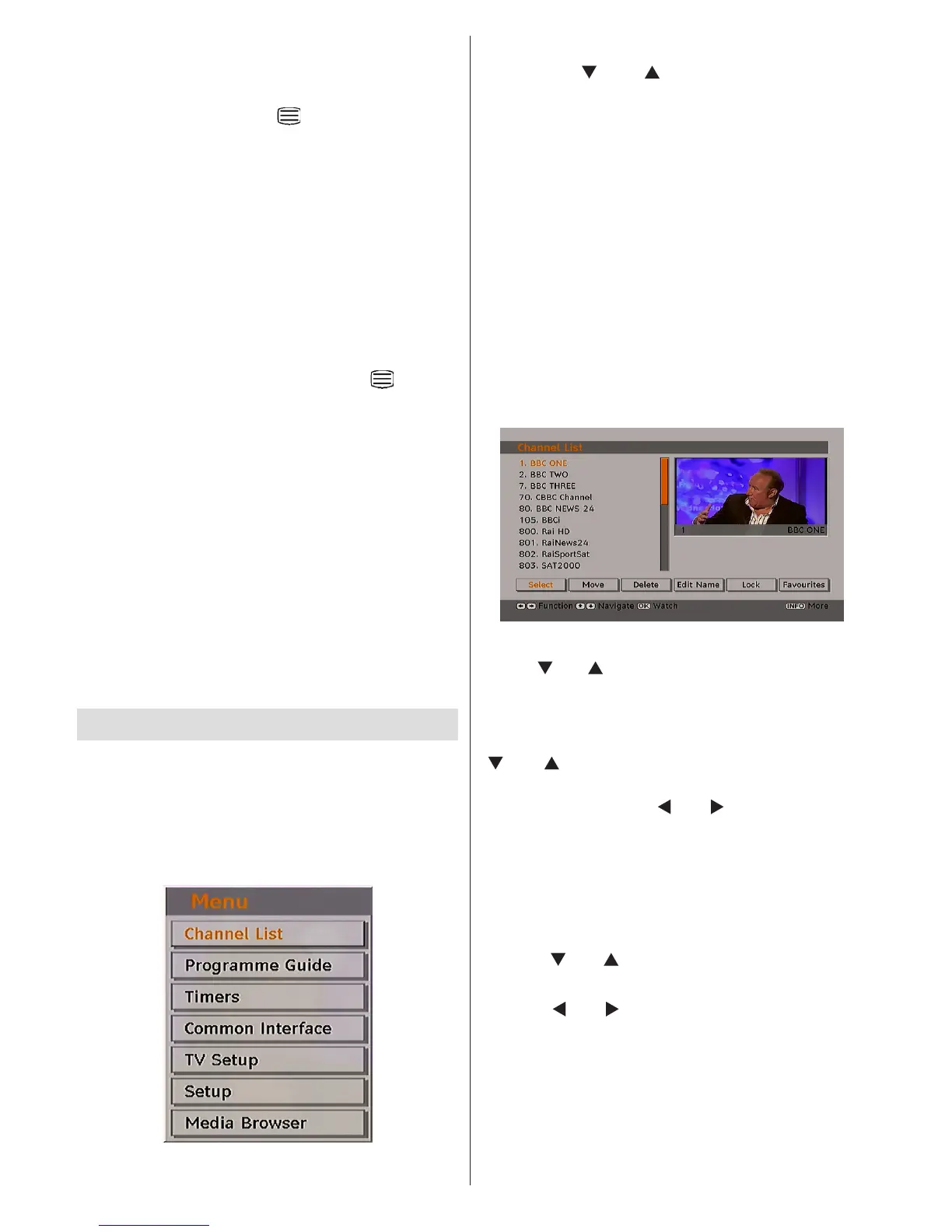
Channel List
Using the “ ” or “ ” button on the remote
control, make sure that the rst item, Channel
List, is highlighted and press the OK button to
display the Channel List.
The following operations can be performed in
this menu:
• Navigating the entire list of channels
• Deleting channels
• Renaming channels
• Adding locks to channels
• Setting favourites
• Moving channels
Channel List is the place where the channels
are managed.
Navigating the Entire Channel List
Press “ ” or “ ” button for selecting the previous
or next channel. You can press RED or GREEN
button to move page up or page down.
To watch a specic channel, highlight it using
“
” or “ ” button and then press “OK” button,
while the “Select” item on Channel List menu is
highlighted by using “ ” or “ ” button.
Then the name and number of the selected
channel will be displayed in the top-left and
top-right of the channel display at the top-right
of the screen, respectively.
Moving the channels in the channel list
• Press “
” or “ ” buttons to select the channel
that will be moved.
• Press “
” or “ ” buttons to select the “Move”
item on Channel List menu.
Following OSD will be displayed next to “OK”
item to indicate that enter a number by using
the numeric buttons on the remote control and
press “OK” to conrm.



 To Next Page