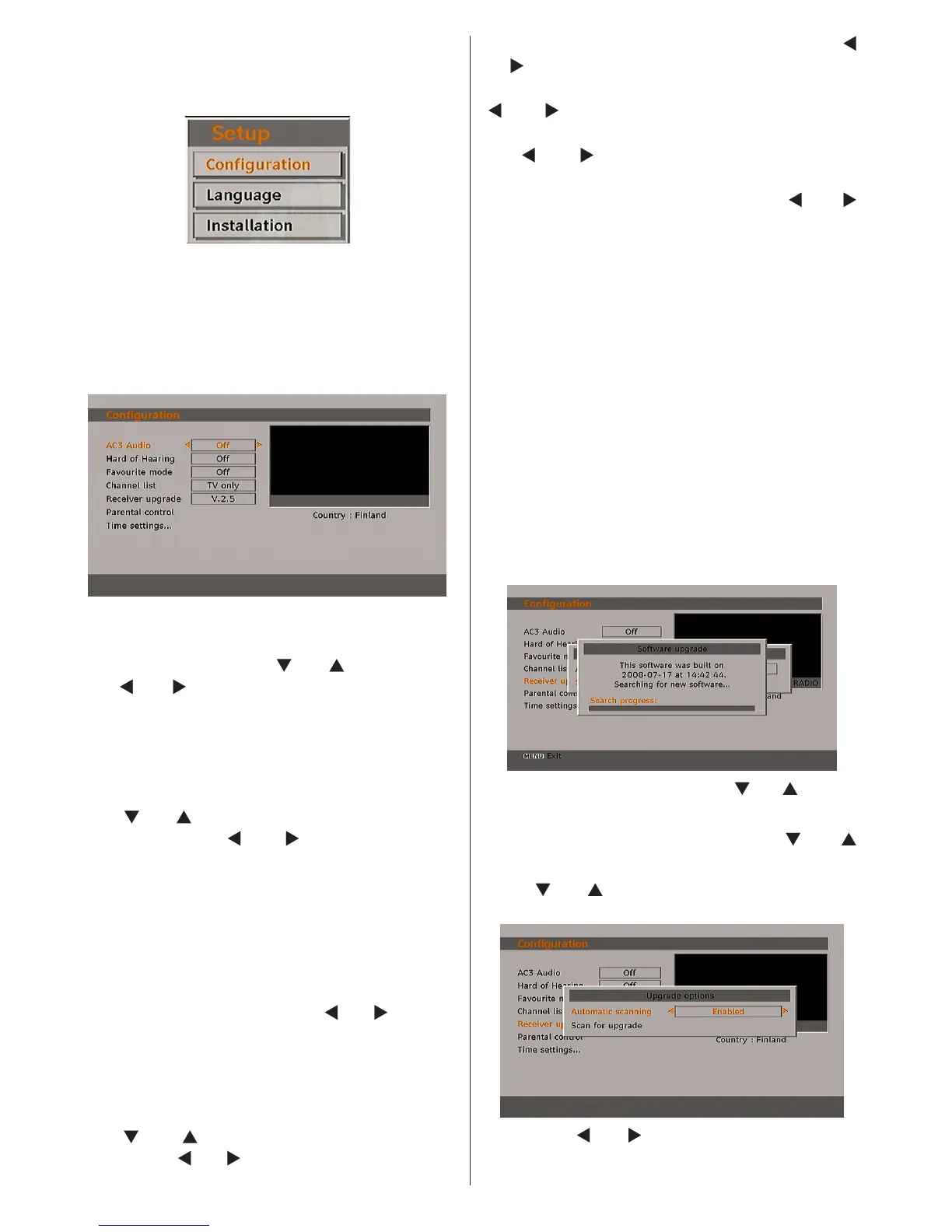
Setup
The adjustments in this menu are given as the
following:
Conguration
You can congure the settings of your TV. Select
Conguration from Setup menu and press OK
to view this menu. Press the EXIT button on the
remote control to exit.
AC3 Audio (**for EU countries only)
In the Conguration Menu, highlight the AC3
Audio item by pressing “ ” or “ ” buttons. Use
the “ ” or “ ” buttons to set the AC3 Audio as
On or Off.
If the channel that you are watching supports
AC3 Audio, turn this setting on.
Hard of Hearing (**for EU countries only)
Use “
” or “ ” button to select Hard of Hearing
and then press “ ” or “ ” button to set this
setting as On or Off.
If the broadcaster enables any special signal
concerning the audio, you can set this setting
as On to receive such signals.
Favourite Mode
This function enables or disables the 5 favourite
channel list mode by pressing “
” or “ ” buttons
and OK. If a favourites list exists, it will switch to
the list number selected. If there is no favourite
listing, a warning message will be displayed.
Channel List
Use “
” or “ ” buttons to go to Channel List
option. Use “ ” or “ ” buttons to toggle Channel
List Mode. If you select “TV Only”, with the “ ”
or “ ” buttons, you navigate through only TV
channels. If you select “Radio Only”, with the
“ ” or “ ” buttons, you navigate through only
radio channels. If you select “Text Only”, with
the “ ” or “ ” buttons, you navigate through
only text channels. If you choose “Show All” all,
channels can be navigated with the “ ” or “ ”
buttons. To save the recent changes and exit;
press the “M” button.
Receiver Upgrade
Over Air Download (OAD)
To ensure that your TV always has the most
update information, use this setting. Please
ensure that the TV is set to standby mode. The
TV automatically powers up at 3.00 A.M. each
day and searches for any new information which
may be broadcast and will download this to your
receiver automatically. This operation will normally
take approximately 30 minutes. If you have an
important recording to be carried out at 3.00 A.M.
and you do not want to interrupt it, disable auto
OAD search by performing the following:
• Press “M” button and using the “ ” or “ ” buttons
to choose Setup and press the OK button.
• Highlight Conguration menu with “
” or “ ”
keys and press OK.
• Use “
” or “ ” buttons to choose “RECEIVER
UPGRADE” and press OK button.
• Using the“ ” or “ ” button change “Automatic
scanning” from Enabled to Disabled.



 To Next Page