Basic Operations
You can operate your TV using both the
remote control and onset buttons.
Operation with the Buttons on the TV
Volume Setting
• Press “
” button to decrease volume or
button to increase volume, so a volume
level scale (slider) will be displayed on the
screen.
Programme Selection
• Press “P/CH +” button to select the next
programme or “P/CH -” button to select the
previous programme.
Viewing Main Menu
• Press the “M” button to enter main menu. In
the Main menu select sub-menu using “P/CH
-” or “P/CH +” buttons and enter the sub-menu
using “
” or “ ” buttons. To learn the
usage of the menus, refer to the menu system
sections.
AV Mode
• Press the “TV/AV” button in the control panel
on the TV to switch between AV modes.
Operation with the Remote Control
• The remote control of your TV is designed
to control all the functions of the model you
selected. The functions will be described in
accordance with the menu system of your
TV.
• Functions of the menu system are described
in the following sections.
Volume Setting
• Press “V+”button to increase the volume.
Press “V-” button to decrease the volume. A
volume level scale (slider) will be displayed
on the screen.
Programme Selection (Previous or Next
Programme)
• Press “P -” button to select the previous
programme.
• Press “P +” button to select the next
programme.
Programme Selection (Direct Access)
• Press numeric buttons on the remote control
to select programmes between 0 and 9. The
TV will switch to the selected programme.
To select programmes between 10 - 299
(for IDTV) or 10-199 (for analogue), press
the numeric buttons consecutively (e.g. for
programme 27, first press 2 and then 7).
When the pressing time is due for the second
numeric button, only the rst digit programme
will be displayed. The limit of the delay time
is 3 seconds.
• Press directly the programme number to
reselect single digit programmes.
Initial Settings
When the TV set is operated for the rst time,
the IDTV turns on rst.
Because this is the rst time the TV is used,
there are no channels stored in the memory.
When the TV is turned on for the rst time, the
menu for the language selection appears on the
screen. The message “Welcome please select
your language!” is displayed in all language
options sequentially in the OSD:
By pressing the “
” or “ ” buttons highlight
the language you want to set and press OK
button. After then, “First time installation” OSD
will appear on the screen. By pressing “
” or
“ ” buttons, select the country you want to set
and press OK button.
After the “First time installation” is performed,
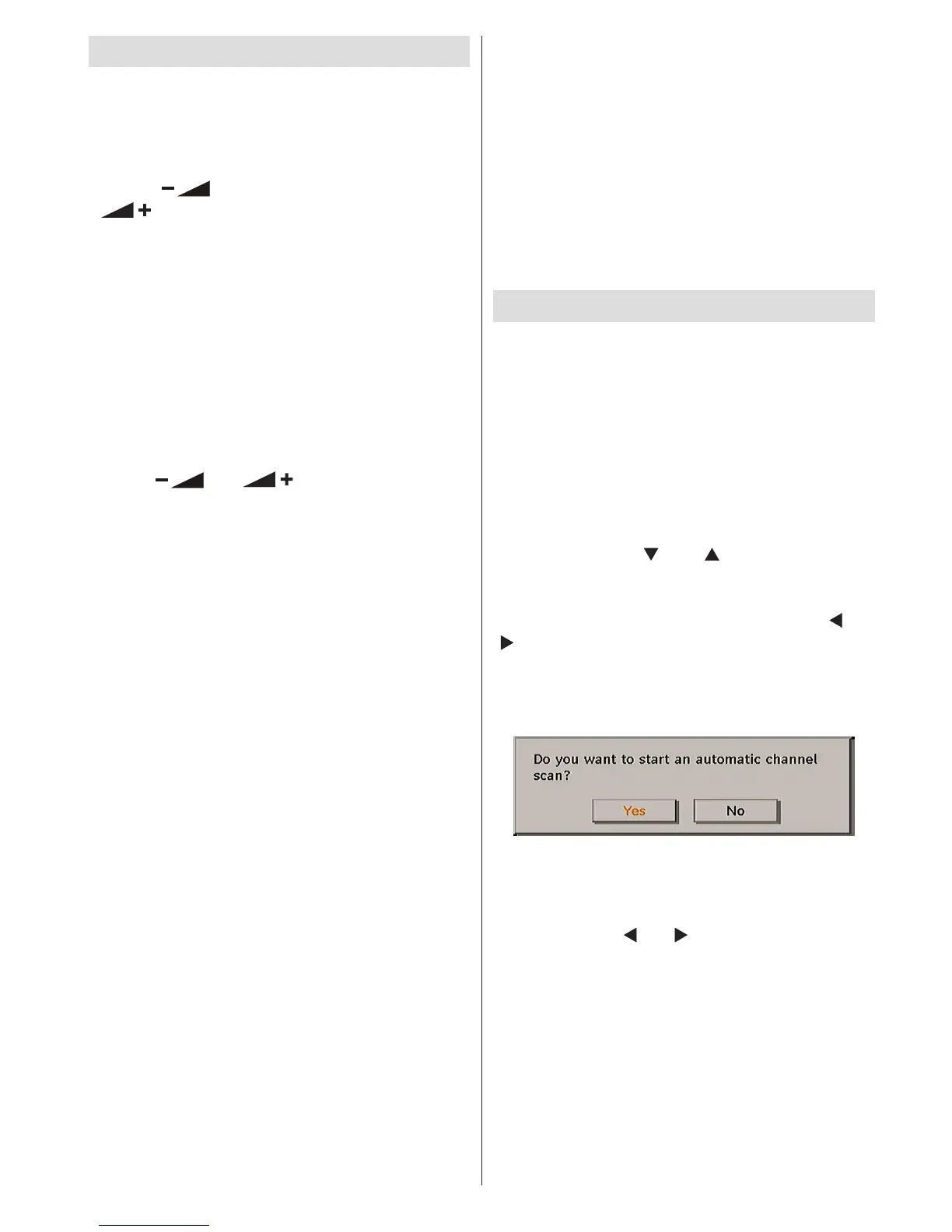
the following message appears on the screen:
To start installation process, select “Yes”, to
cancel select “No”.
• To select the “Yes” or “No” option, highlight the
item by using “
” or “ ” buttons and press the
OK button.
The IDTV will automatically tune to the UHF
transmission channels 21 to 68, searching for
digital terrestrial TV broadcasts and displaying
the names of channels found. This process will
take about ve minutes. To cancel searching,
you can press the “M” button at any time during
the process.



 To Next Page