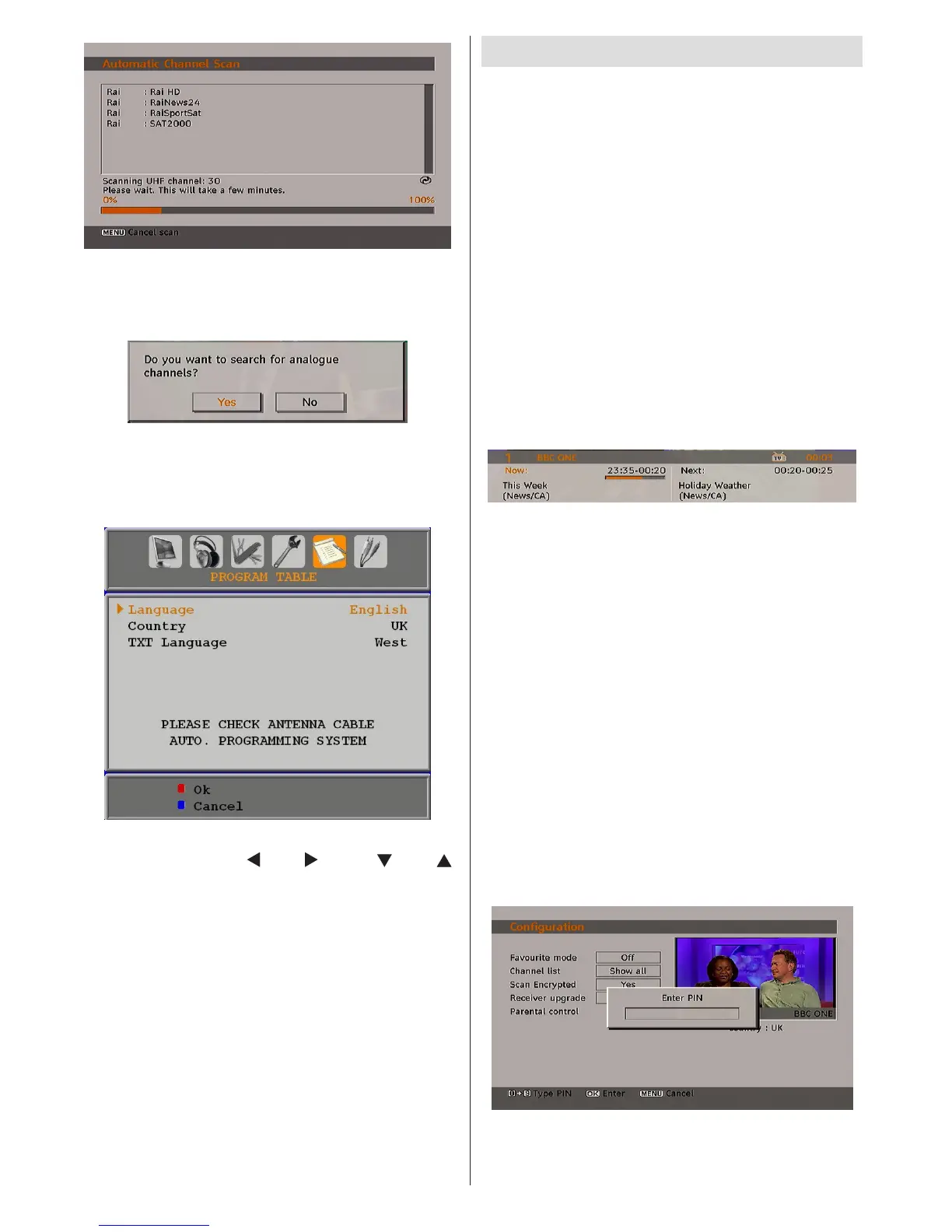
After Automatic Search is completed, the
following message asking for analogue channel
search appears on the screen:
To search for analogue channels, select “Yes”.
TV switches to the analogue TV mode. The
menu below is displayed to search for analogue
channels:
Select your Country, Language and Text
language by using “ ” or “ ” and “ ” or “ ”
buttons. Press OK or RED button to continue.
To cancel, press the BLUE button.
For more information on this process, see
“Install Menu” section.
Note: For proper functioning of digital teletext in DTV
mode, you should set country as UK in analogue
AUTO PROGRAM (for UK only).
General Operation
Pressing the “TV/DTV” button at any time
while watching television programmes will
switch the TV set between the digital terrestrial
television broadcasting and its normal analogue
broadcasting.
Information Banner
• Whenever you change channel, using the
P- / P+ button or the numeric buttons, the
TV displays the broadcast picture along with
an information banner at the bottom of the
screen (available only in DTV mode). This
will remain on the screen for approximately
three seconds.
• The information banner can also be displayed
at any time while watching TV by pressing the
INFO button on the remote control:
The information banner gives information on
the channel selected and the programmes on
it. The name of the channel is displayed, along
with its channel list number and an indication of
the strength of the signal received.
Hint: Not all channels broadcast the programme
data. If the name and time of the programme are
not available, then “No Information Available” will be
displayed in the information banner.
• Icons are also displayed in the information
banner and if this channel is a favourite
channel, favourite channel icon will also be
displayed.
If the selected channel is locked, you must
enter the correct four numeric code to view the
channel. “Enter Lock Key” will be displayed on
the screen in such a case:



 To Next Page