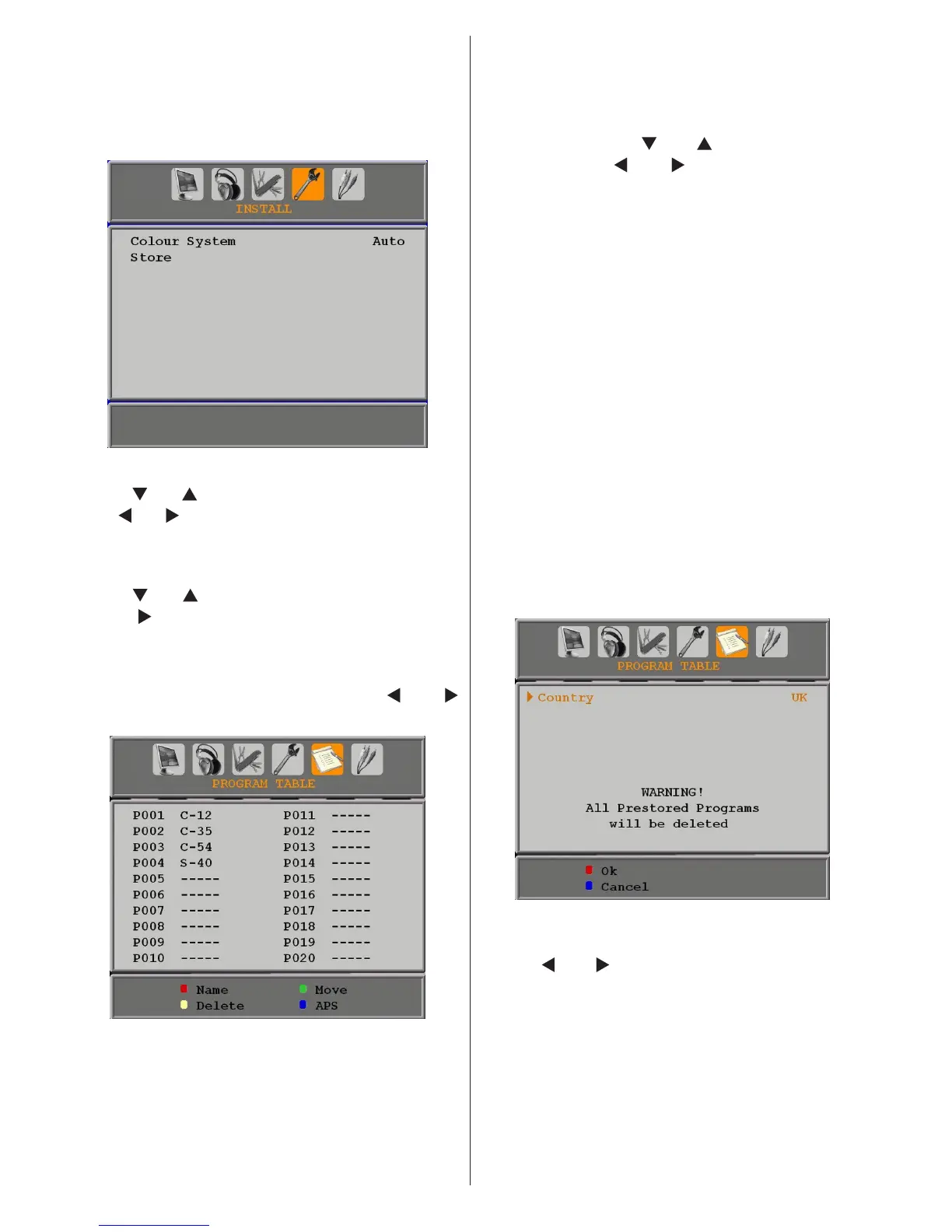
Install Menu in AV Modes
The following screen appears in the install menu
when the TV is in AV modes. Note that limited
options will be available. Switch to TV mode for
viewing complete version of the Install menu.
Colour System
Press “ ” or “ ” button to select Colour System.
Use “ ” or “ ” button to change the colour system
to PAL, SECAM, PAL 60 or AUTO.
Store
Press “
” or “ ” button to select Store Program.
Press “
” or OK button to store the settings.
“Stored...” will be displayed on the screen.
Program Table
Select Program Table by pressing “
” or “
” button.
By moving the cursor in four directions you can
reach 20 programmes in the same page. You
can scroll the pages up or down by pressing the
navigation buttons to see all the programmes
in TV mode (except for the AV modes). By
cursor action, programme selection is done
automatically.
Name
To change the name of a programme, select the
programme and press the RED button.
The rst letter of the selected name will be
highlighted. Press “
” or “ ” button to change
that letter and “ ” or “ ” button to select the
other letters. By pressing the RED button, you
can store the name.
Insert
Select the programme which you want to insert
by navigation buttons. Press the GREEN
button. By navigation buttons move the selected
programme to the decided programme space
and press the GREEN button again.
Delete
To delete a programme, press the YELLOW
button. Pressing the YELLOW button again
erases the selected programme from the
programme list, and the following programmes
shift one line up.
APS (Auto Programming System)
When you press the BLUE button for starting
automatic tuning, Auto Programming System
menu will appear on the screen:
Country
Press “ ” or “ ” button to select your country.
If you want to exit from A.P.S. function, press
the BLUE button.
When you press OK or RED button for starting
automatic tuning, all stored programmes will
be erased and the TV will search for available
channels. During the search, the following OSD
will be displayed:



 To Next Page