Home
Apogee
Accessories
Quartet
Page 12 (Choosing Quartet for Mac Sound I;O)
Apogee Quartet - Choosing Quartet for Mac Sound I;O
68 pages
Manual
Save Page as PDF
To Next Page
To Next Page
To Previous Page
To Previous Page
Loading...
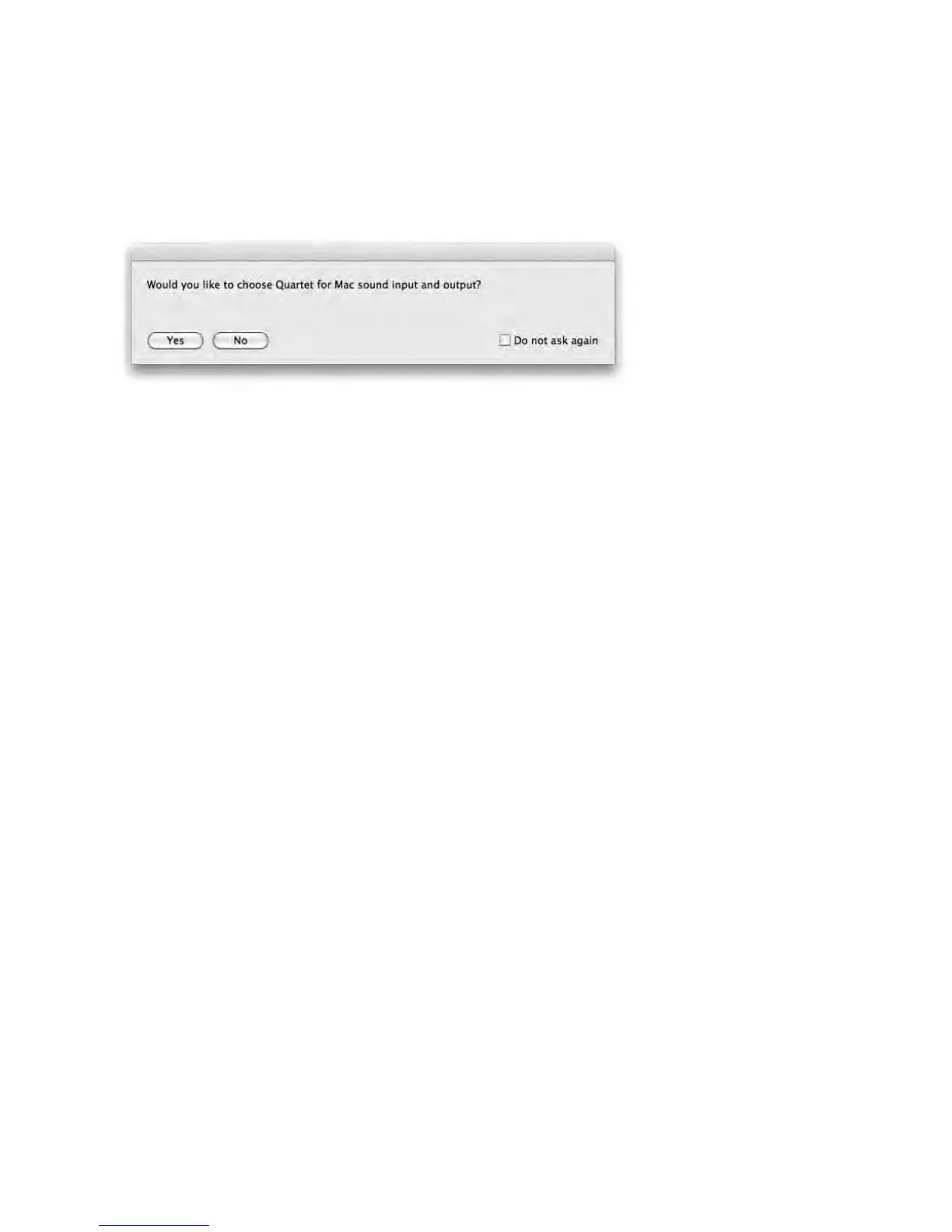
Choosing Quartet for Mac Sound I/O
After connecting Quar
tet to y
our Mac, a dialog box will pr
ompt you to choose Quartet for Mac sound
input and output.
Click
Y
es.
QuickStart -
Apogee Quartet User
’s Guide
V
ersion 1, September 2012
12
11
13
Table of Contents
Main Page
Default Chapter
2
Table of Contents
2
Quickstart
6
Introduction
6
Quartet
6
Professional Audio Interface and Studio Control Center for Mac
6
What You Can Do with Quartet
6
Package Contents
7
The Following Items Are Included in the Quartet Box
7
Software, Firmware and the Quartet User's Guide Are Available Online Only
7
Please Download the Latest Installer here
7
Quartet Panel Tour
8
Top Panel
8
Rear Panel
9
Side Panel
9
Display and Touchpad Tour
10
Input Display and Touchpads
10
Output Display and Touchpads
10
Connecting to Your Mac
11
System Requirements
11
Install Quartet Software
11
Choosing Quartet for Mac Sound I/O
12
Connect to Headphones or Speakers
13
Check Audio Playback in Itunes
13
Adjusting Volume
14
Speaker Output Level
14
Headphone Output Level
15
Configuring the Input
16
Open Apogee Maestro 2 Software and Select the Input Tab
16
Operation
17
Controller Knob
17
Quartet's OLED Displays
17
Adjusting Input & Output Levels
18
Input Level
18
Speaker Output Level
19
Headphone Output Level
20
Multiple Speaker Set Operation
21
Assignable Touchpads
25
Mute Outputs
26
DIM Outputs
26
Sum to Mono
27
Engage Speaker Set
27
Clear Meters
28
MIDI Input/Output
29
To Setup a MIDI Device with Quartet
30
OS X System Preferences
31
OS X Audio MIDI Setup
31
Setting Sample Rate
32
2 Speaker Sets
22
3 Speaker Sets
23
Custom Output Routing
24
Maestro 2
33
Devices Sidebar
33
Device Icon & ID Button
34
Input Tab Window
35
Output Tab Window
36
Device Settings Tab Window
38
Output Routing Tab Window
39
Mixer Tab Window
40
System Setup Window
41
Menu Bar Menus
42
Low Latency Mixing
45
Maestro Low Latency Mixing
45
Maestro Low Latency Mixing (Continued)
46
Working with the Maestro Mixer
48
Do I Need the Maestro Mixer
48
Recording Software Settings
48
Software Monitoring
48
Playback MIX
49
Maestro Output Routing Tab
49
Maestro Mixer Settings
50
Applications
51
Using Quartet with Logic
51
Using Quartet with Logic (Continued)
52
Using Quartet with Logic (Continued)
53
Using Quartet with Logic (Continued)
54
Using Quartet with Garageband
55
Using Quartet with Avid Pro Tools (9 or Greater)
56
Using Quartet with Ableton Live
57
Using Quartet with Apple Final Cut Pro
58
Using Quartet with Steinberg Nuendo
59
Troubleshooting
60
Further Troubleshooting Resources
62
Apogee Website
62
Apogee Support
62
Apogee Product Repair
62
Specifications
63
System Requirements
64
Warranty & Notifications
65
Registration and Warranty Information
65
Service Information
66
Warnings
66
Copyright Notice
66
Software Notice
67
Declarations of Conformity
67
Industry Canada Notice
68
Declaration of Conformity - CE
68
Declaration of Conformity - Japan
68
Declaration of Conformity - Australia
68
Other manuals for Apogee Quartet
Quick Start Guide
36 pages
Related product manuals
Apogee ensemble
59 pages
Apogee ONE
42 pages
Apogee Element 24
40 pages
Apogee duet3
36 pages
Apogee duet
69 pages
Apogee symphony i/o mk II
61 pages
Apogee Symphony Desktop
64 pages
Apogee Element 88
40 pages



 To Next Page