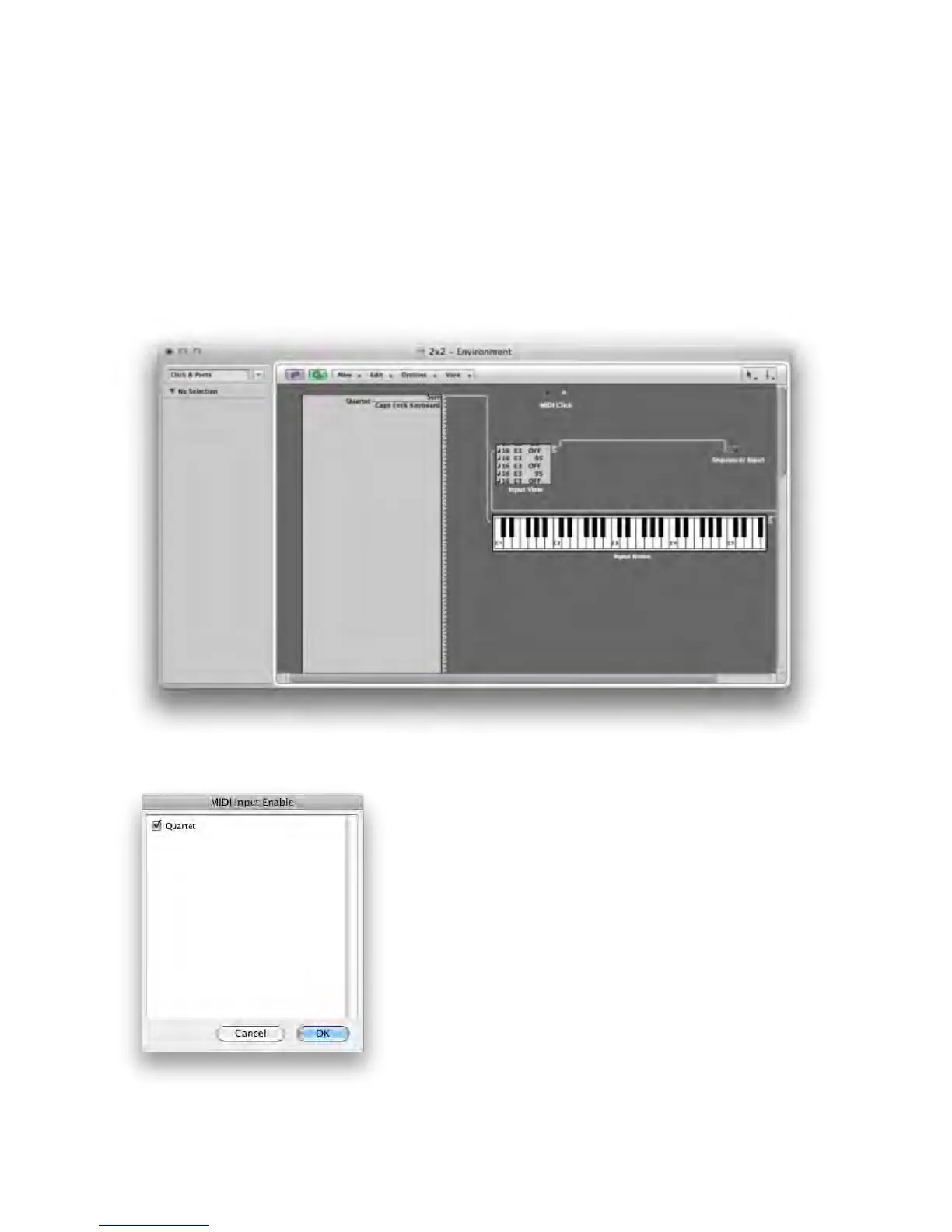
To setup a MIDI device with Quartet:
Using a standard USB cable, connect the device’s USB MIDI connector to Quartet’s rear panel MIDI USB
connector.
In your MIDI software, look for Quartet as a MIDI source/destination. For example, in Logic choose
Window > Environment. In the Environment window, choose Clicks & Ports in the upper left hand
corner. Quartet should appear in the Physical Input list.
In Pro Tools, choose Setup > MIDI > Input Devices and verify that Quartet appears and is checked.
Operation - Apogee Quartet User’s Guide
Version 1, September 2012 30



 To Next Page