MIDI Input/Output
Quartet’s USB MIDI input/output provides a MIDI connection between class compliant Core MIDI
devices such as keyboards and other controllers and Apple’s Mac OS X.
A class-compliant MIDI device works with Core MIDI without the need to install drivers or other
additional software. To confirm that your MIDI device is class-compliant:
1. Using a standard USB cable, connect the device directly to a Mac.
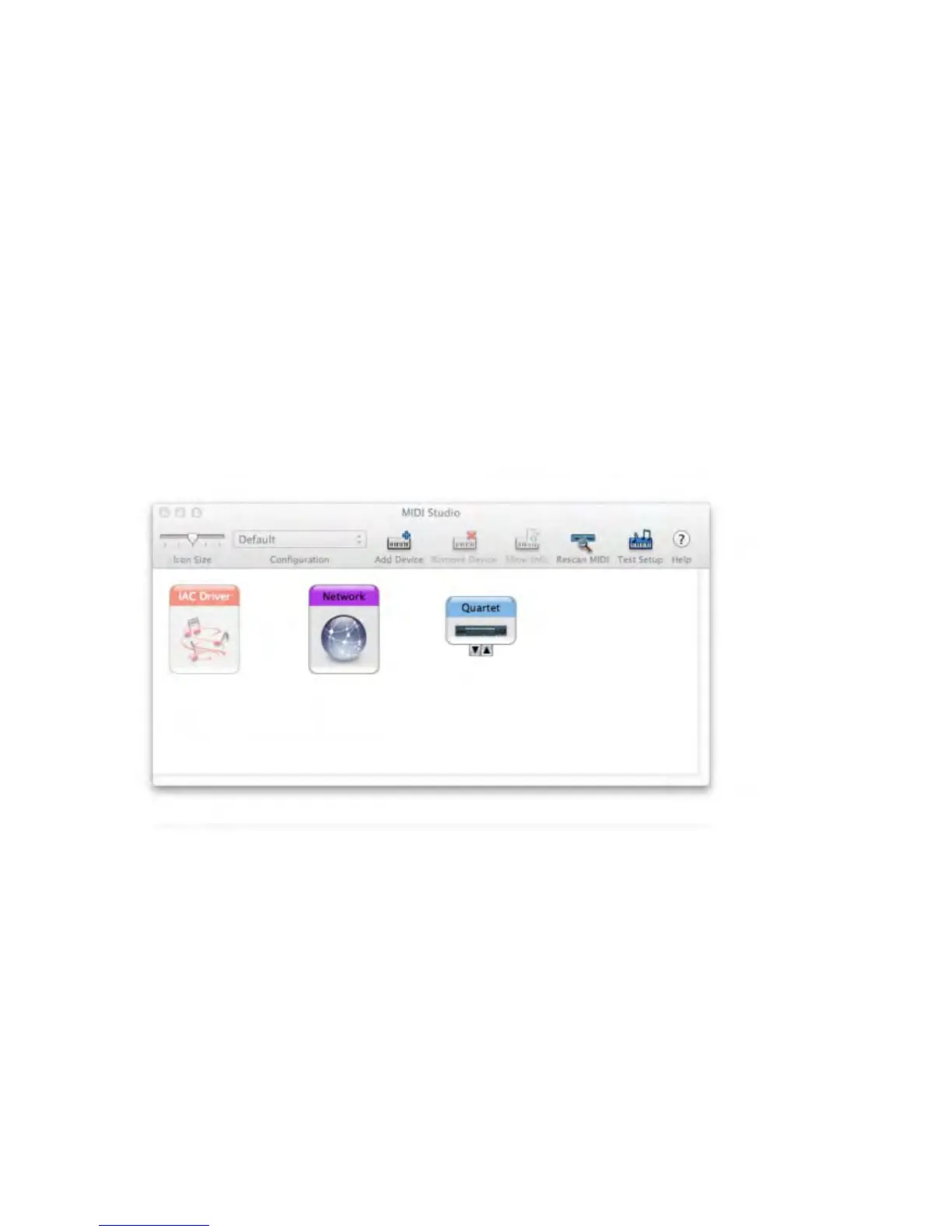
2. On the Mac, open Audio MIDI Setup, found in the Applications > Utilities folder.
3. In Audio MIDI Setup, choose Window > Show MIDI Window.
4. Verify that the MIDI device is detected in the MIDI window. Click Rescan MIDI if the device isn’t
initially detected.
5. If the device is detected, it’s class-compliant and will be available to MIDI software.
Operation - Apogee Quartet User’s Guide
Version 1, September 2012 29



 To Next Page