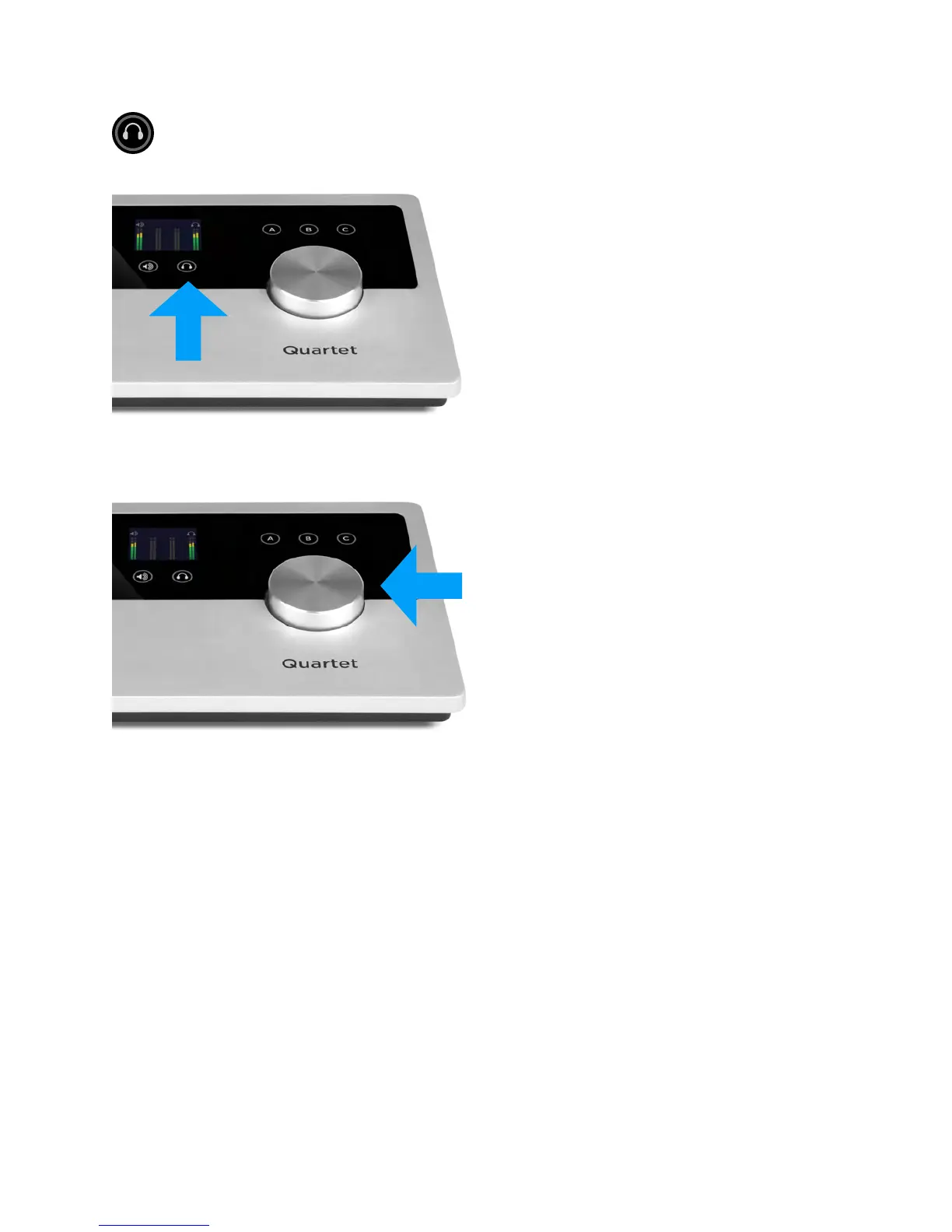
Headphone Output level
To change Quartet’s headphone output level (i.e
the listening level of connected headphones),
press the Headphone Selection Touchpad to
select the headphone output.
Now, turn the Controller Knob to the desired
listening level. The hardware Controller Knob
operates in parallel with any software level
controls.
QuickStart - Apogee Quartet User’s Guide
Version 1, September 2012 15



 To Next Page