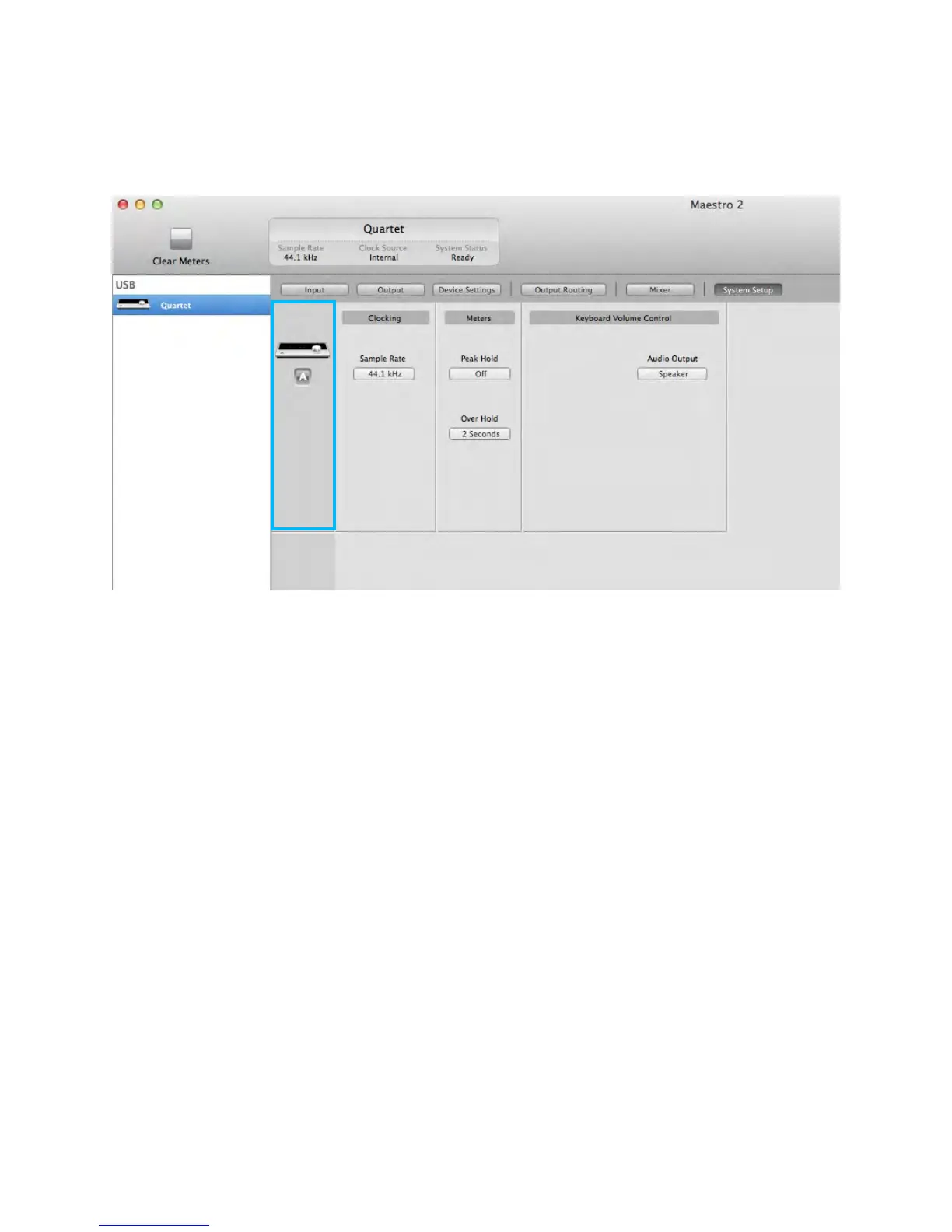
Device Icon & ID Button
A device icon and ID button is placed adjacent to each row of parameters to identify the hardware unit
to which the row belongs. By clicking on the ID button, the corresponding hardware unit’s front panel
will illuminate. Each hardware unit is assigned a Peripheral Prefix (A-Z, found in Maestro’s Device
Settings tab window) which is displayed on the ID button.
Maestro 2 - Apogee Quartet User’s Guide
Version 1, September 2012 34



 To Next Page