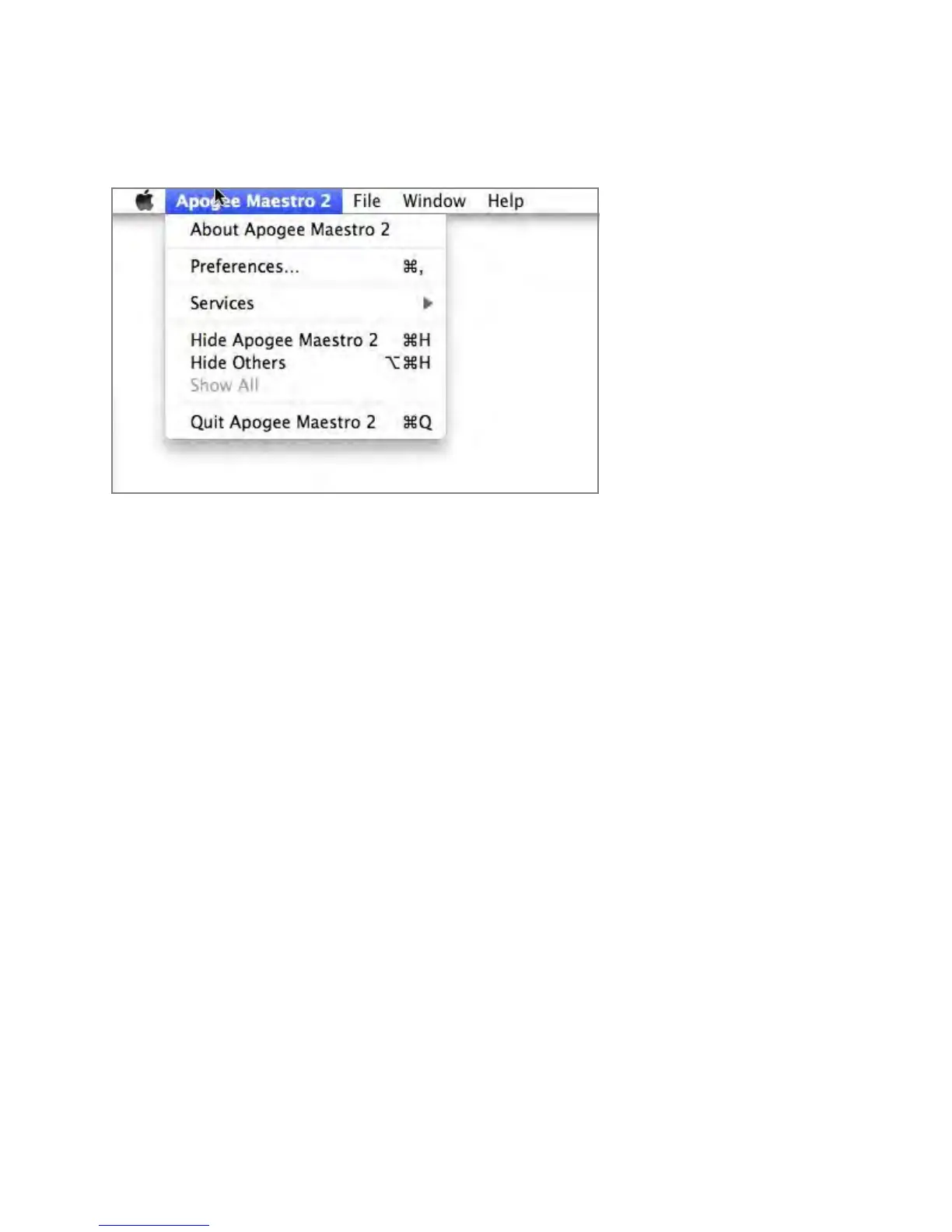
Menu Bar Menus
About Apogee Maestro - Choose this menu item to display version information.
Preferences - Choose this menu item to display Maestro’s Preference panel.
Check Launch Maestro automatically when connecting a device to launch Maestro when the Mac is
started.
Check Display Pop-ups to show top panel encoder adjustments.
Hide Apogee Maestro 2 - Choose this menu item to hide the Maestro application.
Hide Others - Choose this menu item to hide all other open applications.
Show All - If any open applications have been hidden, choose this menu item to reveal all open
applications.
Quit Apogee Maestro 2 - Choose this menu item to quit Maestro.
Maestro 2 - Apogee Quartet User’s Guide
Version 1, September 2012 42



 To Next Page