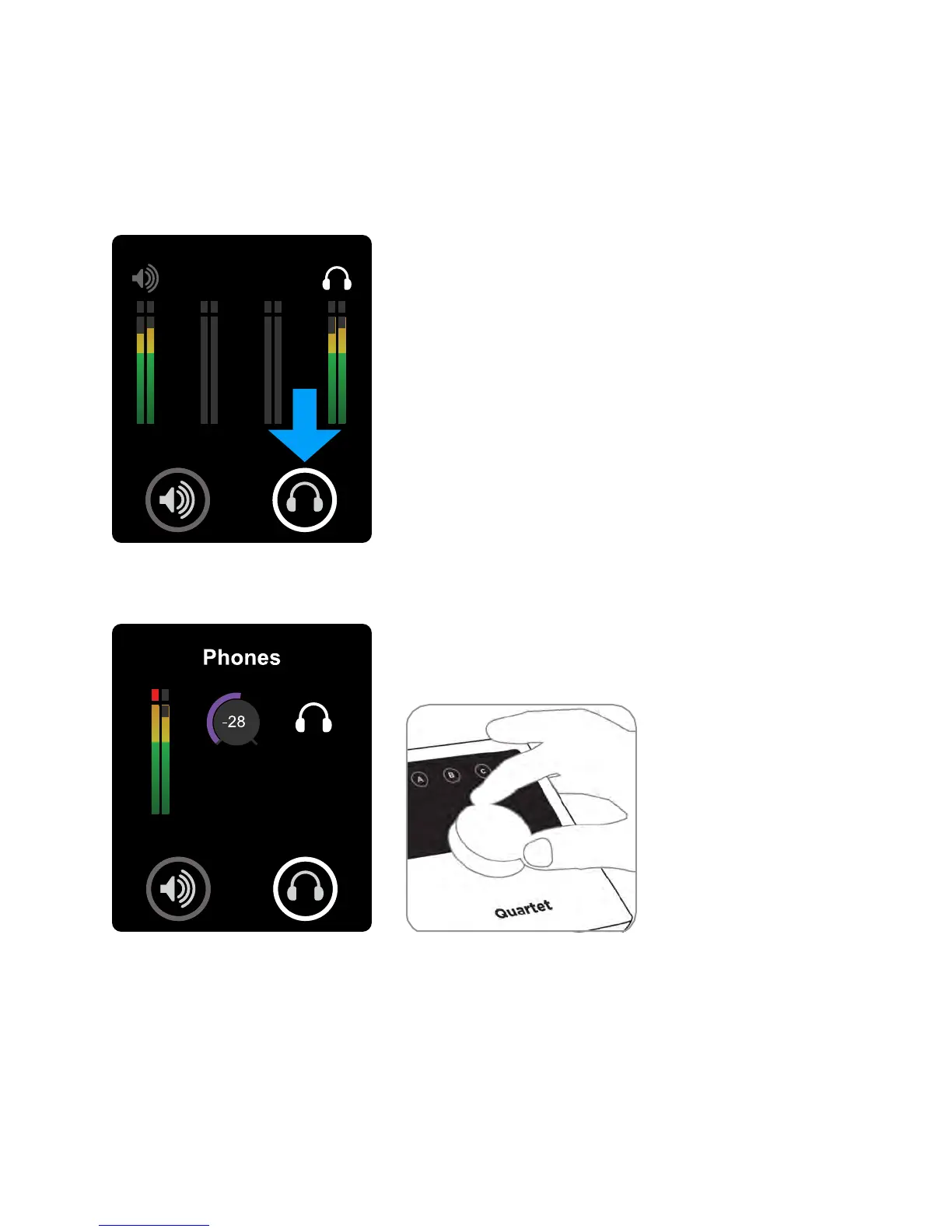
Headphone Output level
To change Quartet’s headphone output level (i.e the listening level of connected headphones):
1) Press the headphone output Touchpad.
2) Turn the controller knob to the desired listening level.
The controller knob operates in parallel with Maestro’s headphone control.
Operation - Apogee Quartet User’s Guide
Version 1, September 2012 20



 To Next Page