Playback mix
In your recording software, set up a mix of all playback tracks and route it to the first pair of outputs. If
a master fader controls the global output of the mix, it’s suggested to set the fader to 0 dB.
Maestro Output Routing Tab
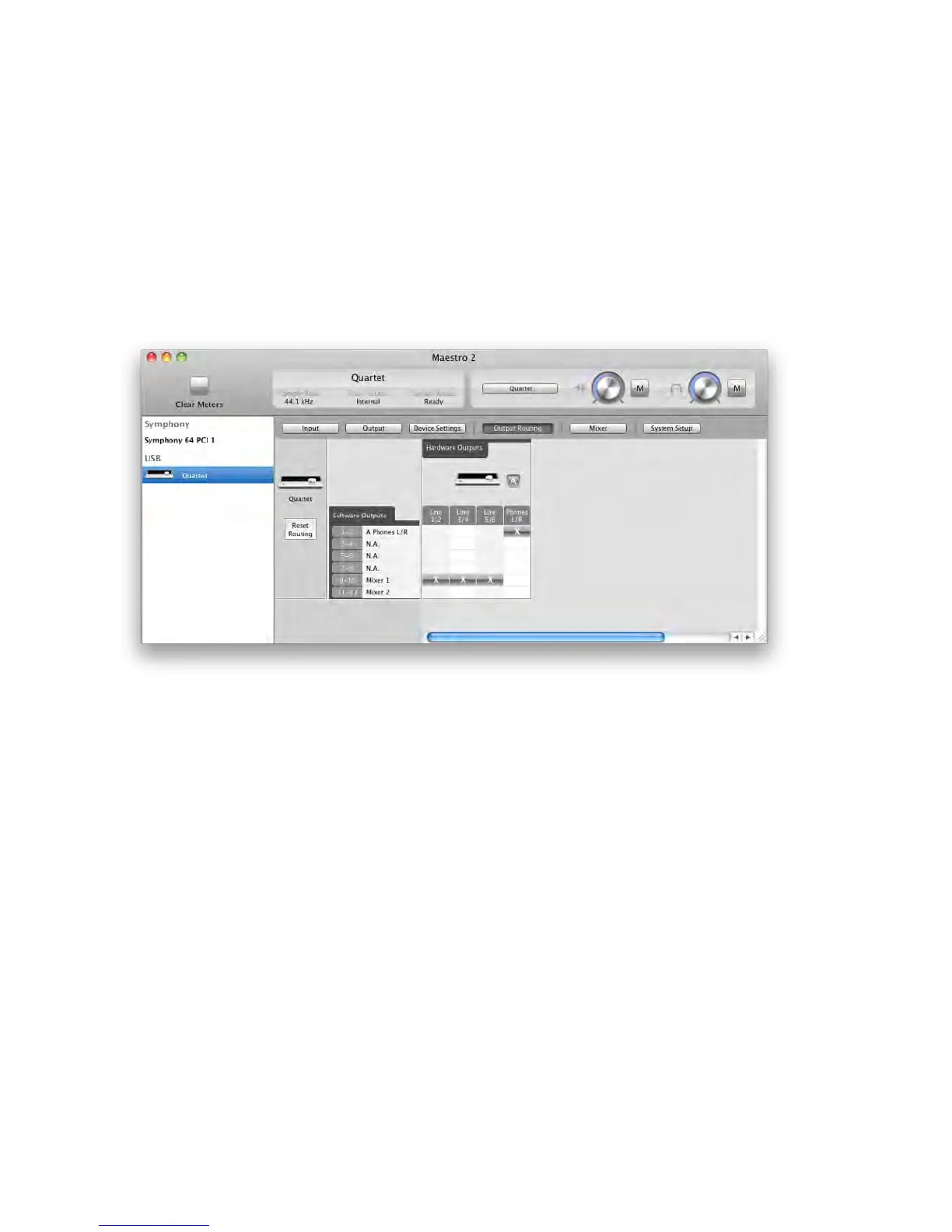
In the Maestro Output Routing tab, route Mixer 1 (or Mixer 2) to Line 1/2. If Analog Out Format is set to
2 or 3 Speaker Sets, route Mixer to all the analog outputs in use, as shown below.
Maestro 2 - Apogee Quartet User’s Guide
Version 1, September 2012 49



 To Next Page