Operation
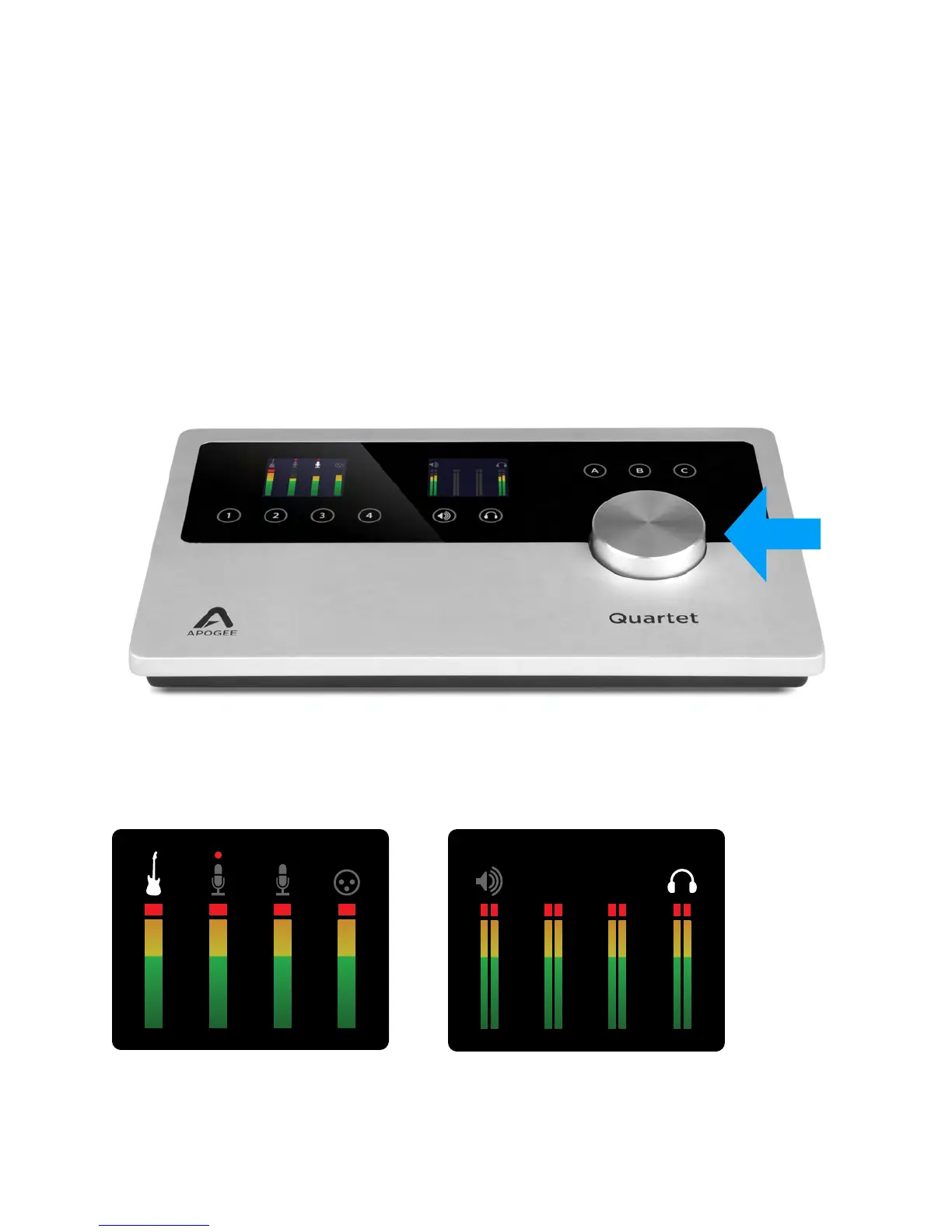
Controller Knob
Quartet’s Controller Knob allows you to easily adjust the levels of all inputs and outputs and also
provides a quick and easy way to mute the outputs. By default, the Knob Push Button is assigned to
mute all outputs. Alternatively, you can assign it in Apogee’s Maestro 2 software to mute only the
speaker or only the headphone outputs.
Quartet’s OLED Displays
Quartet's input and output OLED display provide full color metering and visual feedback.
Input display - Home view Output display - Home view
Operation - Apogee Quartet User’s Guide
Version 1, September 2012 17



 To Next Page