134 Chapter 4 Arts and Letters
The following example shows how to use the Sequence behavior to animate the
Opacity and Scale parameters of a text object in sequence.
To add the Sequence behavior:
1 Select the text object.
2 From the Library, drag the Sequence behavior from the Text Animation subcategory to
the text object.
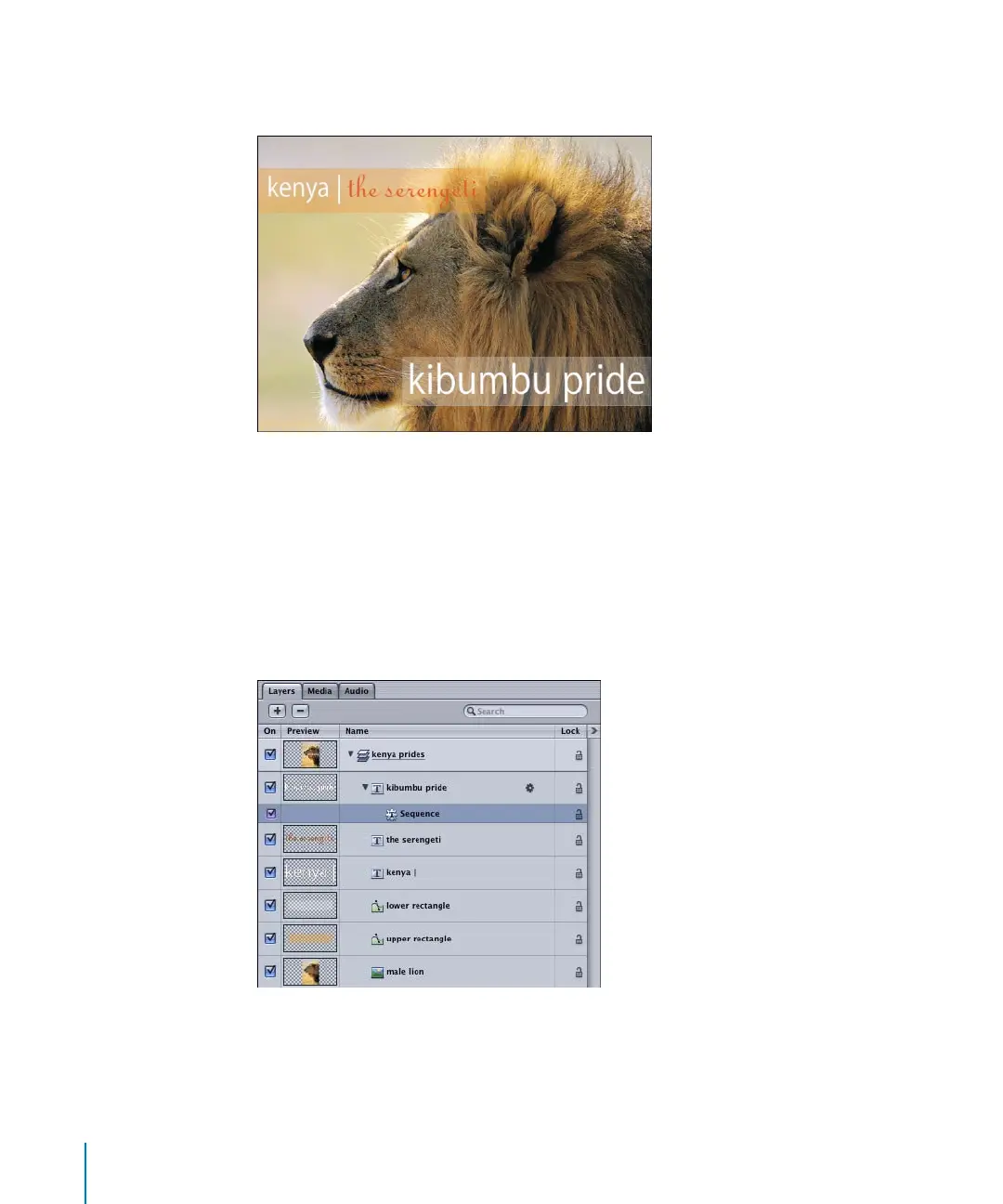
The Sequence Dashboard appears and the behavior is added to the text object in the
Layers list.
Original image and text objects
2505.book Page 134 Wednesday, June 30, 2004 5:58 PM



 To Next Page