Chapter 4 Arts and Letters 137
Note: Often, you can enter values larger than a parameter’s slider allows by typing in
the value slider.
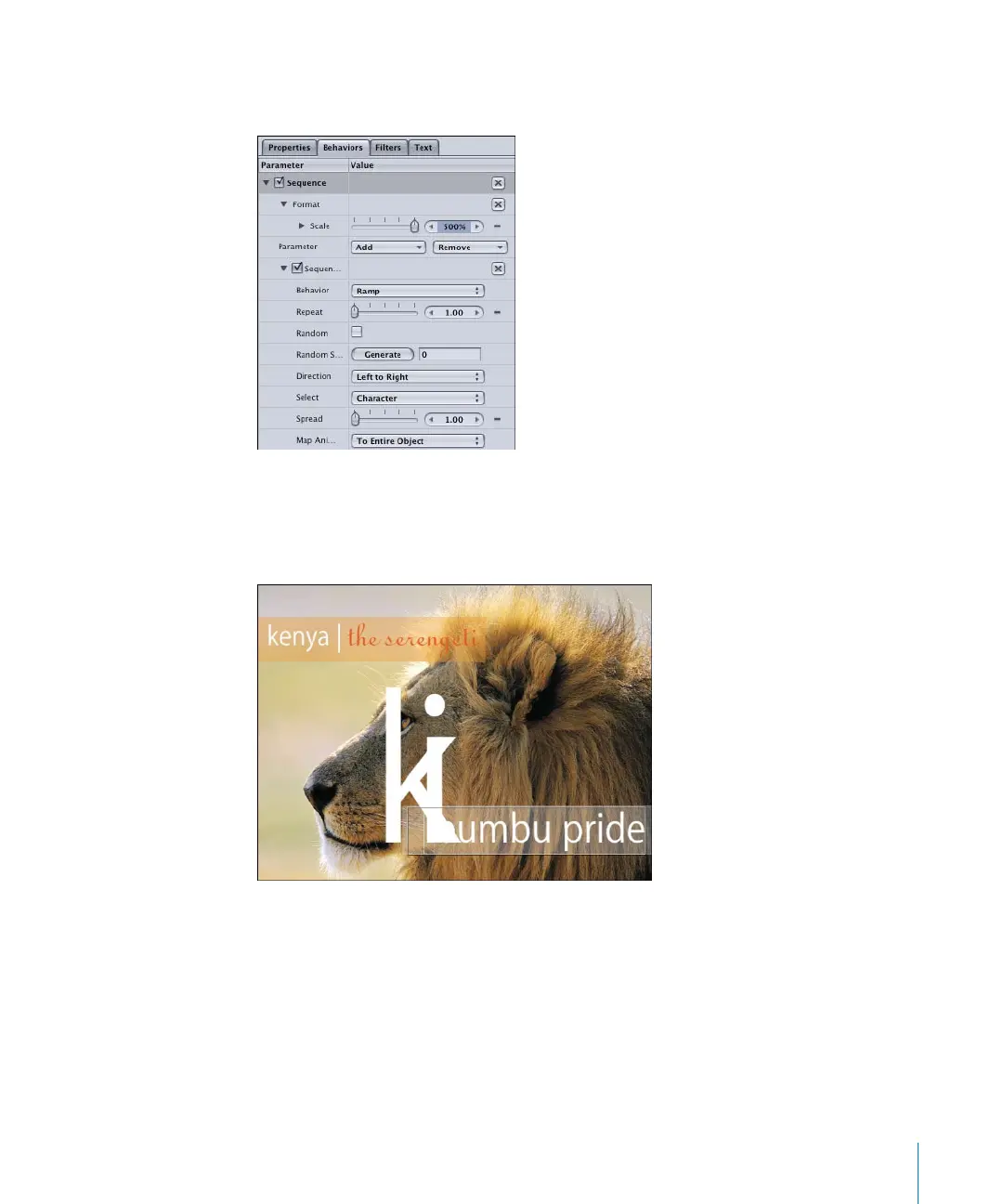
4 Click the Play button (or press the Space bar).
The first character begins at 100 percent, scales up to 500 percent, and then scales back
down to 100 percent. The animation sequence moves through the text object.
The animation cycles through each character because the Select parameter is set to
Character by default. For example, when Select is set to Word, each word in the text
object scales up and down as a single character.
2505.book Page 137 Wednesday, June 30, 2004 5:58 PM



 To Next Page