136 Chapter 4 Arts and Letters
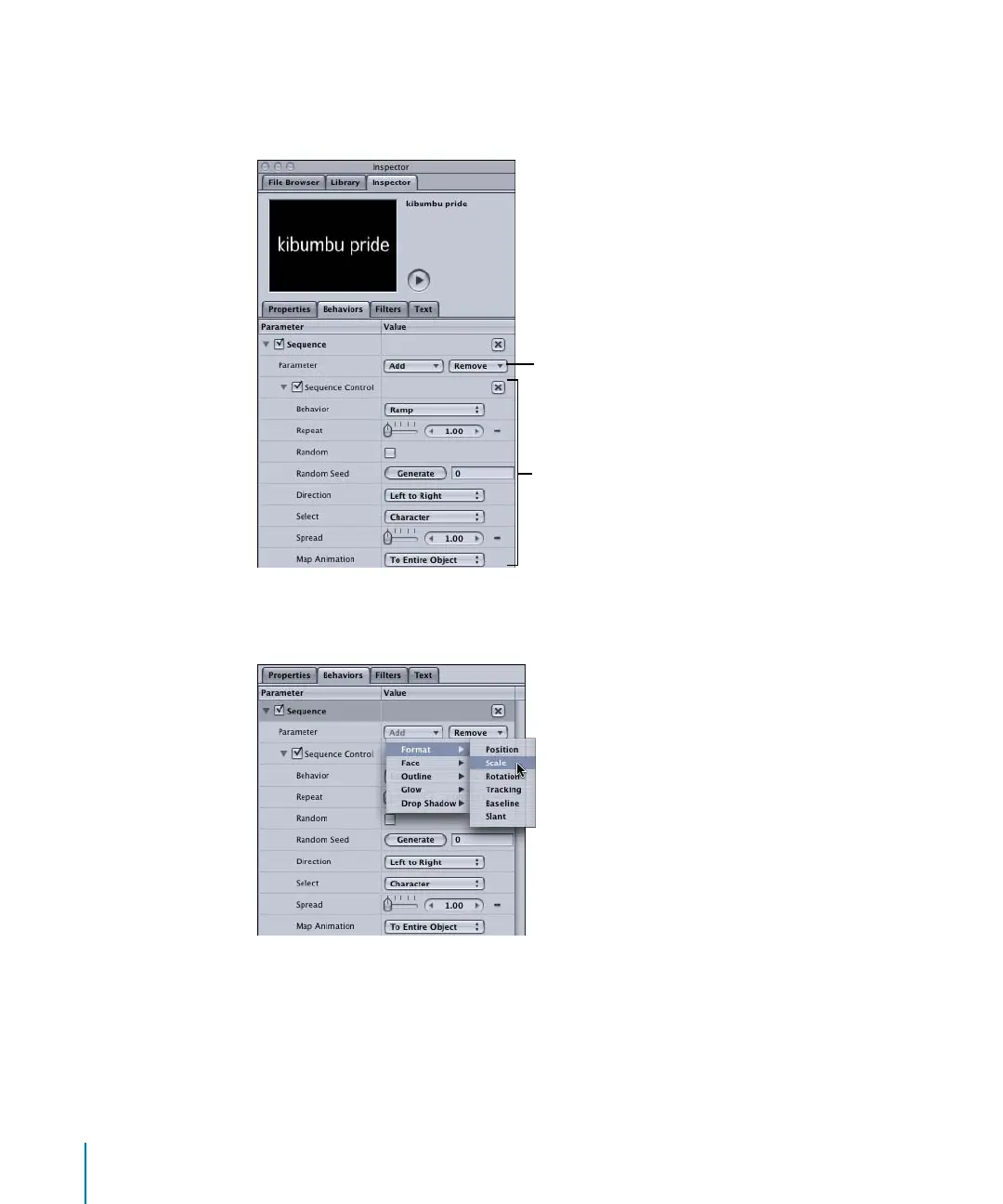
The second group of parameters is the Sequence Control group, which includes
options for setting the direction of the animation, whether the animation is applied per
character, per word, or per text object, and so on.
2 In the Parameter row, click the Add button, choose Format, then Scale from the
submenu.
The Scale parameter is set to 100 percent by default, which represents the original size
of the text object.
3 Set Scale to the largest (or smallest) value you want the text to become in your
animation. In this example, the Scale value is set to 500.
Sequence Control group
Add or Remove parameters
2505.book Page 136 Wednesday, June 30, 2004 5:58 PM



 To Next Page