Chapter 1 Orientation 39
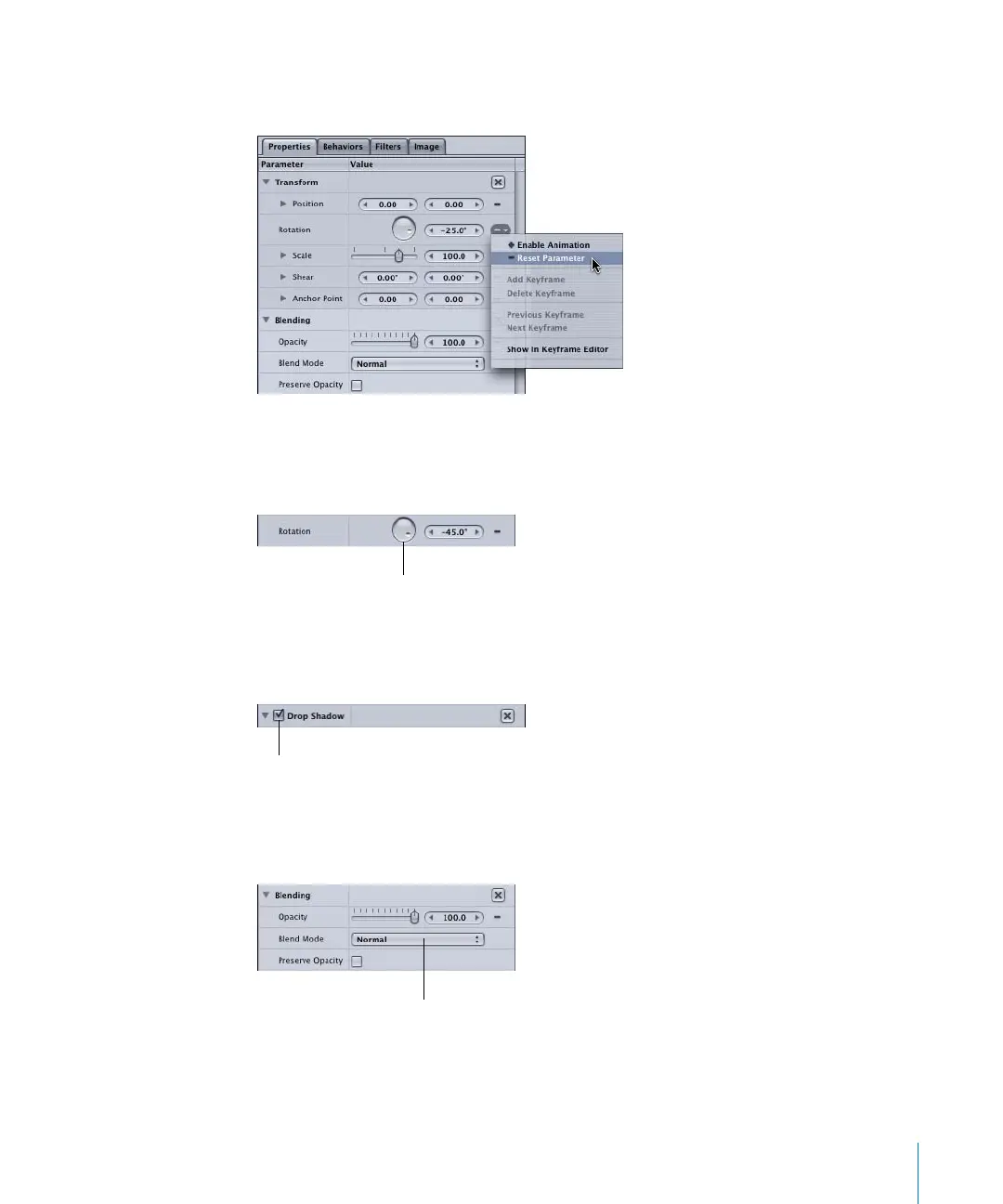
To reset an individual parameter:
m
Click the Animation menu icon, then choose Reset Parameter.
Dials
Drag a dial to control parameters such as the angle of gradients and the rotation of
objects.
Checkboxes
Use checkboxes to turn objects on and off. This applies to filters and behaviors, drop
shadows, four-corner pinning, cropping, and so on.
Pop-up menus
Click a pop-up menu and hold down the mouse button to choose fill options for text
and shapes fill options, to set blend modes, and so on.
Dial
Checkbox
Pop-up menu
2505.book Page 39 Wednesday, June 30, 2004 5:58 PM



 To Next Page