Chapter 2 The Playground 85
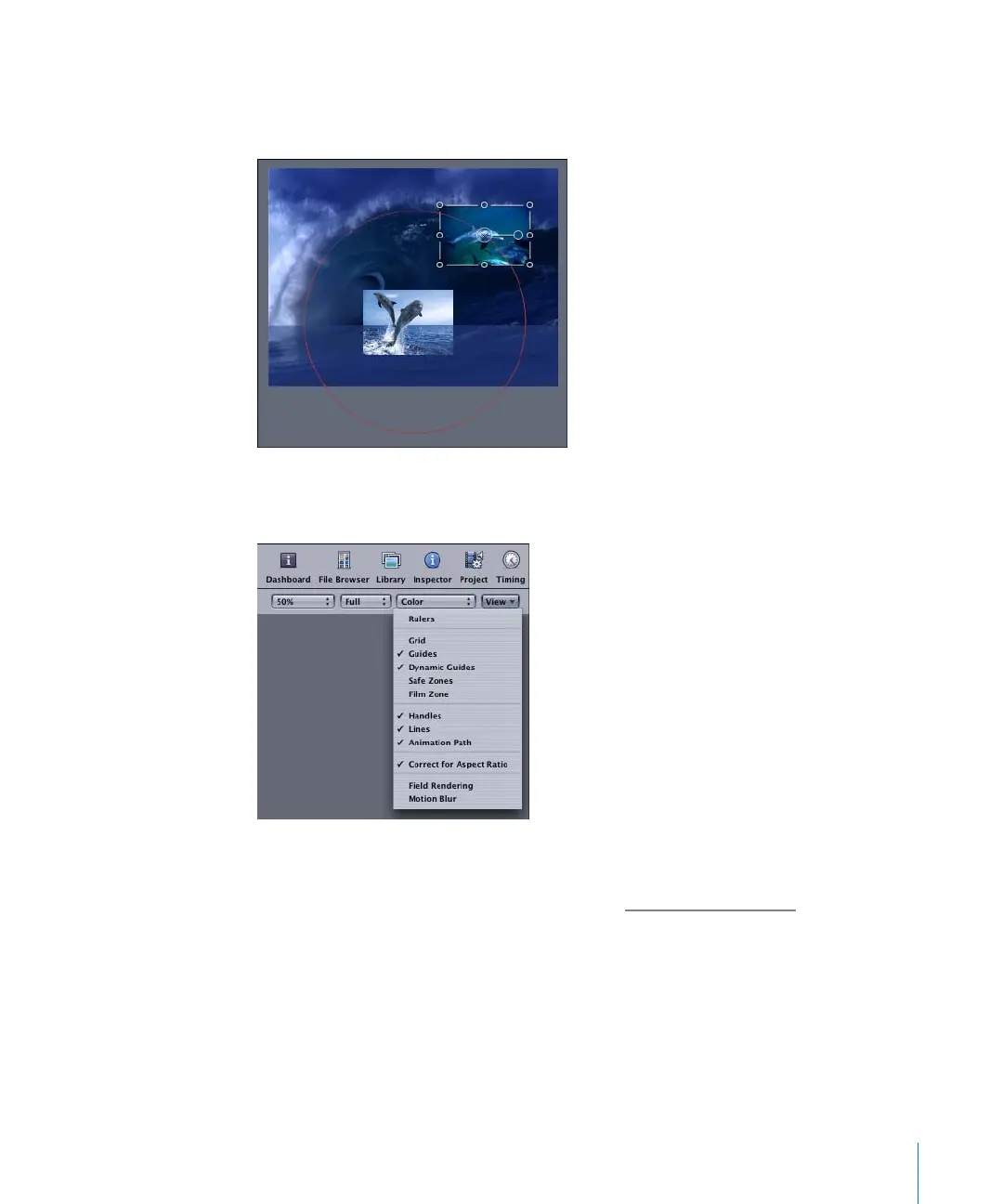
In the first example, the Orbit Around behavior is applied to the upper dolphin object,
and the lower dolphin object is set as the target object. The behavior animation path
appears in red and forms a perfect circle around the lower dolphin object.
To show the animation path of a selected object, make sure Animation Path is selected
in the View pop-up menu.
Unlike animation paths for keyframed objects, behavior animation paths cannot be
modified directly—they are controlled by the parameters of the behavior. For
information on keyframed animation paths, see “U
sing Animation Paths” on page 106.
2505.book Page 85 Wednesday, June 30, 2004 5:58 PM



 To Next Page