86 Chapter 2 The Playground
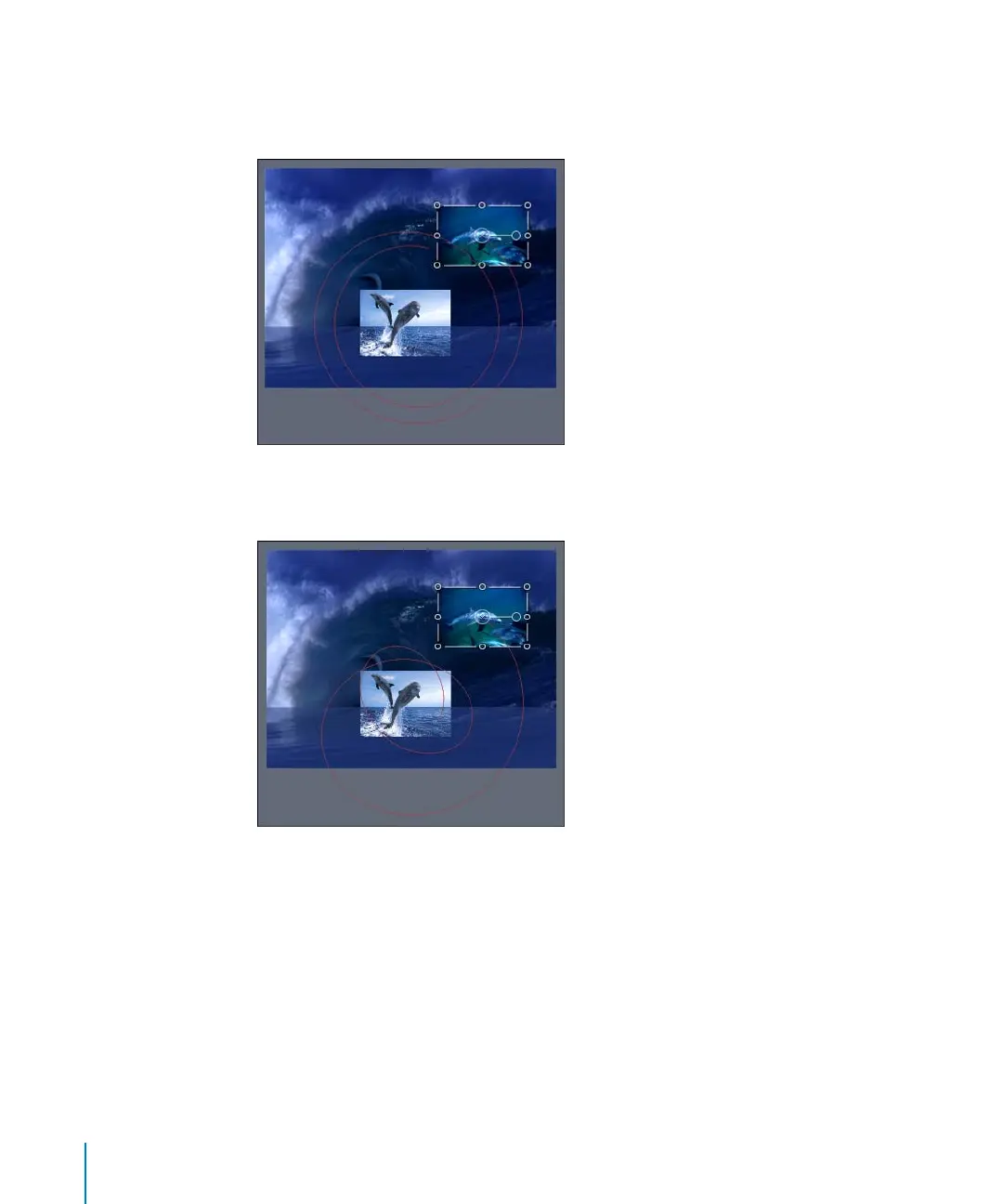
In the second image, the Drag parameter of the Orbit Around behavior is adjusted in
the Inspector. After the Drag parameter is modified, the circle animation path becomes
a spiral.
In the last image, the Oscillate parameter behavior is applied to the Drag parameter of
the Orbit Around behavior. The spiral animation path becomes more irregular.
The effect of a Parameter behavior on an object depends on the parameter to which it
is applied. Therefore, you must select the parameter you want to apply the effect to
prior to applying the Parameter behavior.
2505.book Page 86 Wednesday, June 30, 2004 5:58 PM



 To Next Page