CHAPTER 4
OPERATING INSTRUCTIONS
Entire Contents Copyright 2004 by Adaptive Power Systems, Inc. (APSI) • All Rights Reserved • No reproduction without written authorization from APSI.
APS-3000P Series 4 - 4 OM-001-03000-00P-03.9
Frequency Setting
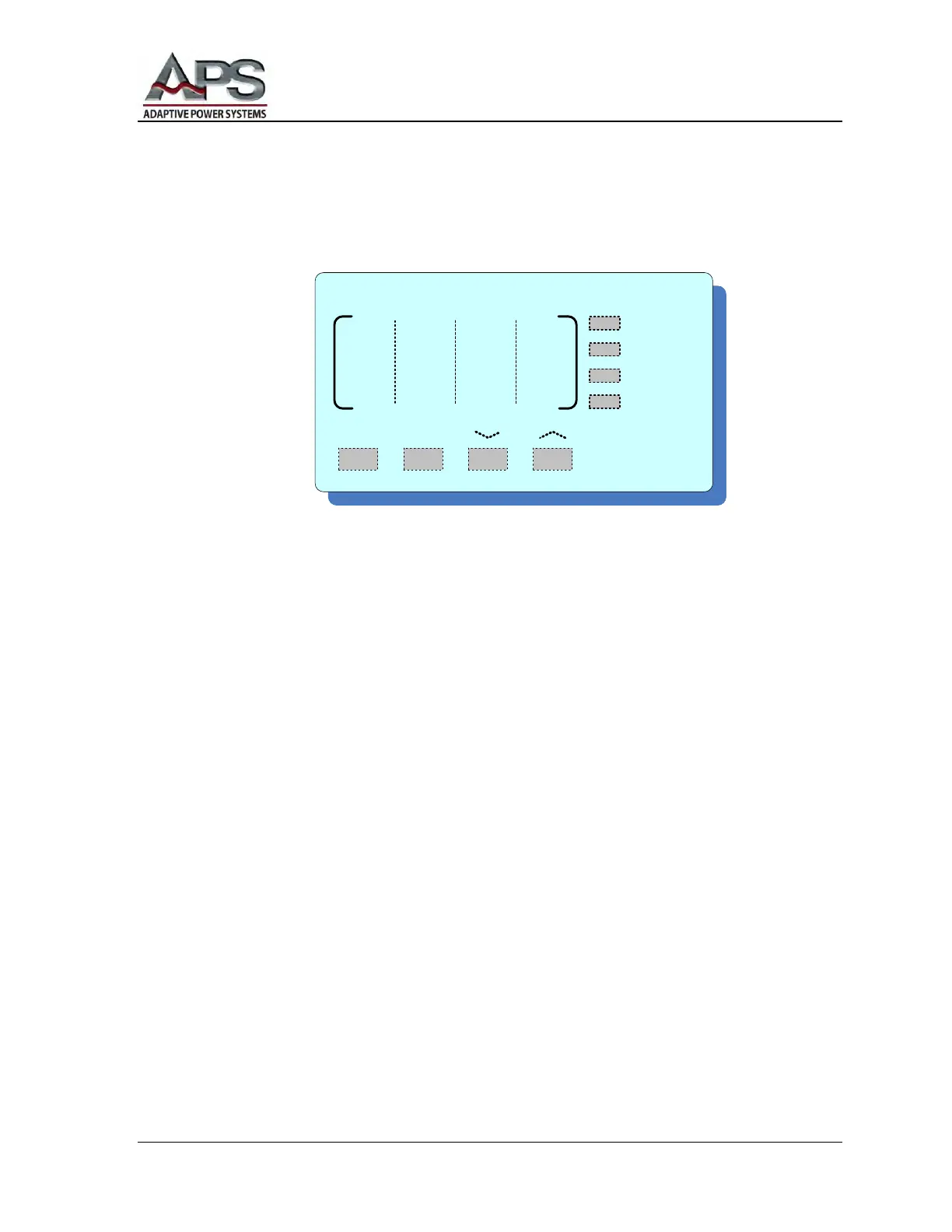
When the system is in RESET (Standby) or TEST (Output ON) mode, press the
FREQUENCY ︿ or ﹀ buttons to adjust the frequency value.
For frequencies between 45 – 99.9 Hz, the adjustment is 0.1 Hz per step. For
frequencies between 100 Hz – 500 Hz, the adjustment is 1 Hz per step. However,
pressing either the 50 Hz or 60 Hz buttons will cause 50 Hz or 60 Hz to be set
immediately.
Pressing the ︿ or ﹀ frequency adjust buttons causes the value to increase/decrease
one step every 0.3 seconds. Holding a button "in" forces the rate of change to
accelerate. When the frequency selection remains unchanged for two seconds, the
frequency display will flash once. The unit will memorize the current frequency setting.
The system will then exit the frequency-setting mode.
Separate buttons are provided for 50 Hz and 60 Hz frequency settings. At any time you
can press one of these buttons and the frequency will change from whatever it was to
either 50 Hz or 60 Hz.
Note, if your unit shuts down due to a detected Error condition, the FREQUENCY
display shows an abbreviation for that error. For example, an over-current condition
will result in OCP being displayed. For a listing and discussion of all displayed error
conditions, see the Error Messages section of this chapter.
F R E Q U E N C Y
50Hz 60Hz
TEST
PASS
FAIL
PROTECT



 To Next Page