Service Support Spirit
Unique Solution WWW.ARCBRO.COM
3.1. Description of Automatic Mode Interface
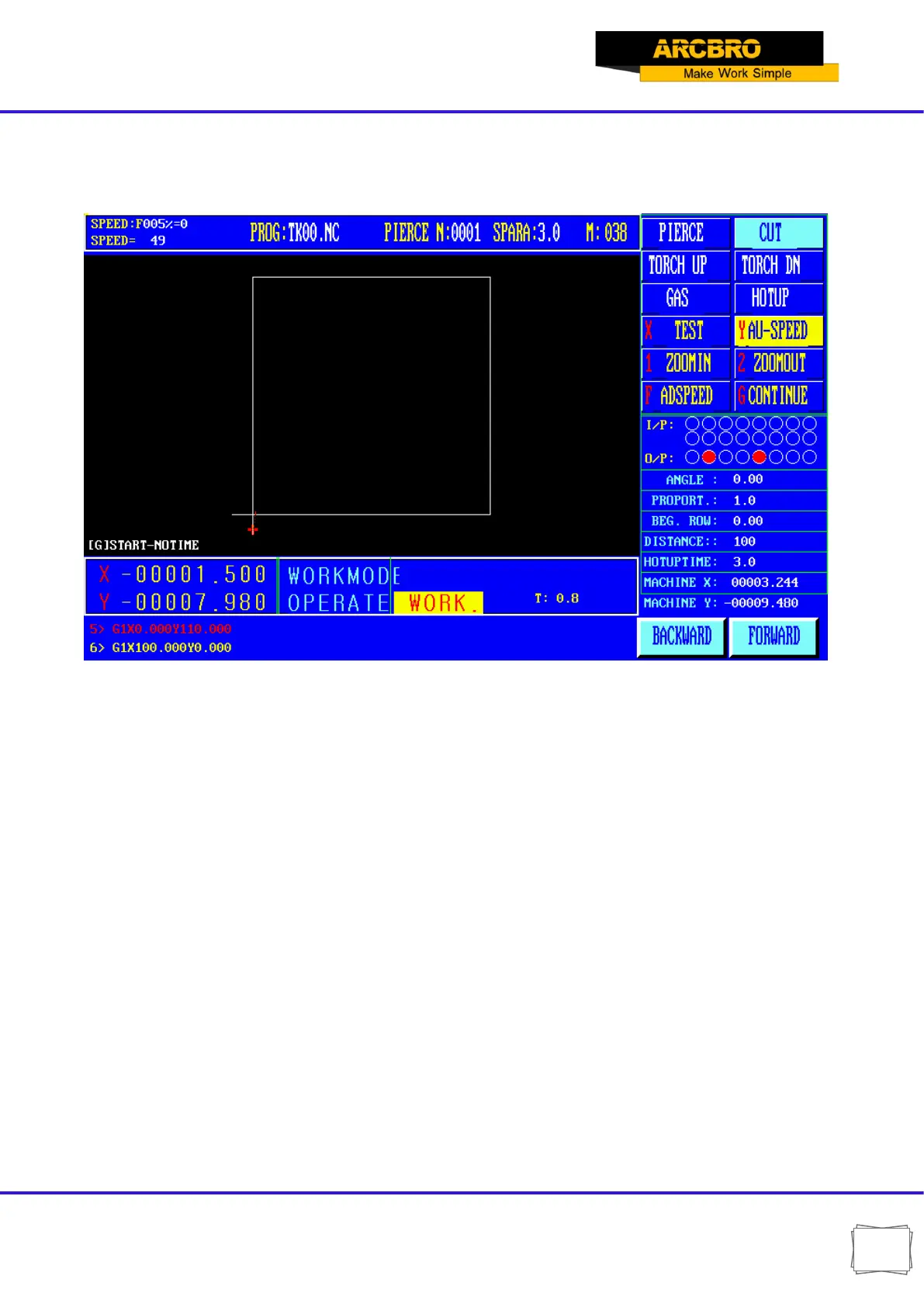
In the system work under the main menu, press [F1] into the function of automatic main picture:
3.1 interface automatic way specification
3.1.1 SPEED
In automatic mode, at the top left corner of the screen, it shows F×(multiplying factor of automatic
machining speed)= Set machining speed.
In manual mode, at the top left corner of the screen, it shows F×(multiplying factor of manual
speed)=manual speed.
SPEED indicates the actual speed while the active speed multiplying factor is adjustable with [F↑] and
[F↓].
It is allowed to adjust the speed quickly by pressing [F] key in this Interface. And then, press ENTER key
to confirm the selection.
Note: The speed may be indicated in Metric or English system depending on the Metric/English Selection
in SETUP (Refer to Parameter Control).
3.1.2 Program, Pierce and KERF
They are used to indicate the name of machining program;


 To Next Page