Service Support Spirit
Unique Solution WWW.ARCBRO.COM
5. EDIT Mode
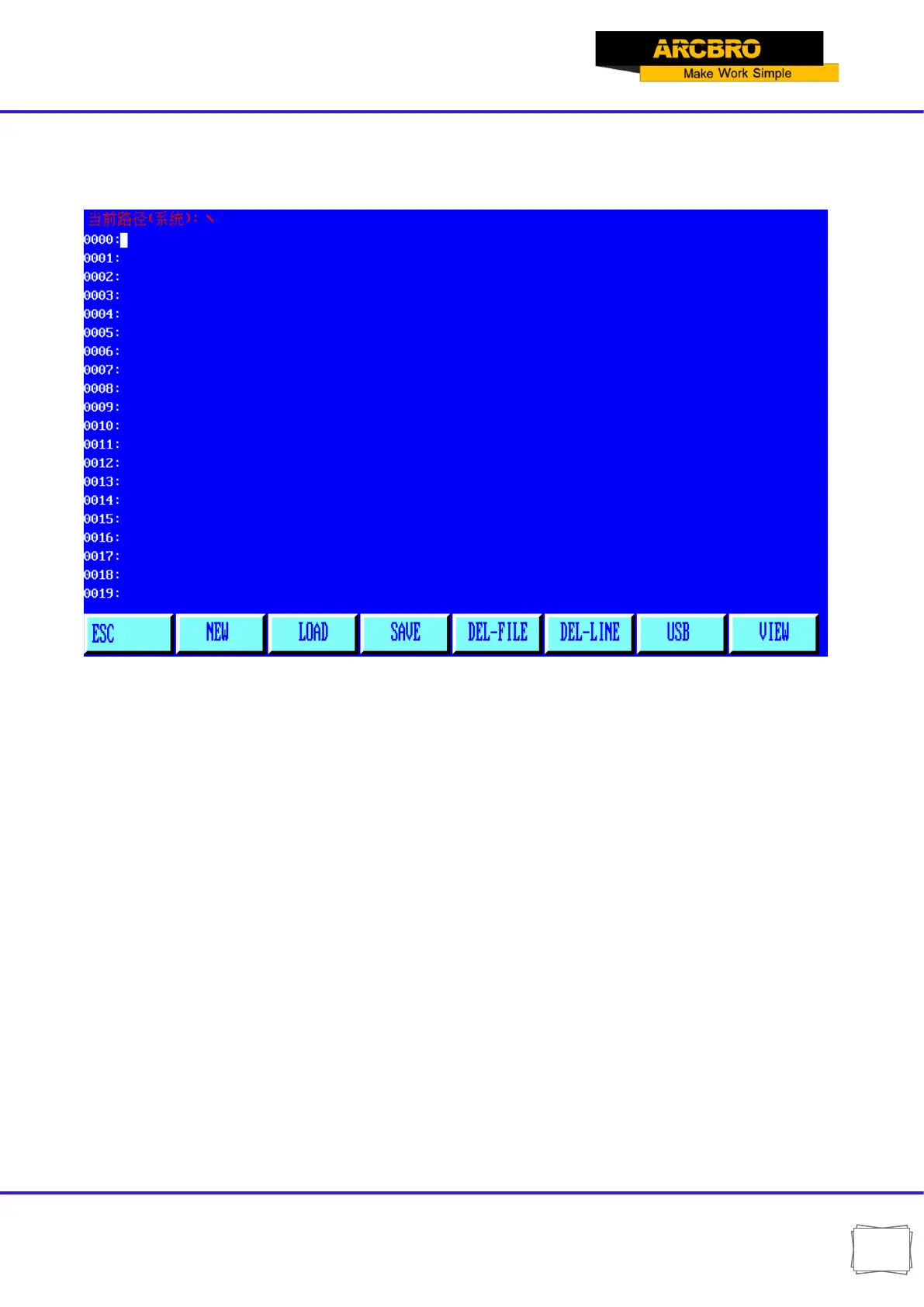
In the system main menu, press [F3] to enter EDIT menu as shown in the figure below:
Fig. 5.1 EDIT menu window
5.1. Description of EDIT Menu
5.1.1【F1】NEW
To establish a new program, i.e., clear the editing area of machining program and start to
edit a new machining program.
5.1.2【F2】LOAD
To load a program. Specifically, it is used to load a program into the user program area. The
system will tabularize the available program names and highlight the current program name.
Move the cursor key to select different programs. If ENTER key is pressed, the highlighted
program will be loaded into program editing area; if [ESC] key is pressed, the load function will
be abandoned.


 To Next Page