Service Support Spirit
Unique Solution WWW.ARCBRO.COM
10. System input/output interface connected
The system interface: including input/output (DB25 core), the motor (15 core), a wireless
remote control (15 core), meet the company production of block.
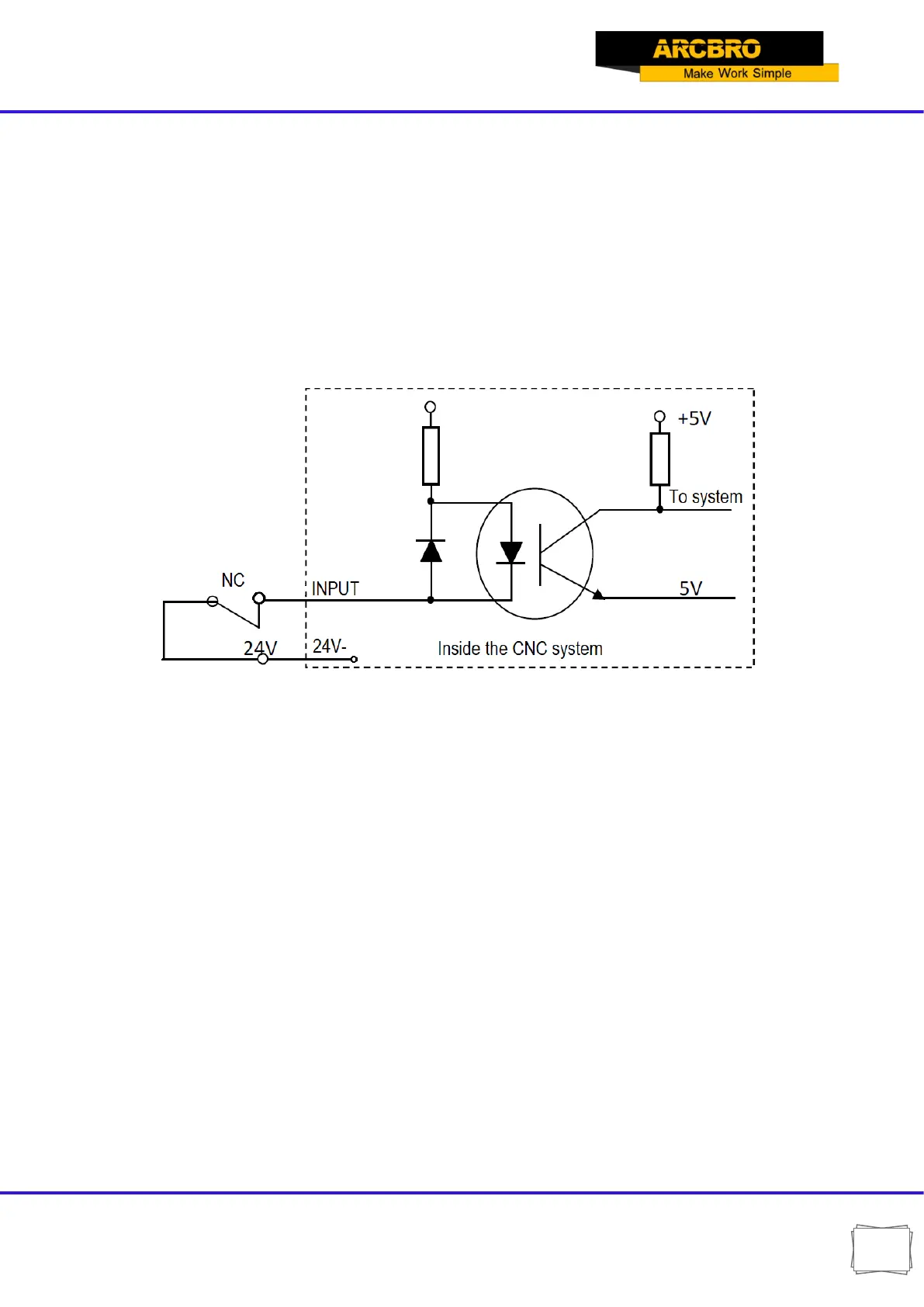
10.1. The system input principle
Generally limit/start/stop using mechanical switch, to prevent interference to enter, usually
use the normally closed contact of a mechanical switch, according to the chart mode connection.
Note:
System requires urgent stop, pause, the logic is consistent, namely by normally open or
connected normally closed points (common). System boot automatically detects the
external trigger a state, as a control.
System boot automatically detects the external trigger a state, as a control.
So, if you do not answer the external start switch, the corresponding bit should be
received 24 V (similar to answer t normally closed contact) or what all don't pick up
(similar to connect normally open contacts).


 To Next Page