Service Support Spirit
Unique Solution WWW.ARCBRO.COM
8. LIBMINIT (Library of Patterns)
8.1. LIBMINIT Setting
In addition to customized pattern module, the feature allows user to input the intended dimensions and
get the expected work piece.
When entering parameter, the control system will conduct general check to the physical dimensions and
prompt warning message if any error is detected.
Notes:
1. It is impossible for the control system to find all the error parameters; therefore, please enter correct
dimensions for parameters as much as possible.
2. When the parameters are entered, the control system will drawn the pattern based on the entered
parameters, which is very helpful to graphic check.
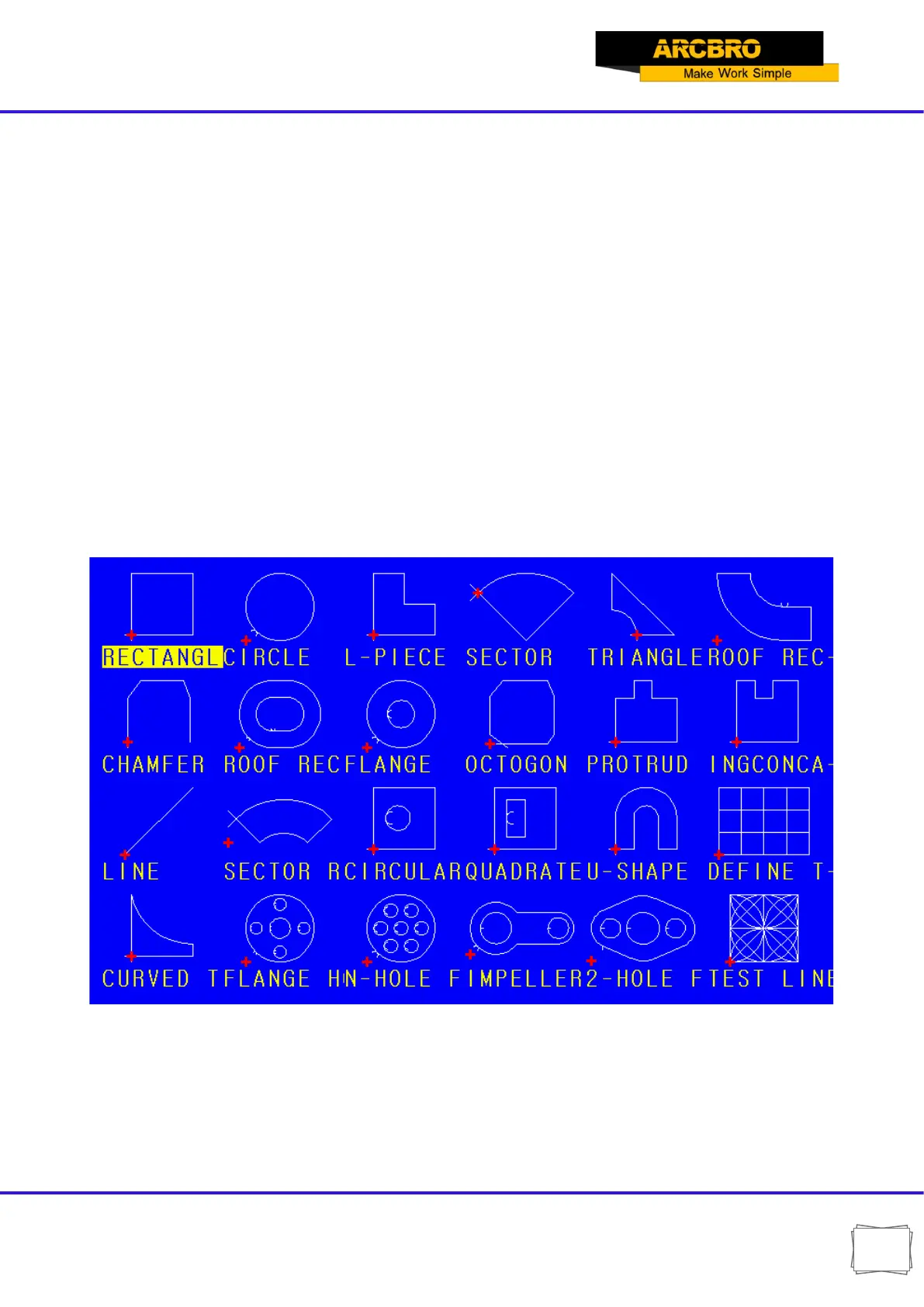
In the system main menu, press [F6] to enter the LIBMINIT(Library of Patterns).
Fig. 8.1 LIBMINIT Feature(Library of Patterns)


 To Next Page