Service Support Spirit
Unique Solution WWW.ARCBRO.COM
3.6. Breakpoint Restoration Process
3.6.1 Breakpoint restoration
In case of manual pause or power outage in machining operation, the system will
automatically save the current position of cutting torch as a breakpoint, which will be kept
permanently in the system, whether power the system off or not.
In automatic mode, press [F2] key to select RESBREK function and then [START] key to start
breakpoint restoration as long as there is no change with the current program.
If the position of cutting torch does not change, the system will prompt "Breakpoint" when a
breakpoint is found and wait for subsequent command. User may select piercing directly or
position adjustment of cutting torch. Refer to 3.4 for details.
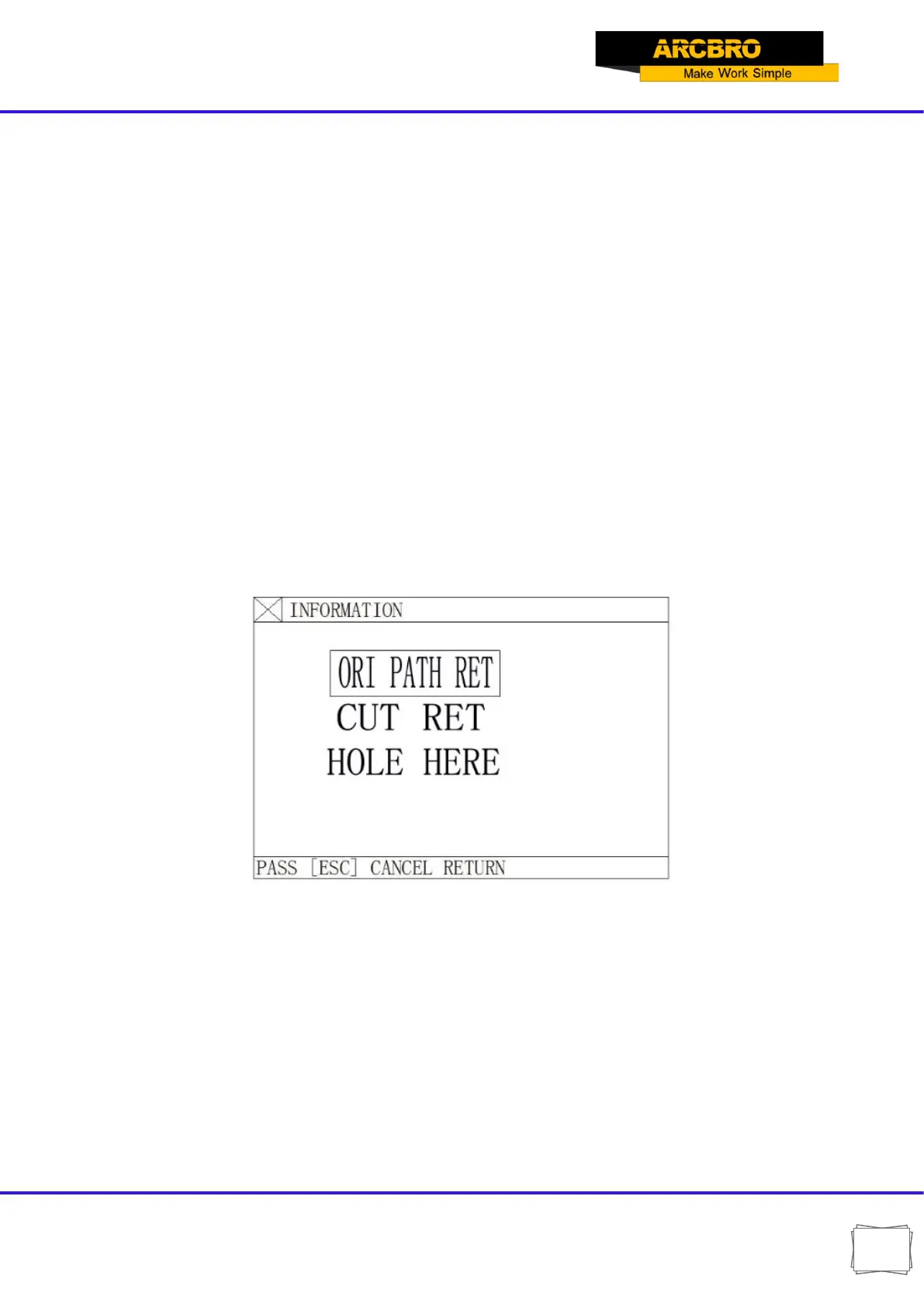
If the position of cutting torch changed (not at the breakpoint any more), the system will
provide three options when a program breakpoint is found, which is virtually position adjustment
of cutting torch.
Fig.3.5 Dialog box of restart options after system pause and breakpoint restoration
ORI PATH RET: To return to the breakpoint at speed G00, which is often used for the
breakpoint set for cutting torch replacement;
CUT RET: little bit off from the breakpoint after breakpoint restoration, which is somewhat like
piercing along the exterior margin, making the breakpoint smoother;
HOLE HERE: the same operation as previous, which can also be used for transitional cutting.
Now, it is allowed to press a heavy-current function key such as IGN (ignition), PREHEA (piercing
preheat), CUT(cutting oxygen), etc.


 To Next Page