Service Support Spirit
Unique Solution WWW.ARCBRO.COM
1)The external pause button press.
2) Plasma processing and choose the "arc pressure test (1)", if the broken arc will be suspended.
3) If you choose "" bump shot detection (1)", efficiently gun will be suspended.
3.4.2 Pause after the adjustment of position of the cutting
3.4.2.1 the following several ways of cutting torch position need to adjust:
1) Cutting torch is blocked, or need to change, often move the cutting torch to a safe location,
after processing to return to the starting point.
2) Need outer perforation, don't want to put the punch points on the outer limits of the
machining. In the workpiece outside to look for a suitable position (usually the edges of the
plate), perforation and then cut along a straight line to the starting point (pause) continue to
normal processing.
3) Transfer of cut, work piece is bigger, wide is bigger, need to change the local cutting.
3.4.2.2 several operating can adjust the cutting position of the following:
1. Suspension
2. The fallback
3. Punch
4. Parts processing
5. Machining
6. Breakpoint recovery
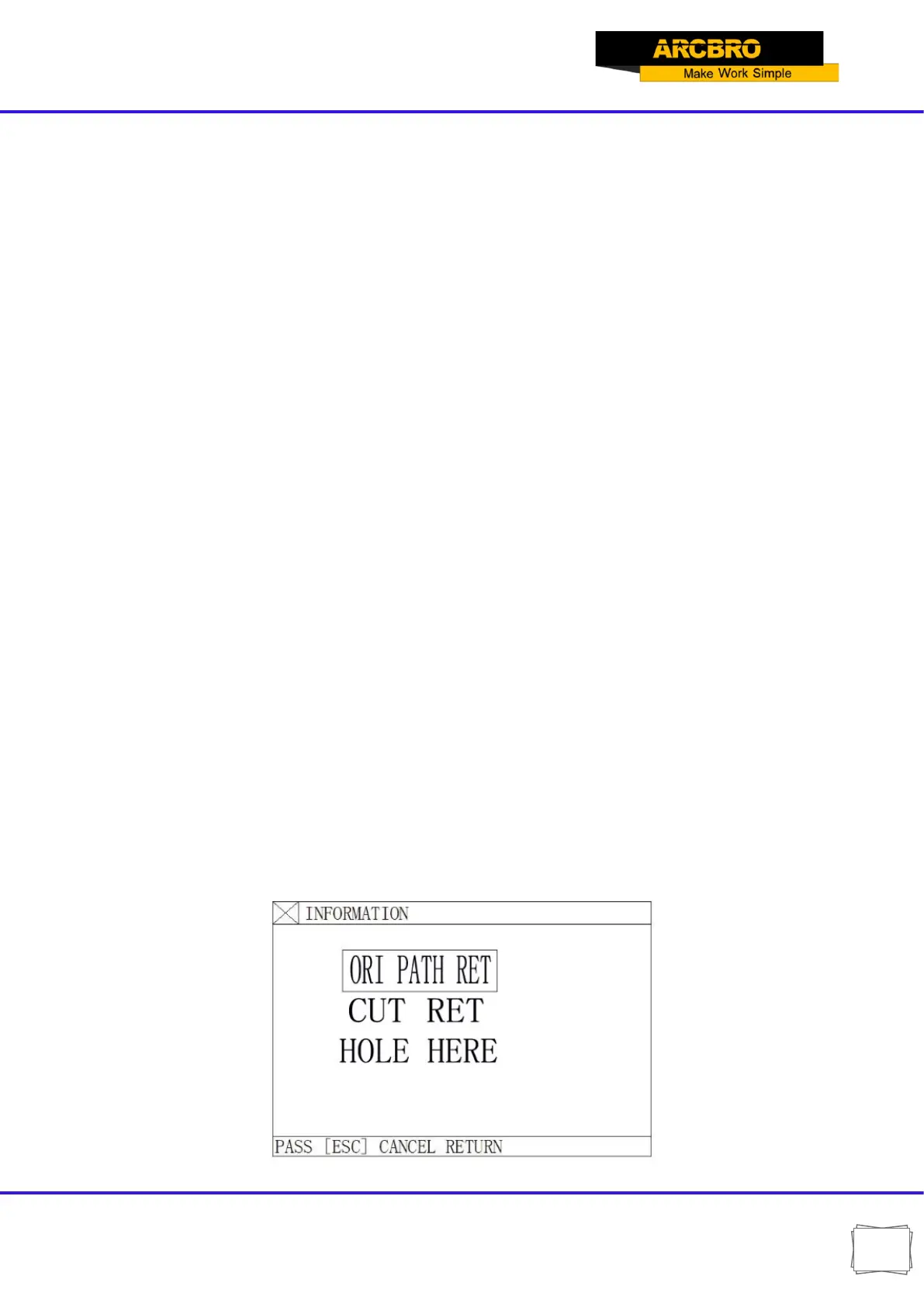
In the state, if want to change the cutting position, can be directly according to the【↑】
【↓】【←】【→】key to adjust the position of the cutting torch (the system ratio for manual rate
can be adjusted). After adjustment in place, press the [start] key, the following dialog:
Fig. 3.3 Dialog box of position adjustment options


 To Next Page