Service Support Spirit
Unique Solution WWW.ARCBRO.COM
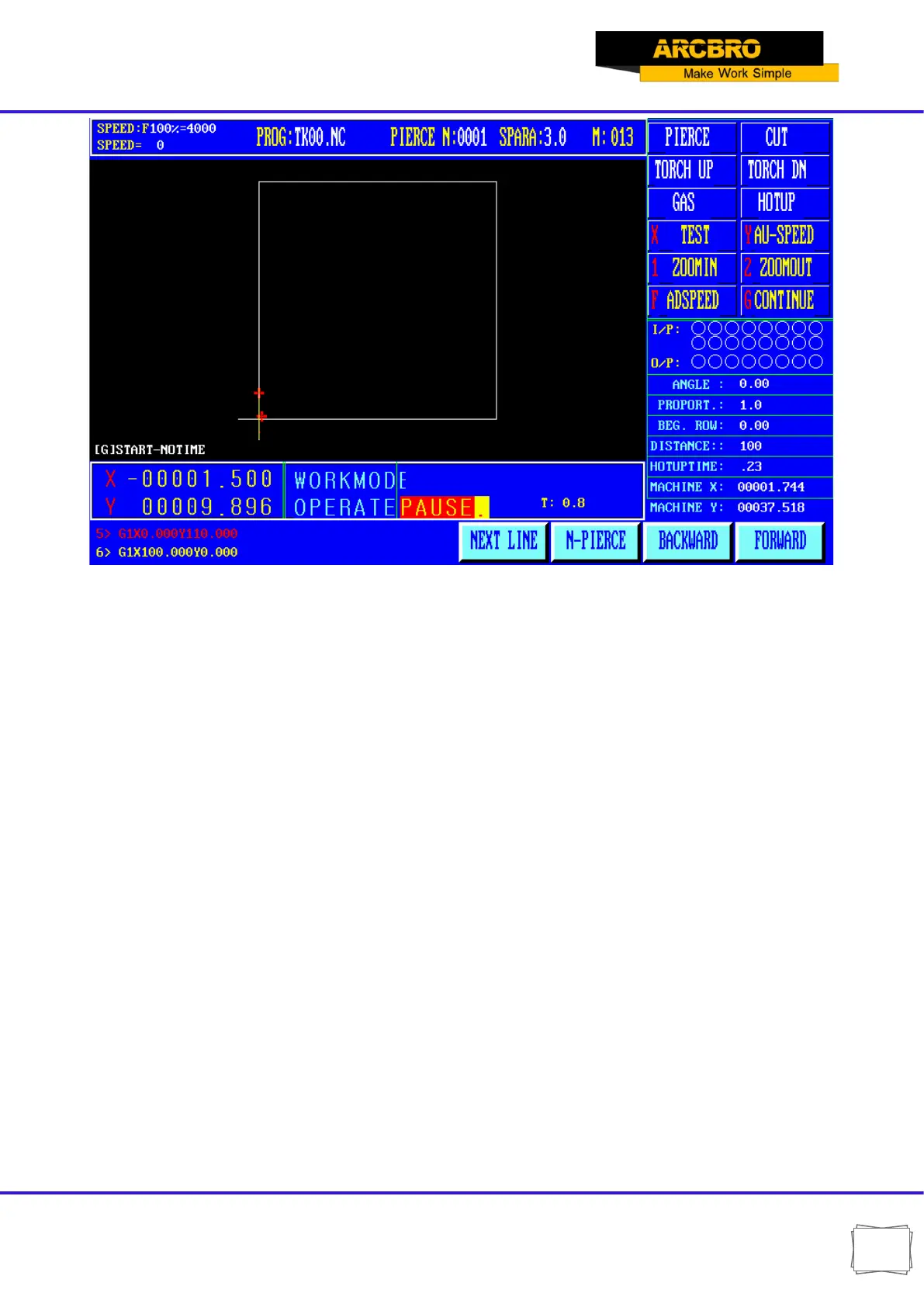
After suspended can be the following:
A. Select new piercing point, press "F5" key to enter the new perforation after a period, the
system automatically go to the new perforation, waiting for the punch operation.
B. The original track back.
C. Press "F4" button, select the line escapement operation, the system prompt: Fallback,
forward and choose program line, according to mark new selected row cursor position
operation, press the "start" key, the machine go to the new line escapement position,
waiting for the punch instruction to continue processing.
D. Adjust the position and so on.
E. Exit processing.
F. [Start]button: systems continue to run.
G. [ESC] key: Exit the machining program, return to the automatic image.
H. 【F↑ 】,【 F↓】speed adjusting button: increase or decrease feed speed ratio.
I. 【S↑ 】 ,【 S↓】control cutting torch up and down. Press the corresponding key, Cutting
up or down. Raise my hand cutting movement to stop.
J. [Stop key]: Scram button for external key (see the [external input interface]), the signal
from the input port access. When stop is valid, and stop all movement, output shut
down, for unexpected emergencies. Due to the conditions of the suspension
System and the following points:


 To Next Page