Service Support Spirit
Unique Solution WWW.ARCBRO.COM
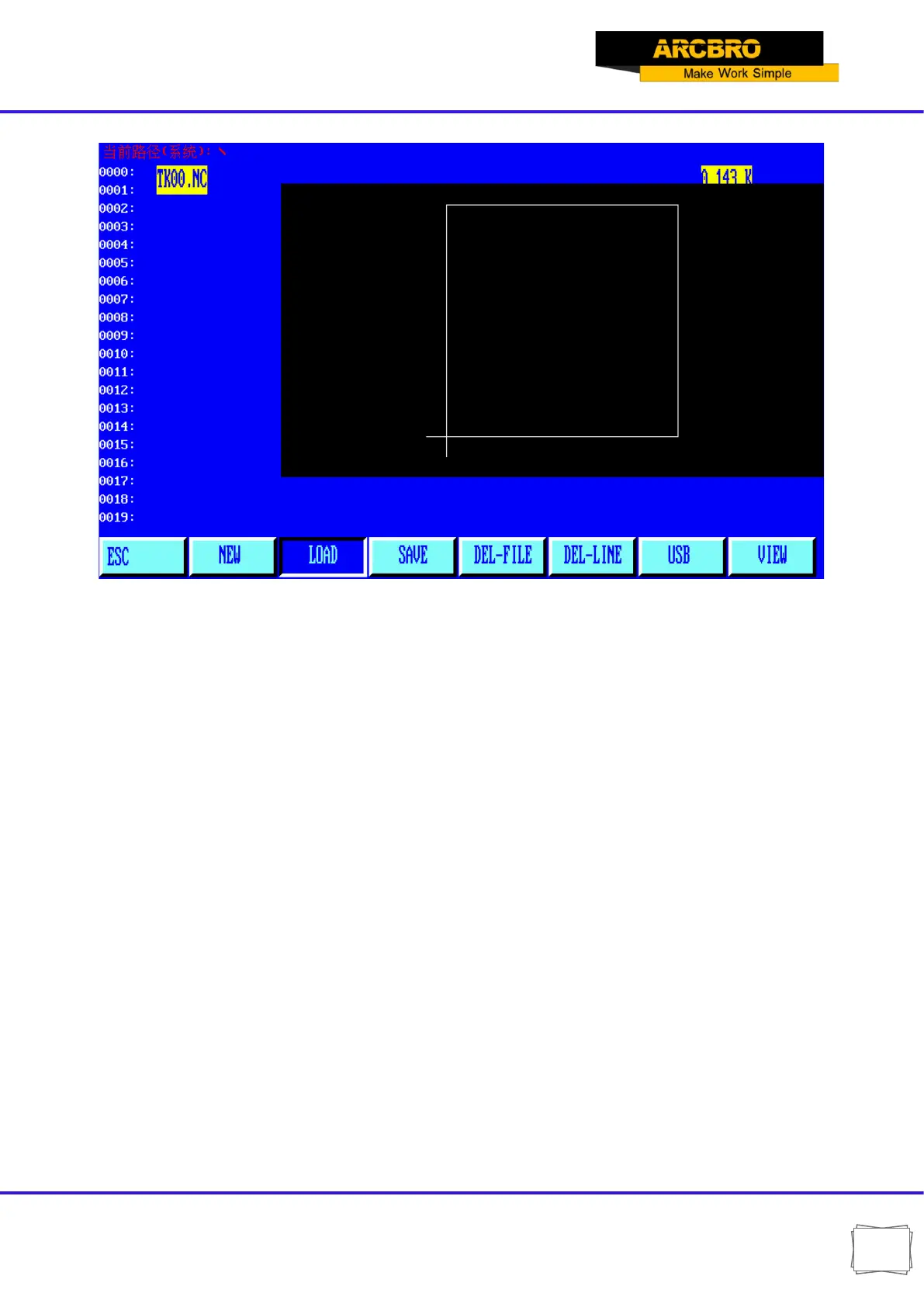
5.1.3【F3】SAVE
To save program. After a program is edited and ready to save, the system will prompt:
Enter program name: 1234.TXT
The system will display the current program name, which is modifiable. If ENTER key is
pressed, the program in the editing area will be saved into the program area under the selected
name; if [ESC] key is pressed, the save function will be abandoned.
Notes:
1)The program name and extension name should never exceed 12 characters.
2)For large-sized program above 200K, it is allowed to work along with USB disk instead of
saving it.
5.1.4【F4】DELE
It is used to delete the program in the user program area.
5.1.5【F5】DELL
To delete a full program line in editing area and improve editing efficiency.


 To Next Page