Service Support Spirit
Unique Solution WWW.ARCBRO.COM
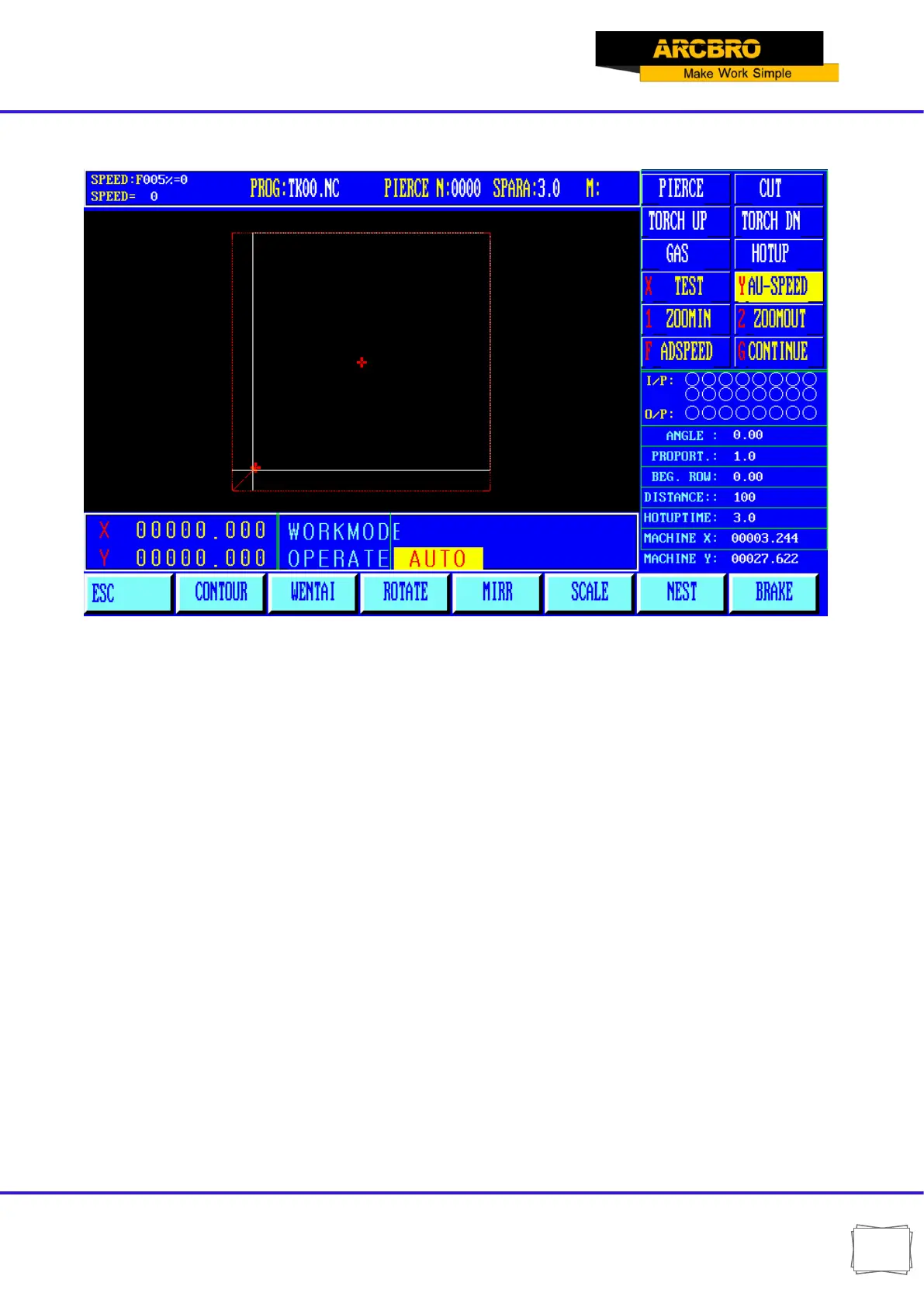
3.2.6.1.【F1】CONTOUR
Fig. 3.6.1 CONTOUR interface
The user before processing, can be determined by taking the contour line, the machining path
is beyond the scope of the steel sheet.
Press [F1] key to start walking contours, if not on the current torch reference point (coordinates
not zero), the system will prompt:
The current point positioning --- will torch the current position as a reference point.
Reference point location --- torch to return to the reference point, and then began
to walk contour.
When walking contours, if the torch over the range of steel, according to the [Pause] key to
move the position of the torch to the plate edge, then press [Start] button,
Then the system prompt: Modify the reference point "EN / ESC?" Press Enter to confirm the
reference point if changed, the current location will continue to operate as a contour line. Press
[ESC] to abandon changes. This operation can be repeated
many times do run until the position you prefer.


 To Next Page