11
ENGLISH
CONNECTION/PREPARATION
-----------------------------------------------------
Installation or hanging
7
Select a location so that no direct sunlight falls
on the screen.
Installation with stand
7
To mount the stand, refer to the installation
instructions included.
7
Place the TV set on a hard, level surface.
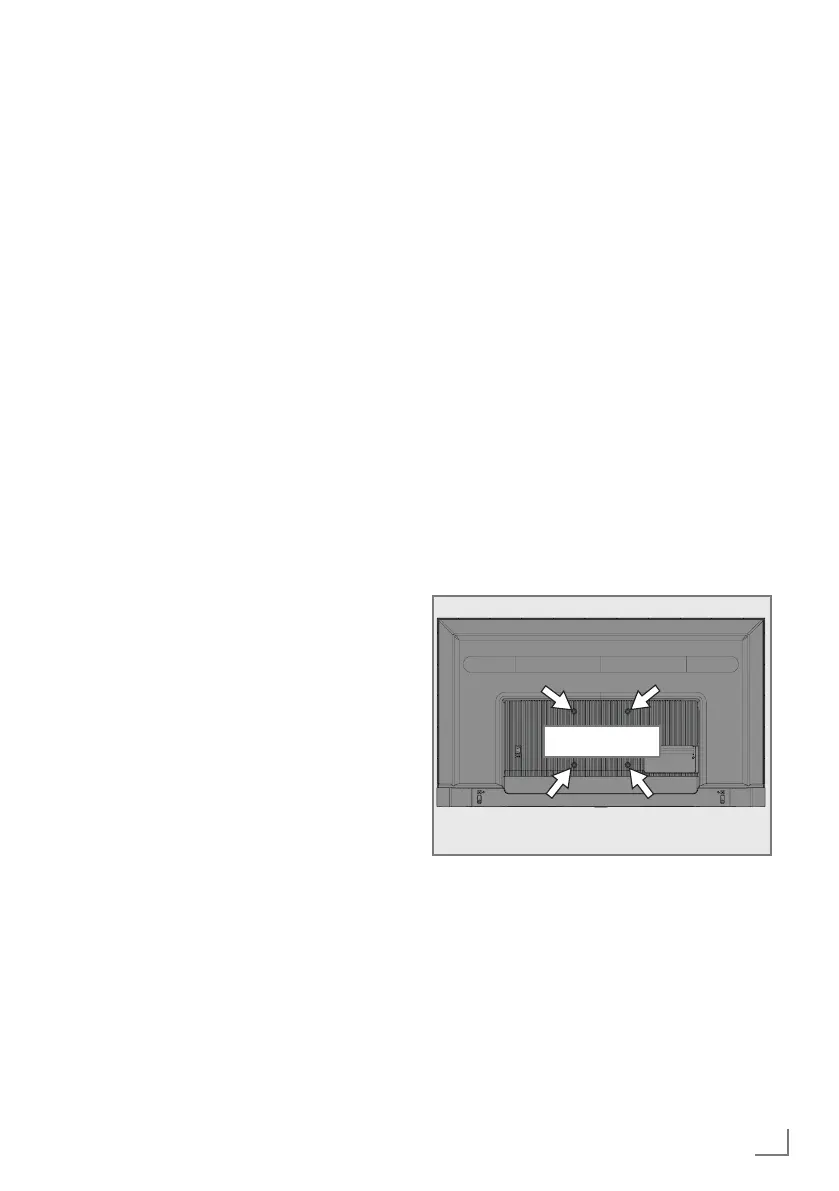
Preparing for mounting on the VESA
bracket
Contact authorised dealer to purchase the
bracket.
You will need:
7
A pair of scissors,
7
A cross-tip screwdriver.
Follow the installation instructions for the VESA
installation kit.
1 Place the TV in the film on a smooth surface
with the screen facing down.
2 Cut open the film on the back side using the
scissors.
3 Connect the required cables to the con-
nectors on the TV. See the “Connections”
section in this manual.
4 Tie the cables so they do not hang down
onto the floor.
5 Screw the VESA installation kit onto the
television and mount it according to its instal-
lation instructions.
VESA



 To Next Page