69
ENGLISH
SYSTEM SETTINGS
-----------------------------------------------------------------------------------------
1 Press »
)
«
on Home Screen.
2 Select »Settings »
)
«
and confirm with
»
«.
3 Select »System« with »
V
« and confirm with
»
« düğmesiyle onaylayın.
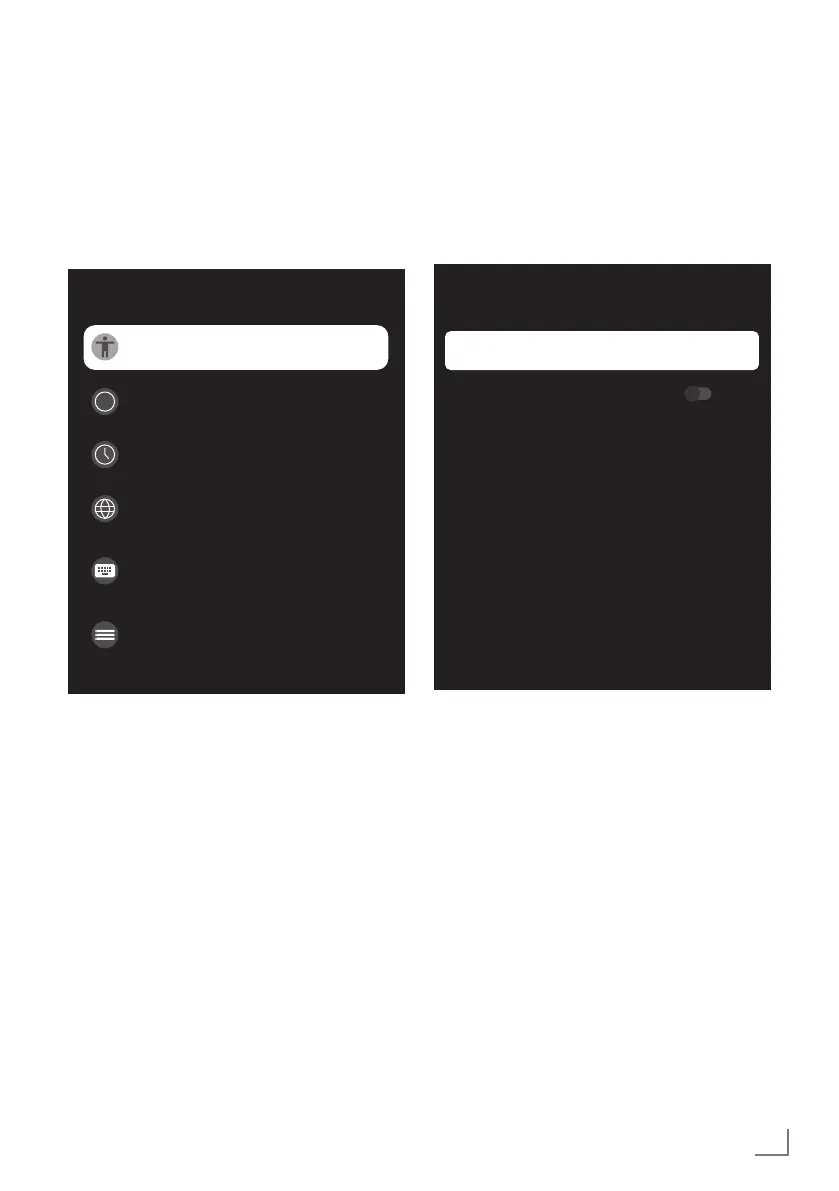
– »System« menu shall be displayed.
System
i
Accessibility
About
Date and Time
Language
Keyboard
Gboard
Storage
Ambiance mode
Note:
7
Additional procedures are explained in the
following sections.
Accessibility Settings
You can manage Accessibility settings in this
menu.
1 Select »Accessibility« from the »System«
menu and confirm with »
«.
– »Accessibility« menu shall be displayed.
Accessibility
Subtitles
High-contrast text
(Experimental)
Text to speech
Accessibility shortcut
SERVICES
Subtitles
1 Select »Subtitles« from the »Accessibility«
menu with »
V
« and confirm with »
«.
– »Subtitles« menu shall be displayed.
2 Select the desired line/function with »
V
« or
»
Λ
«, select the value/option with »
<
«, »
>
«,
or »
«.
3 Press »
a
« to return to the previous menu.



 To Next Page