ENGLISH
14
OVERVIEW
--------------------------------------------------------------------------------------------------------------
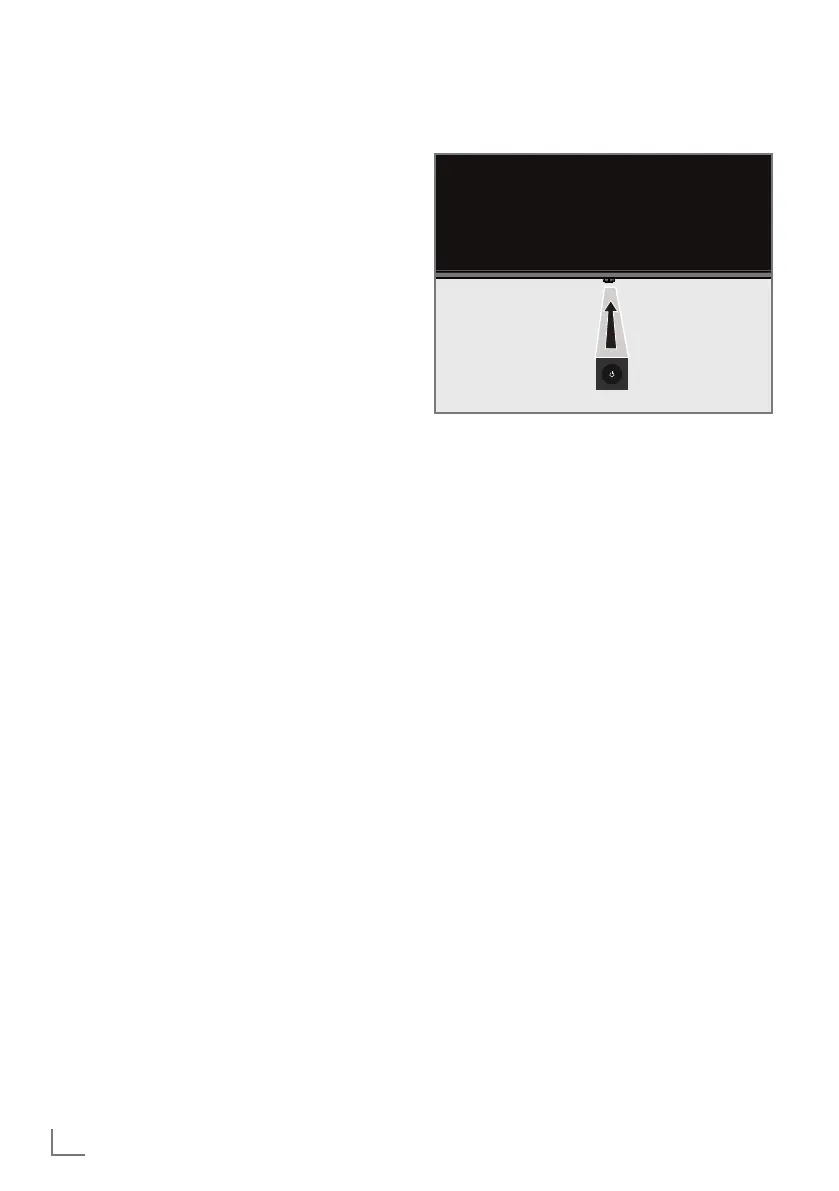
Keypad
Switching the TV on from the
standby mode
1 Press »8« to turn on the TV from the standby
mode.
Switching the TV to sleep mode,
and turning it on from the sleep
mode
1 The TV shall switch to sleep mode when »8«
is pressed shortly when the TV is on.
2 The TV shall switch on from the sleep mode
when »
8« is pressed shortly when the TV is
in sleep mode.
Switching the TV to the standby
mode
1 Press »8« for 5 seconds to switch the
TV to the standby mode. - Close menu is
displayed.
2 Select »Power off» and confirm by pressing
»
« .
3 The TV switches to the standby mode.
7
AC IN: Power cable input.
7
Service: Service only.
7
LAN: Network connection.
7
Optic Out: optical audio output.
7
USB(HDD): For external data media.
7
HDMI3: Input for digital audio and image
data.
7
HDMI2: Input for digital audio and image
data.
7
SATELLITE: Input for satellite antenna signal.
Suitable for single-cable SCR system.
7
ANT IN: Input for antenna cable (terrestrial
antenna or cable connection).
7
U: Headphone output.
7
USB 1: For data medium and keyboard.
7
HDMI1 (e-ARC): Input for digital audio and
image data.
7
CI: For CA modules for receiving encrypted
channels.



 To Next Page