113
ENGLISH
HELP
--------------------------------------------------------------------------------------------------------------------------------
Troubleshooting
If the remedies given below do not work, please consult an authorised GRUNDIG dealer. Please
bear in mind that malfunctions can also be caused by external devices such as video recorders or
satellite receivers.
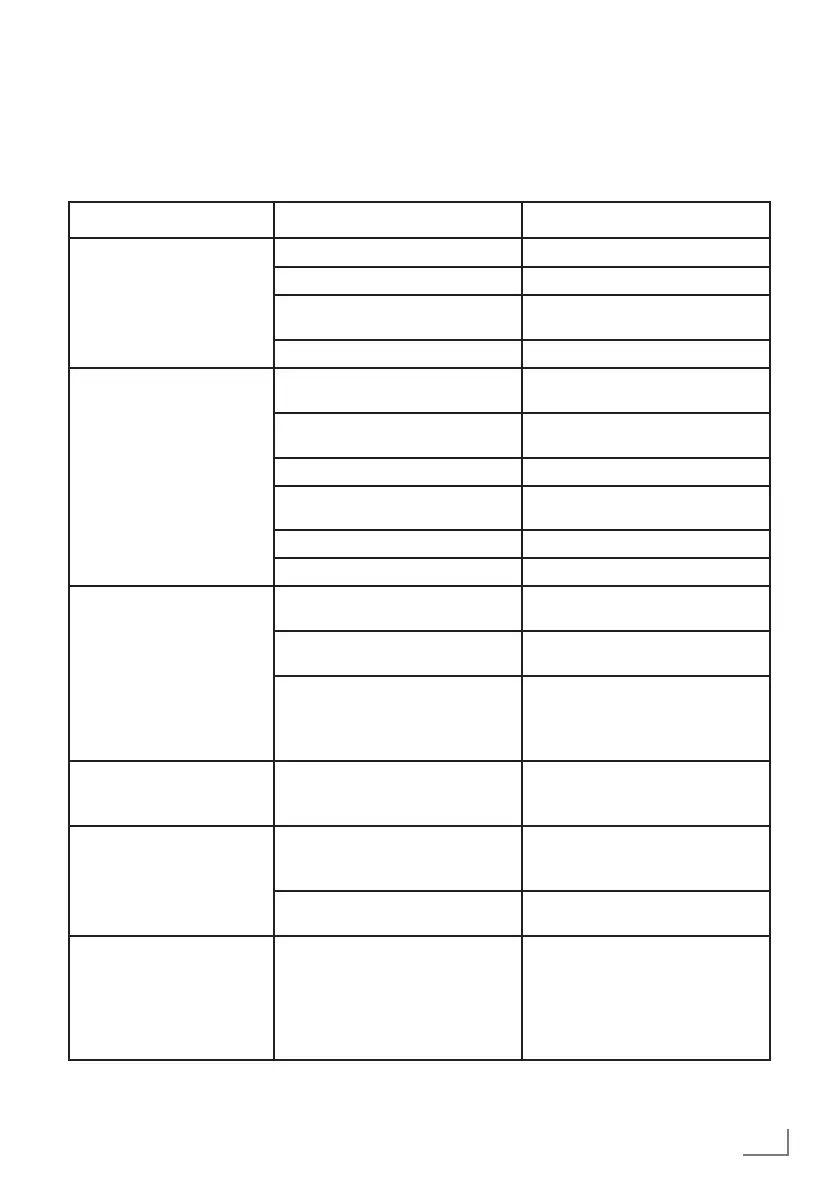
Problem Possible cause Solution
Screen is on (black screen),
but there is no channel
Antenna cable Is the antenna cable connected?
No TV station programmed Start a channel scan
Poor picture contrast Picture settings incorrectly set Adjust the brightness, contrast or
color setting
Problem at station Test with a different station
Ghosting, reflection Channel setting Automatic or manual channel
setting
Antenna Have the antenna cable or system
checked
No color Color intensity at maximum Turn up the colour
TV standard setting (if setting op-
tion is available)
Select the correct color standard
Problem at station Test with another channel
Picture but no sound Volume set to minimum Turn up the volume
Remote control does not
work
No optical connection Point the remote control at the
television set
Remote control batteries Check the batteries, change if
necessary
Operating condition undefined Switch off the TV by pressing
the main power key (if any) or
unplugging the mains plug, and
leave it off for about 2 minutes.
Picture is dark in PC mode Incorrect setting for picture resolu-
tion and picture frequency on
the PC
Change the setting on the PC (for
example, picture resolution 1280
x 768, picture frequency 60Hz)
Warnings about theconnec-
tion problems onthe display
Network Cable or wireless USB
network device may be discon-
nected
Check network cable or wireless
USB network device
Modem does not have Internet
connection or has problems
Make sure that your modem has
Internet connection
Videos in video applica-
tions are lagging during
playback in wireless con-
nection
Internet connection speed is low. Low Internet connection speed
is a problem that is related with
the speed of your subscription
or a failure in the Internet infra-
structure. Contact your service
provider (ISP).



 To Next Page