89
ENGLISH
NETWORK SETUP
-------------------------------------------------------------------------------------------
Wireless network
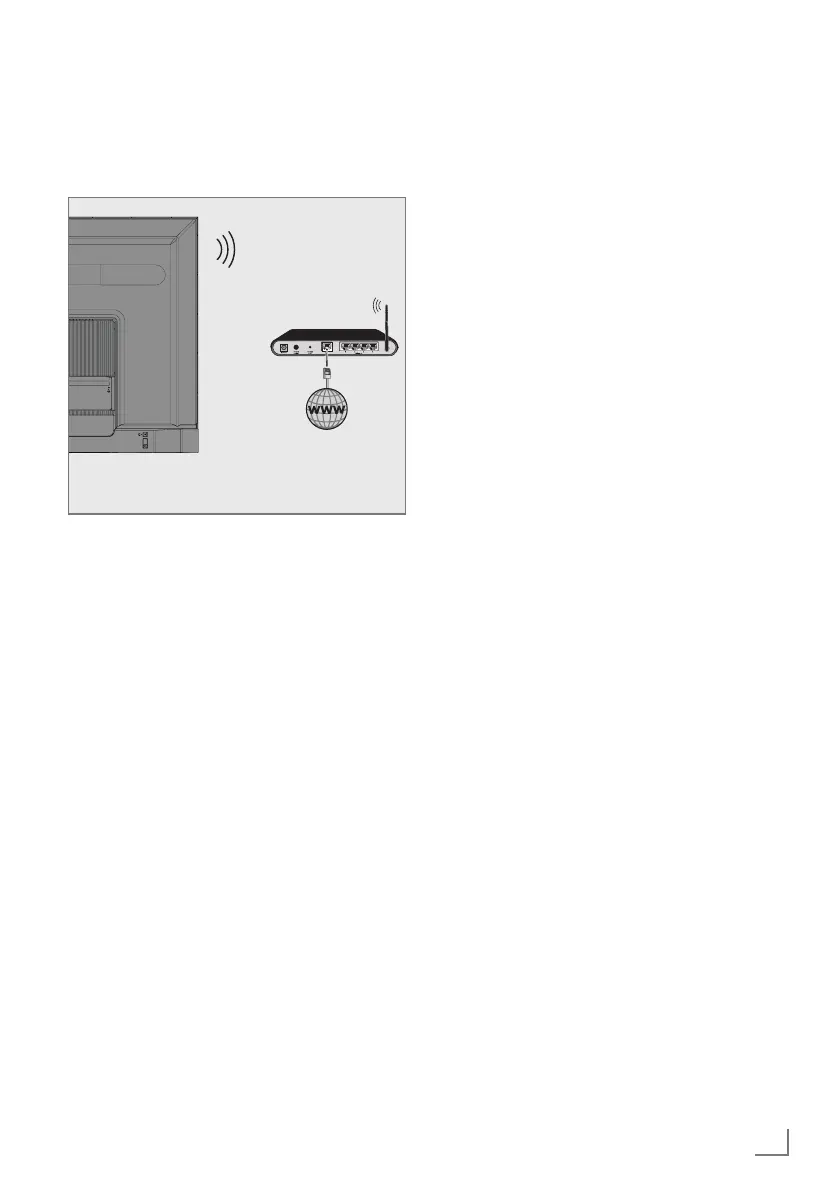
Wireless network connection
1 Television includes a built-in Wireless WiFi
Adapter to connect it to wireless network.
Notes:
7
Wireless LAN adapter supports IEEE
802.11B/G and N communication
protocols. We recommend you to use IEEE
802.11N protocol to obtain the best perfor-
mance in HD video playback over wireless
connection.
7
If you use a modem that supports IEEE
802.11B/G, video playback performance-
may be poor when compared to a modem
that supports IEEE 802.11N since the data-
transfer rate of IEEE 802.11B/G protocol
is lower.
7
It is recommended to switch off the equip-
ment that are not in use in homenetwork in
order to avoid unnecessary network traffic.
7
Placing the modem or wireless network
sharer on an elevated location will increase
the wireless connection reception strength.
7
Wireless connection reception strength may
vary depending on the type of the modem
and the distance between the modem and
television.
Wireless network configuration
You have several ways to connect your TV to
your home network.
Automatic connection,
all data regarding connection settings (»IP
Address«, »Netmask«, »Gateway« and
»DNS«) are obtained from modem auto-
matically.
Depending on the router, you can use the
following options:
– Connection with network password.
Manual connection,
all data regarding connection settings
(»IP Address«, »Netmask«, »Gateway«
and»DNS«) must be configured manually.



 To Next Page