ENGLISH
62
ARÇELİK GOOGLE TV
--------------------------------------------------------------------------------
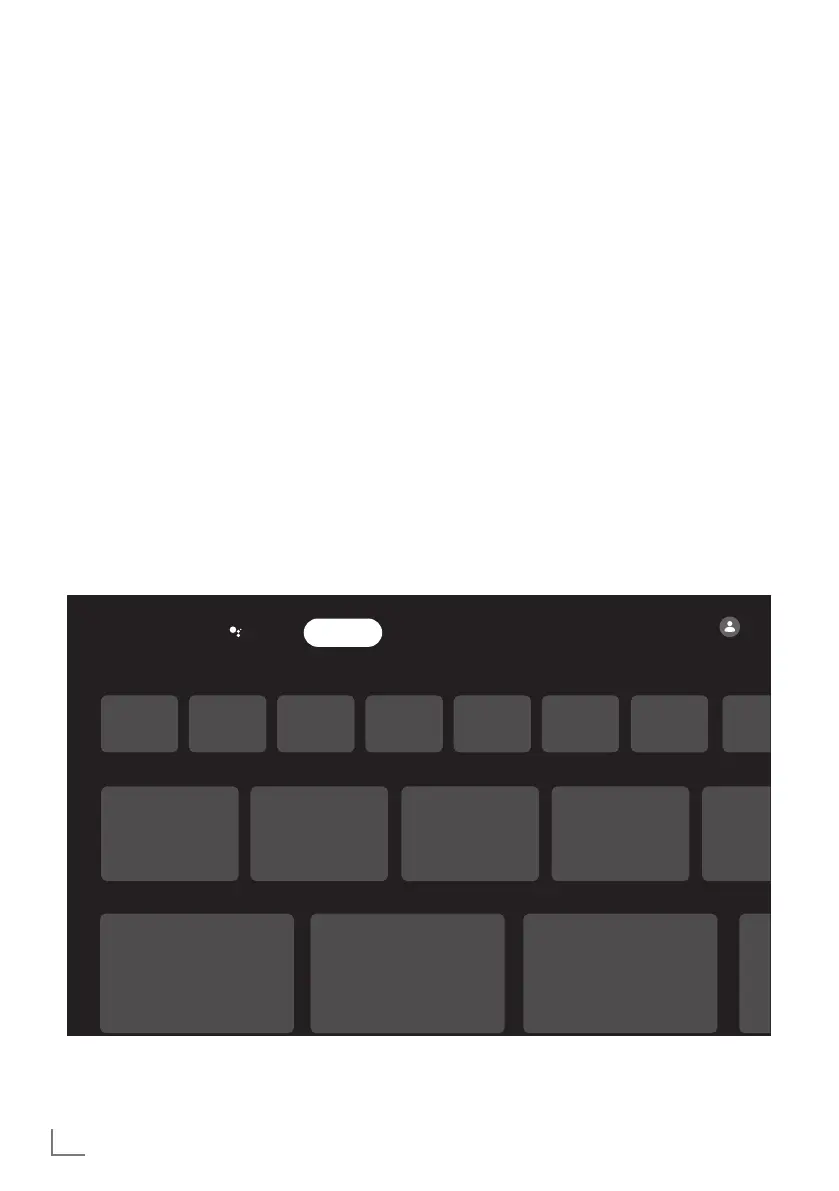
Home Screen
Your TV has an Google TV operating system.
Just like your smartphone or tablet, you can find
the most practical applications you want on
your new Google TV. Just connect your TV to
your home network and the Internet to watch TV,
play online games, use videos, pictures, music,
social sharing apps, the most popular news and
sports apps.
As with your Android smartphone or tablets, the
Home Screen menu is the center of your TV. You
can decide what to watch by browsing through
the Home Screen menu, app and live TV enter-
tainment options. Home Screen menu has chan-
nels to let you discover great content from your
favorite apps.
To access the TV Home Screen menu, simply
press »
T
«.
Opening Home menu
1 Press »
T
«.
2 To open/start an item with »
<
«, »
>
«, »
V
«
or »
Λ
«, press »
« .
3 Press »
a
« repeatedly or »
T
« to return to
home screen.
Notes:
7
When opening home screen, applica-
tion/content playing in the background
is stopped. You need to reselect app or
content from Home screen to continue.
7
Appearance of Home Screen menu may
change with Google software updates.
Google TV
Your applications
Continue watching
Prime Video
Search Applications Library
Home Screen



 To Next Page