73
ENGLISH
SYSTEM SETTINGS
-----------------------------------------------------------------------------------------
Language settings
You can manage the TV language settings in
this menu.
1 Select »Language« from the »System« menu
and confirm with »
«.
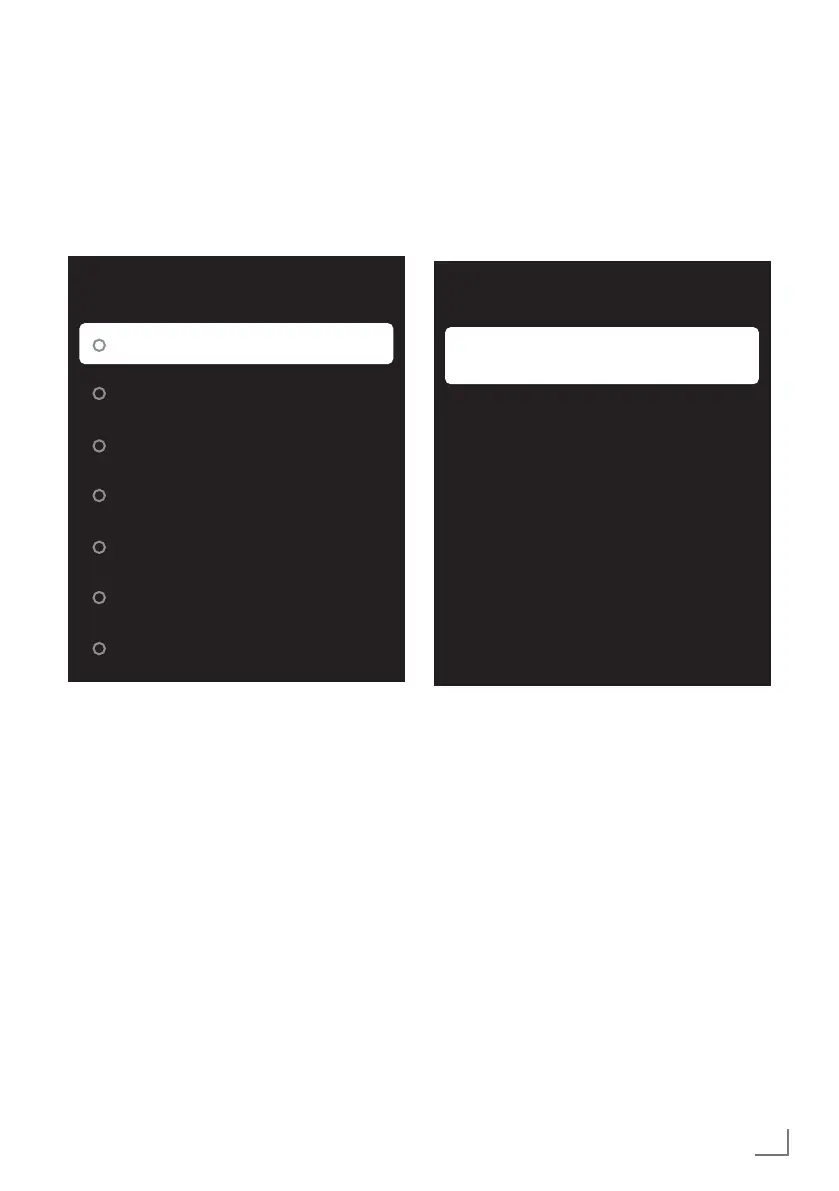
– »Language« menu shall be displayed.
Language
Català
Čeština
Dansk
Deutsch
English (United Kingdom)
English (United States)
Espanol
2 Use »
V
« or »
Λ
« to select »Language« and
confirm with »
« button.
3 Press »
r
« to return to the previous menu or
press »
T
« to return to Home menu.
Keyboard settings
You can manage the virtual keyboard settings in
this menu.
1 Select »Keyboard« from the »System« menu
and confirm with »
«.
– »Keyboard« menu shall be displayed.
Keyboard
Current keyboard
Gboard
Gboard Settings
Manage Keyboards
Current keyboard
1 Select »Current keyboard« from the »Key-
board« menu with »
V
« and confirm with
»
«.
2 Use »
V
« or »
Λ
« to change keyboard
choice and confirm with the »
«.
Note:
7
To change current keyboard, a 3rd party
keyboard application must be downloaded
from Play Store.
3 Press »
a
« to return to the previous menu.



 To Next Page