12
THE VIDEO BROWSER
the Video Browser
allows you to navigate
to other folders within
the Video folder. It is
based on the Archos
™
File Browser.
See:
Using the Browser
.
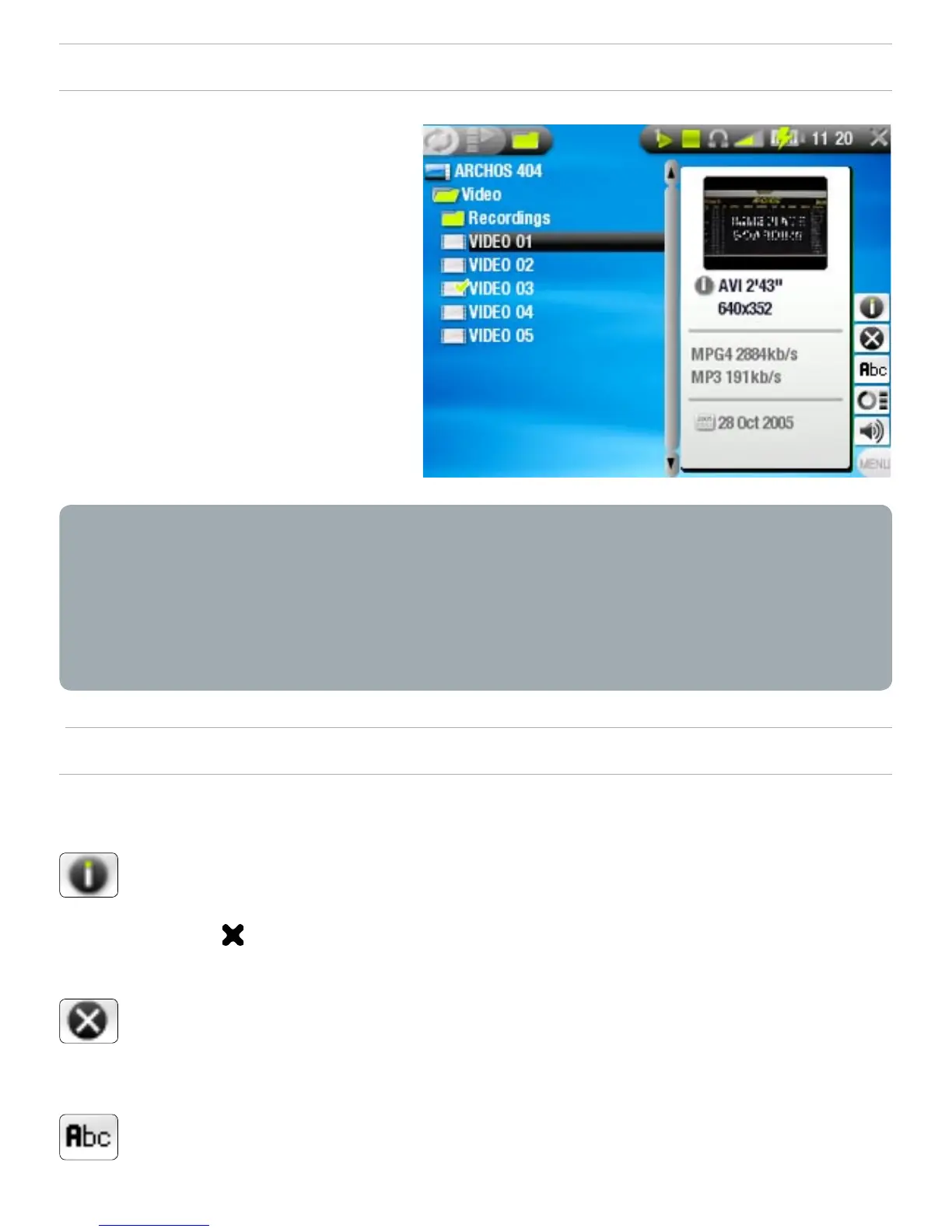
Both views display a motion thumbnail of the highlighted
video as well as various information about the video le.
If you have saved a video frame as a thumbnail (see: Video
Playback Menu Items), the thumbnail will no longer play the
highlighted video le, but show that image instead.
VIDEO LIST & BROWSER MENU ITEMS
Info
displays a message box with all the available
information about the highlighted video le.
Press to close the info screen.
Delete
allows you to delete the highlighted video le. A
conrmation screen will pop up.
Rename
allows you to change the name of the highlighted video
le using the virtual keyboard.
see:
Using the Virtual Keyboard
.
•
•
•
-
-
-
-
-



 To Next Page