11
1. PlayIng VIdeO
In the Home Screen, highlight the Video icon and
press OK to enter the video mode.
1.1 brOwsIng ThrOugh yOur VIdeOs
There are two types of views for you to browse through your
videos:
the Video List
the Video Browser
You can switch between the two views by pressing at any
time while browsing in video mode.
When browsing in video mode, only video les are shown.
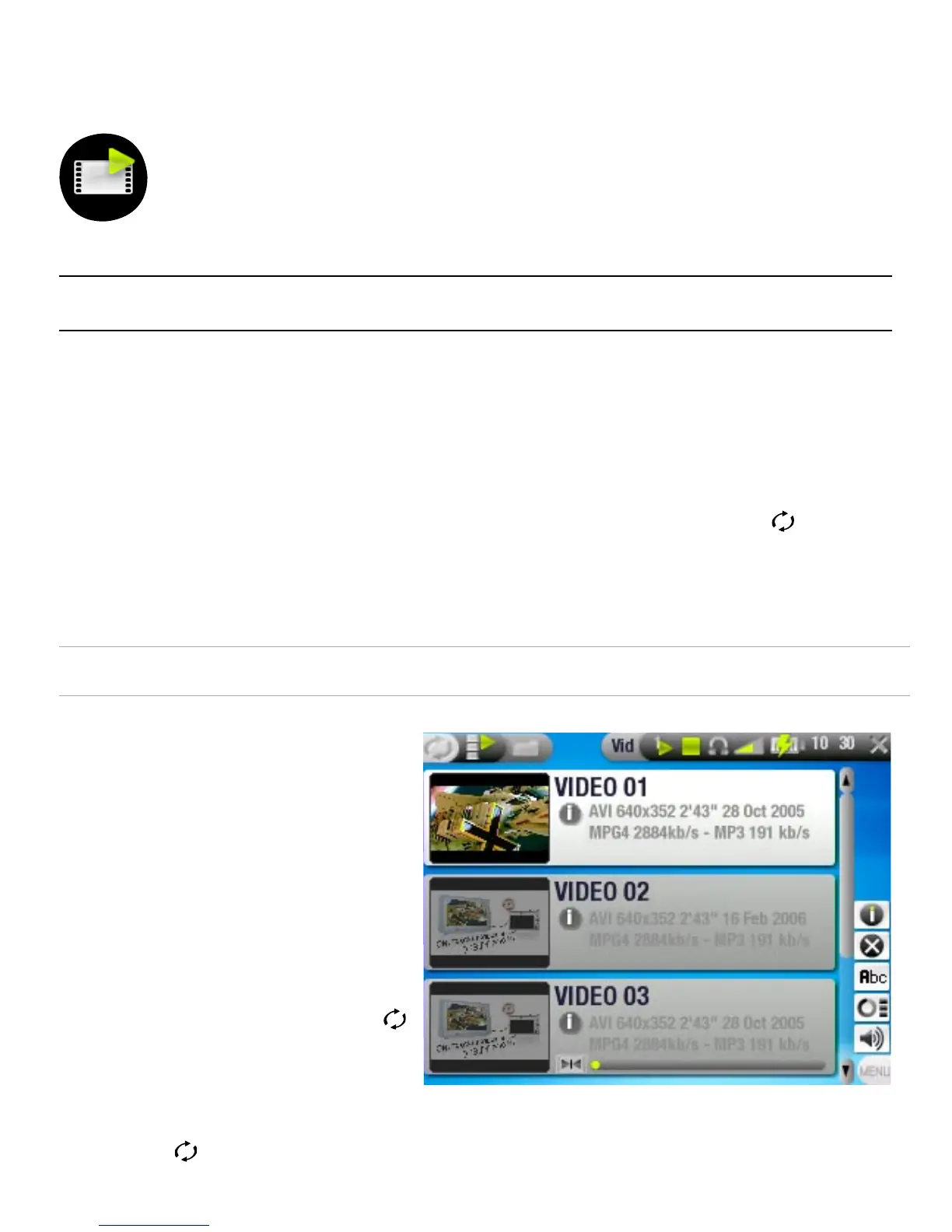
THE VIDEO LIST
the Video List (default
view) only shows the
video les in the Video
folder of the ARCHOS
™
’s
hard drive (it does not
show videos located in
subfolders).
To view videos from a
different folder, press
to switch to the Video
Browser view, navigate
to another folder, and
press again to go
back to the Video List.
•
-
-
•
•
•
•



 To Next Page