39
4.3 PhOTO seTTIngs
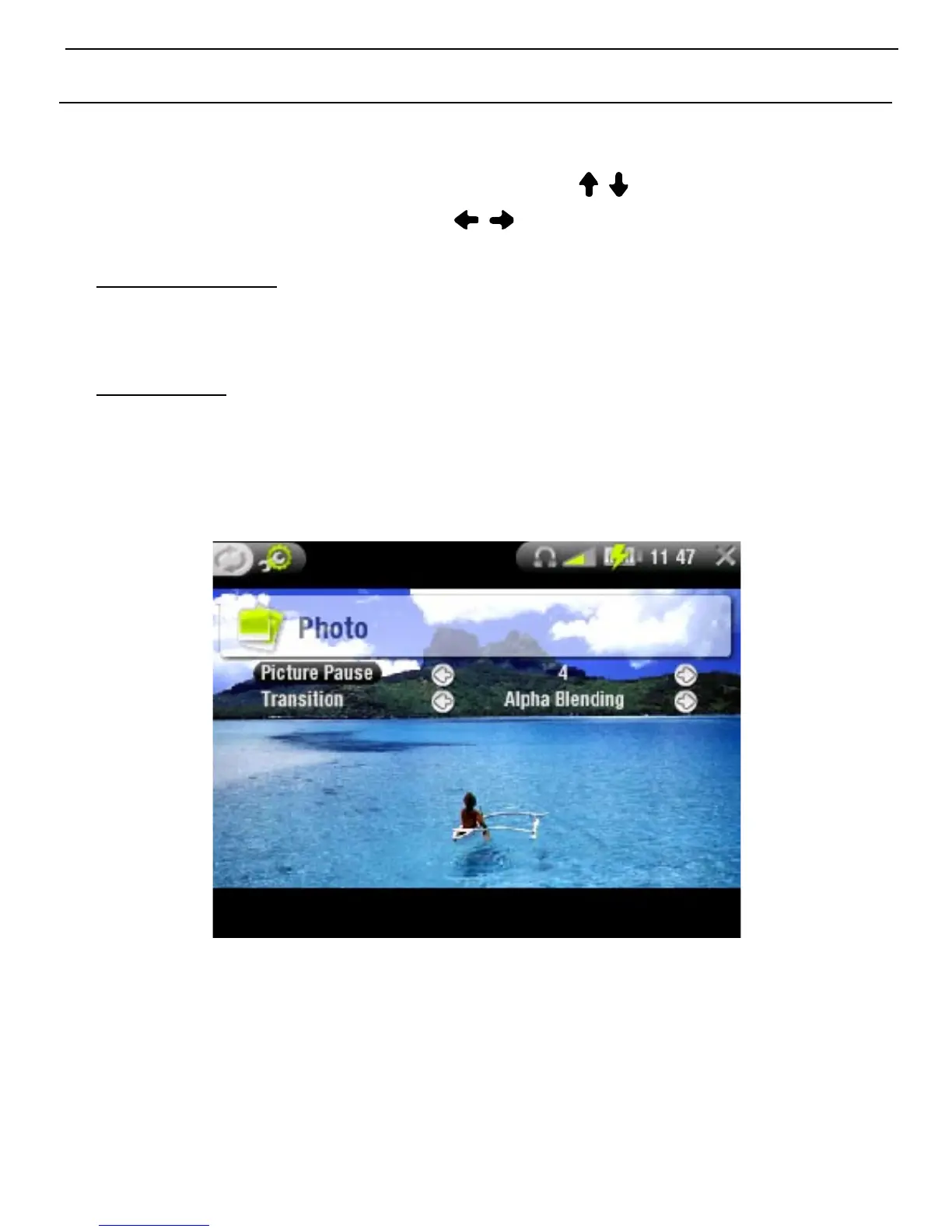
You can access the Photo Settings screen via the
Settings
Menu item while viewing pictures. Use / to highlight a
different parameter, then use / to select a different setting.
Picture Pause
denes the time that each picture will be displayed during
a slideshow.
Transition
denes the transition effect to be used between two
pictures. There are several cool effects that you can
choose from.
•
-
•
-



 To Next Page