54
7. seTuP sCreen
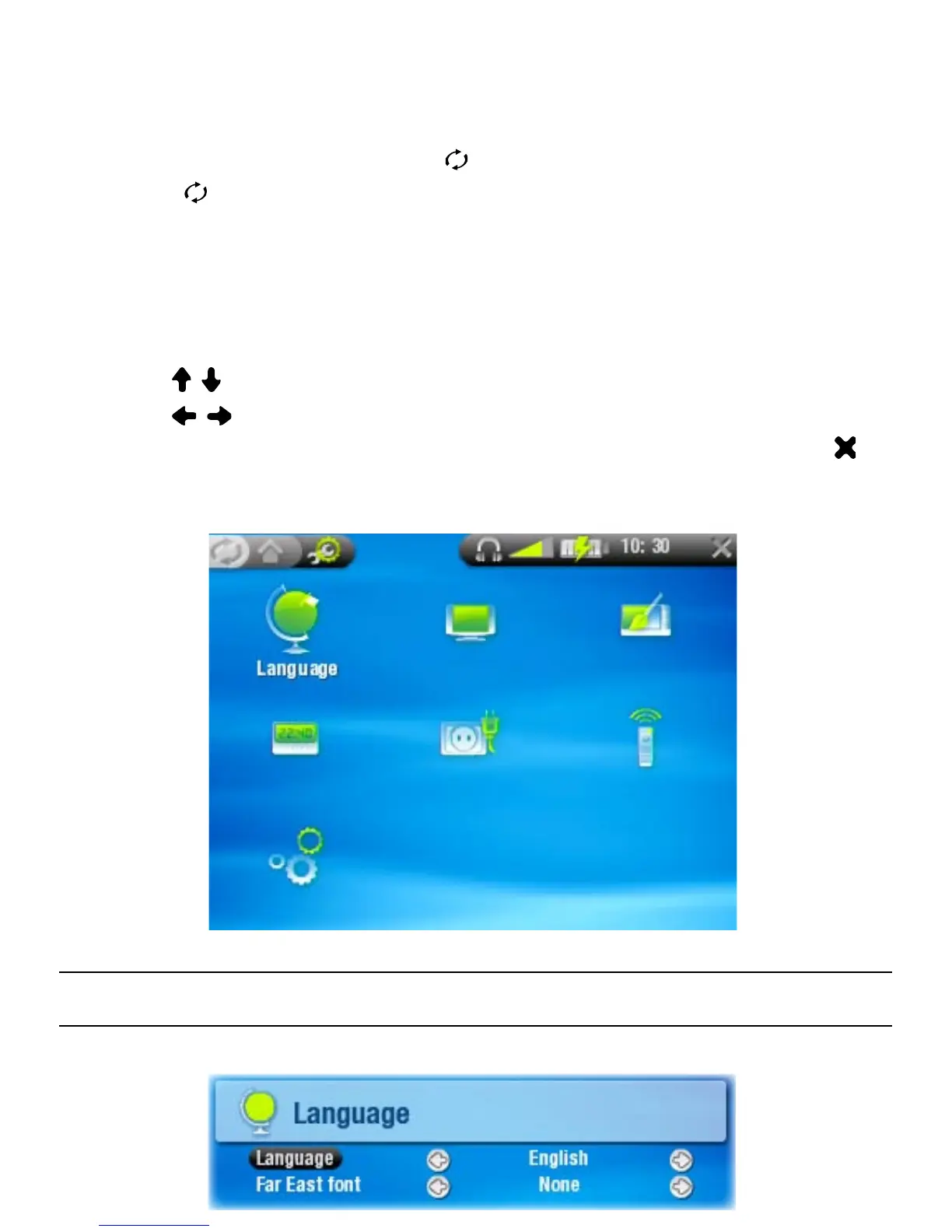
In the Home Screen, press to enter the Setup Screen
(press again if you want to go back to the Home Screen).
Select one of the settings icons (Language, Display,
Appearance, etc.) and press OK to enter the corresponding
settings screen.
Once you are in a settings screen:
use / to highlight a different parameter.
use / to select a different setting.
When you have nished adjusting your settings, press to
go back to the main Setup Screen.
7.1 language seTTIngs
•
•
•
-
-
-



 To Next Page