57
Background color
denes the background color if you have disabled use of a
wallpaper.
Theme
denes the theme color for your icons.
Font color
Denes the font color.
Previous settings
Highlight and press OK to discard any changes you may
have made since entering this screen.
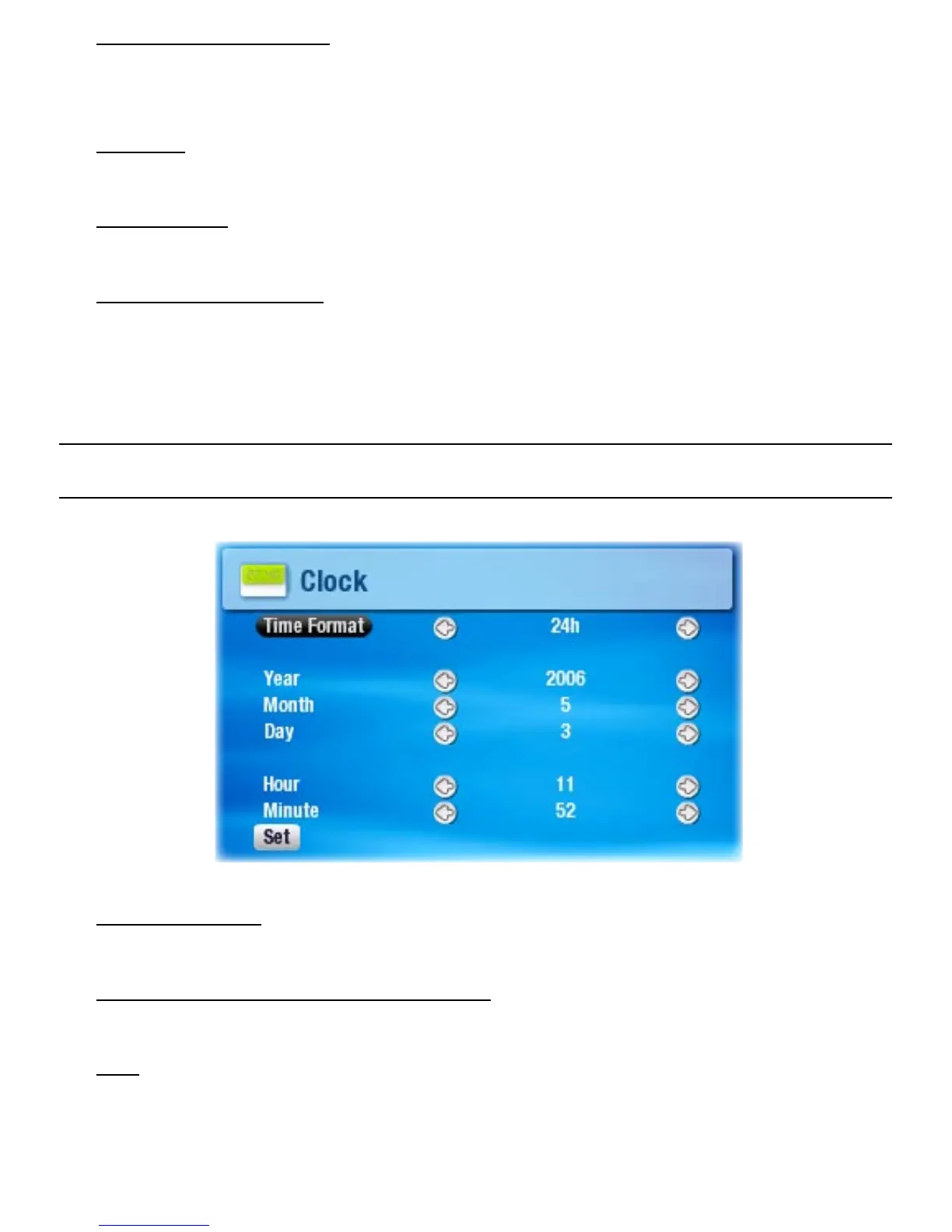
7.4 ClOCK seTTIngs
Time Format
choose between 12h or 24h mode.
Year, Month, Day, Hour, Minute
sets the current date & time
Set
Highlight and press OK to set the time and date. If you
forget to do this, your clock settings will not be saved.
•
-
•
-
•
-
•
-
•
-
•
-
•
-



 To Next Page