55
Language
Choose between English, French or German.
Visit www.archos.com to check the availability of other
languages that you can download and install.
Far East Font
lets you use other character sets.
See:
Other Character Sets
.
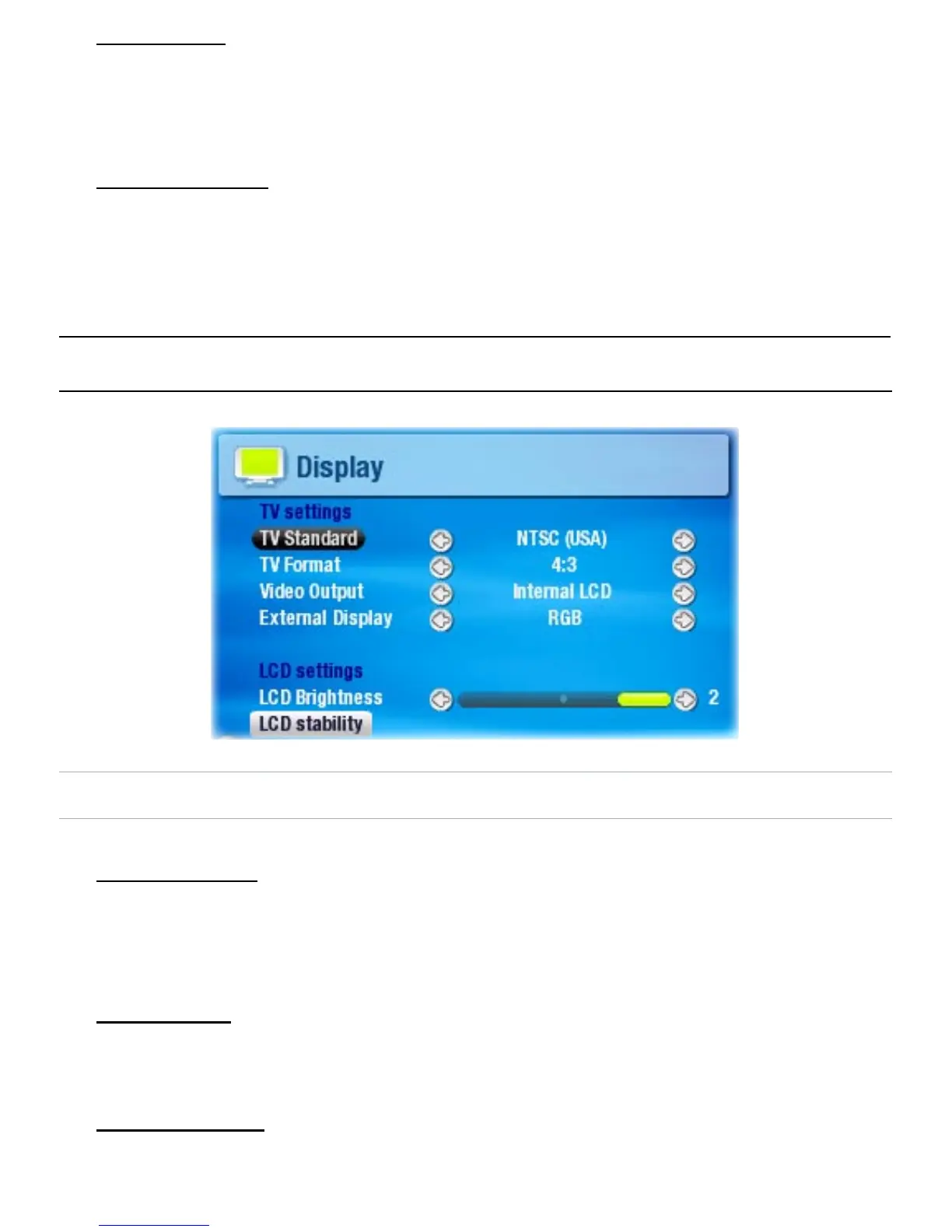
7.2 dIsPlay seTTIngs
TV SETTINGS
TV Standard
Choose between the NTSC (USA) and PAL (Europe) systems
(select the one that is compatible with your country’s
television system).
TV Format
4:3 or 16:9 - the ratio at which images are displayed on
your television set.
Video Output
Choose between Internal LCD and External TV (to do this,
you can also press the TV/LCD button on the device).
•
-
-
•
-
-
•
-
•
-
•
-



 To Next Page