5
InTrOduCTIOn
arChOs
™
deVICe desCrIPTIOn
BUTTONS
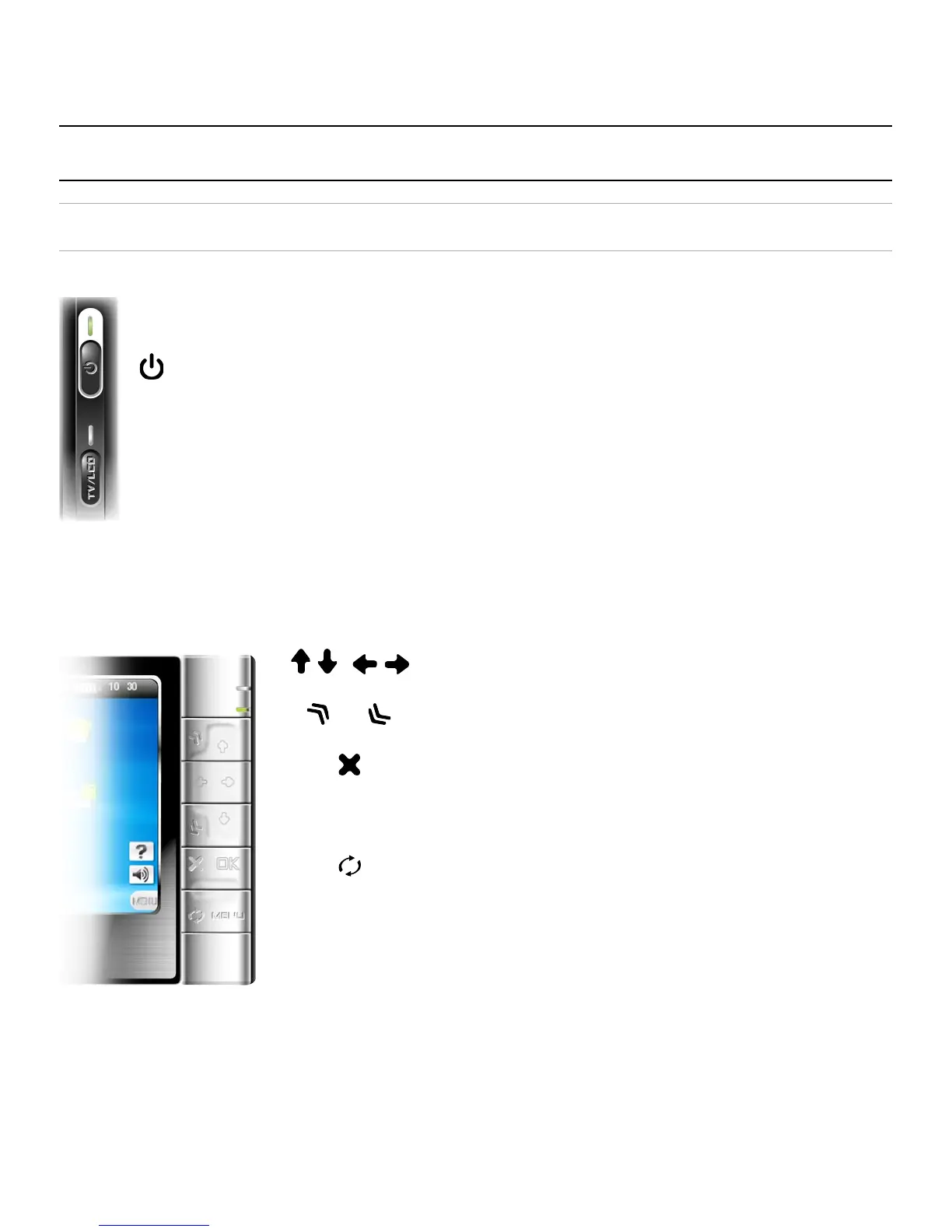
On the Left Side of the Device:
Press and hold to switch on/off.
Press once to switch the display of the image
between TV and built-in LCD screen.
Press and hold to lock the buttons of your ARCHOS
™
device.
Main Navigation Buttons:
Navigation pad
up/down accelerator buttons
Escape / Back / Stop
OK
Enter / Go / Play/Pause
Tab between available screens
Menu
Display the available menu items
TV
lCd



 To Next Page