34
4. VIewIng PhOTOs
In the Home Screen, highlight the Photo icon and
press OK to enter the photo viewer.
4.1 The PhOTO wall and The PhOTOlIbrary
There are three types of views for you to browse through
your photos:
the Photo Wall
the PhotoLibrary
the Photo Browser
When browsing through your photos, only picture les are
shown.
You can switch between the three views by pressing at any
time while browsing through your photos.
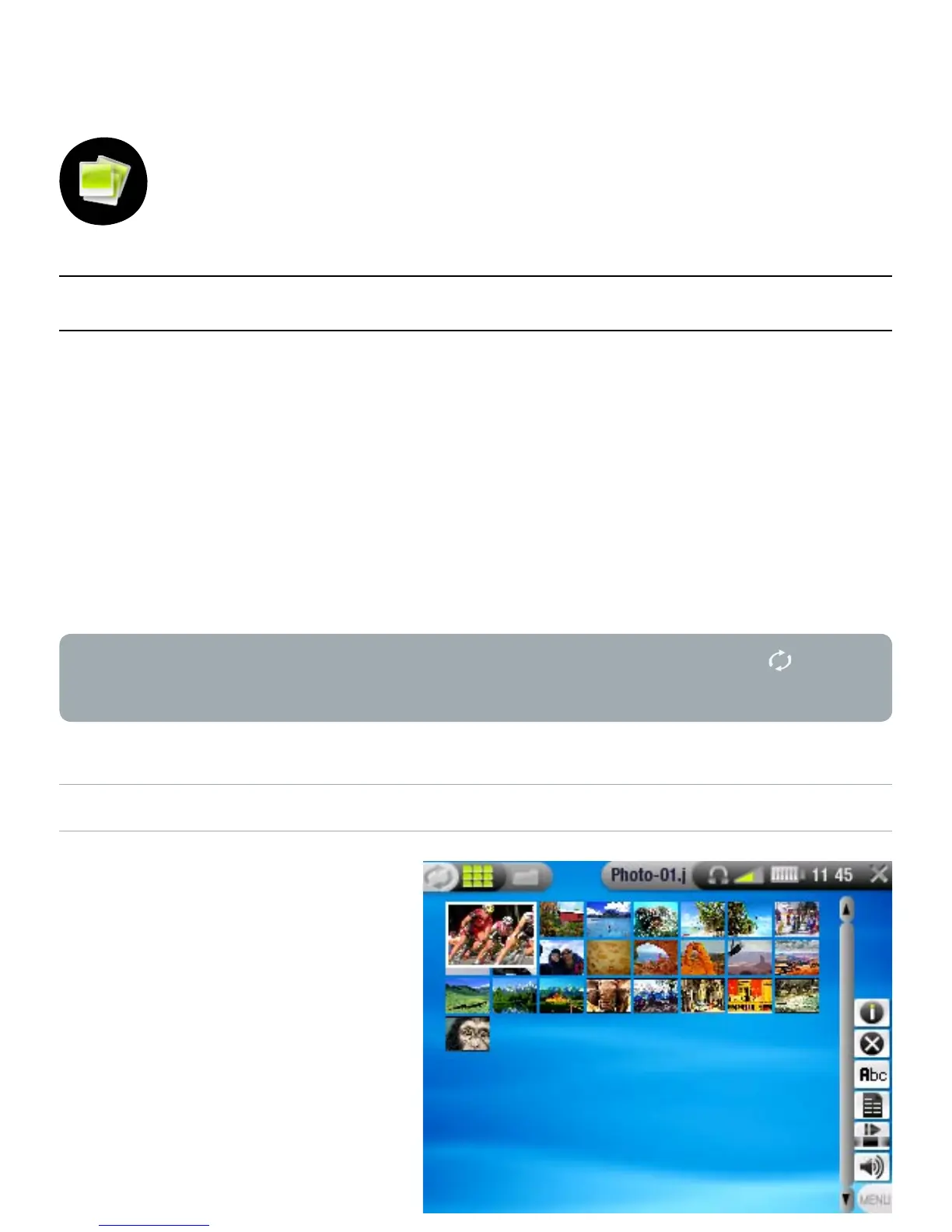
THE PHOTO WALL
the Photo Wall (default
view) shows thumbnails
of your photos. It only
shows the picture les
in the current folder of
the ARCHOS
™
’s hard
drive (it does not show
pictures located in
subfolders).
•
-
-
-
•
•



 To Next Page