42
5. usIng The brOwser
The Archos
™
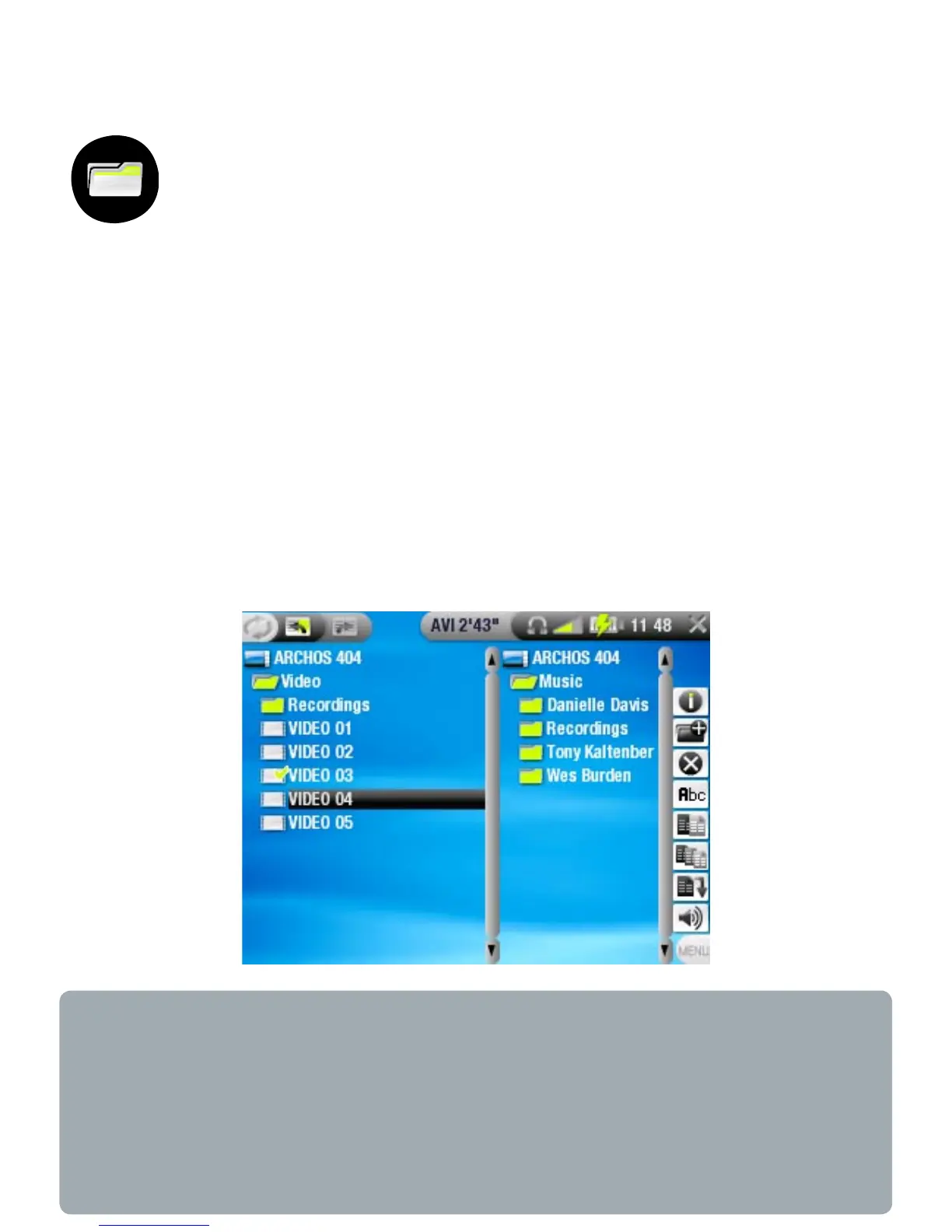
File Browser gives you the possibility to
navigate the le system of your ARCHOS
™
device’s
hard drive.
In the Home Screen, highlight the Browser icon and press OK
to enter the File Browser.
You will see two panels:
the one on the left is the panel that you usually use to
navigate through your device’s hard drive,
the panel on the right is the one you will use when you want
to copy or move les and folders (see:
Copying and moving
les and folders
).
About your ARCHOS
™
device’s hard drive
ARCHOS
™
recommends that you keep the original folders:
Music, Pictures, Video, Playlists. The icons on the Home Screen
lead directly to some of these folders (Video, Music, Photo...)
and they may no longer work correctly if the folders are deleted
or renamed.
•
•



 To Next Page