37
4.2 VIewIng PhOTOs
Highlight a picture le, press OK to view it.
The menu overlay will disappear automatically after a few
seconds.
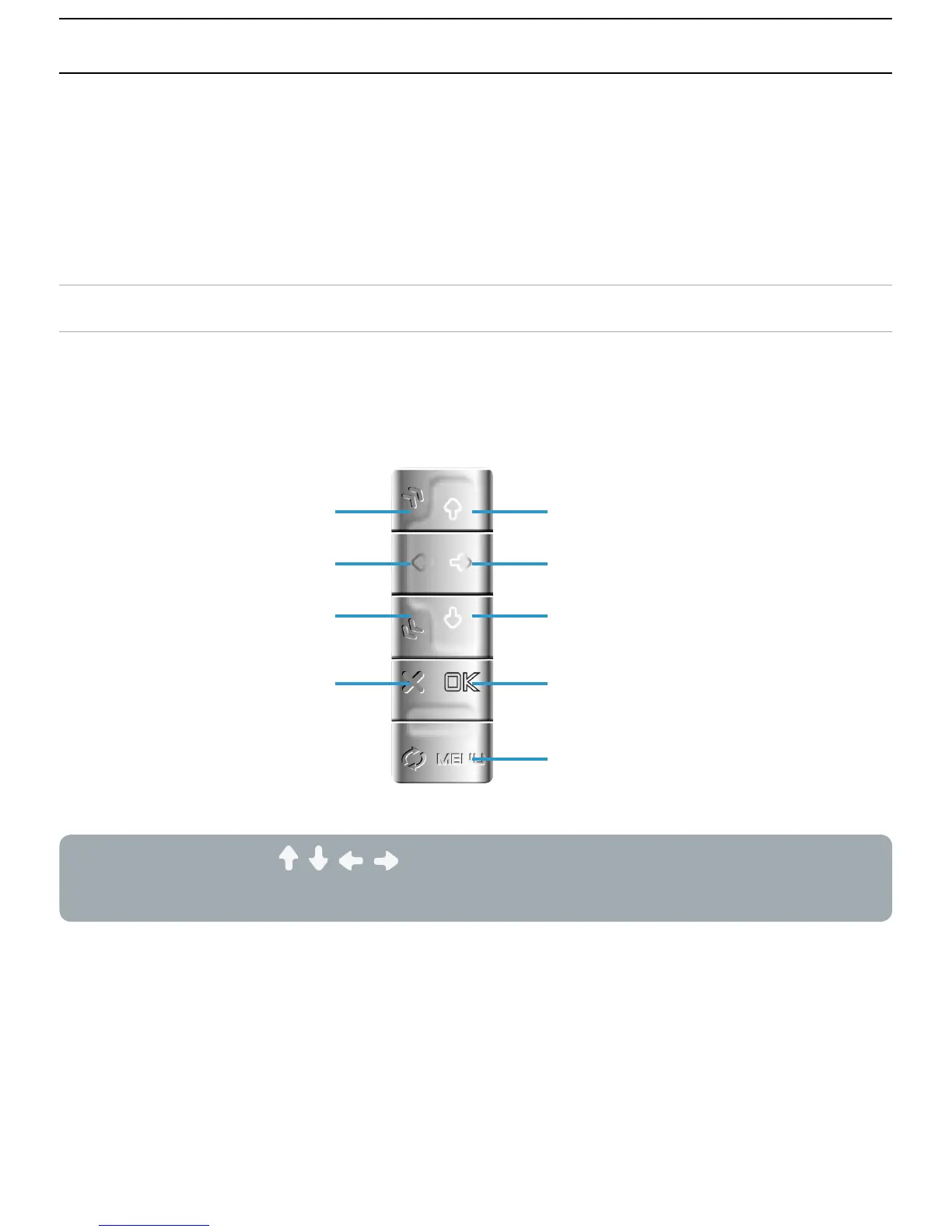
PHOTO VIEWER BUTTON CONTROLS
When viewing photos, the buttons of your ARCHOS
™
device
will act as follows:
When zooming, / / / are used to scroll. You must unzoom
to recover their original functions.
rotate left
next photo
rotate right
start/pause a slideshow
display the menu
zoom in
previous photo
zoom out
close photo viewer



 To Next Page