56
External Display
Choose between Composite / S-Video / Component /
RGB. This setting determines what type of display your
ARCHOS
™
device is sending video signal to.
LCD SETTINGS
LCD Brightness
adjusts the level of brightness of the built-in screen.
LCD Stability
you can adjust the stability of the built-in screen, if you
nd that it ickers.
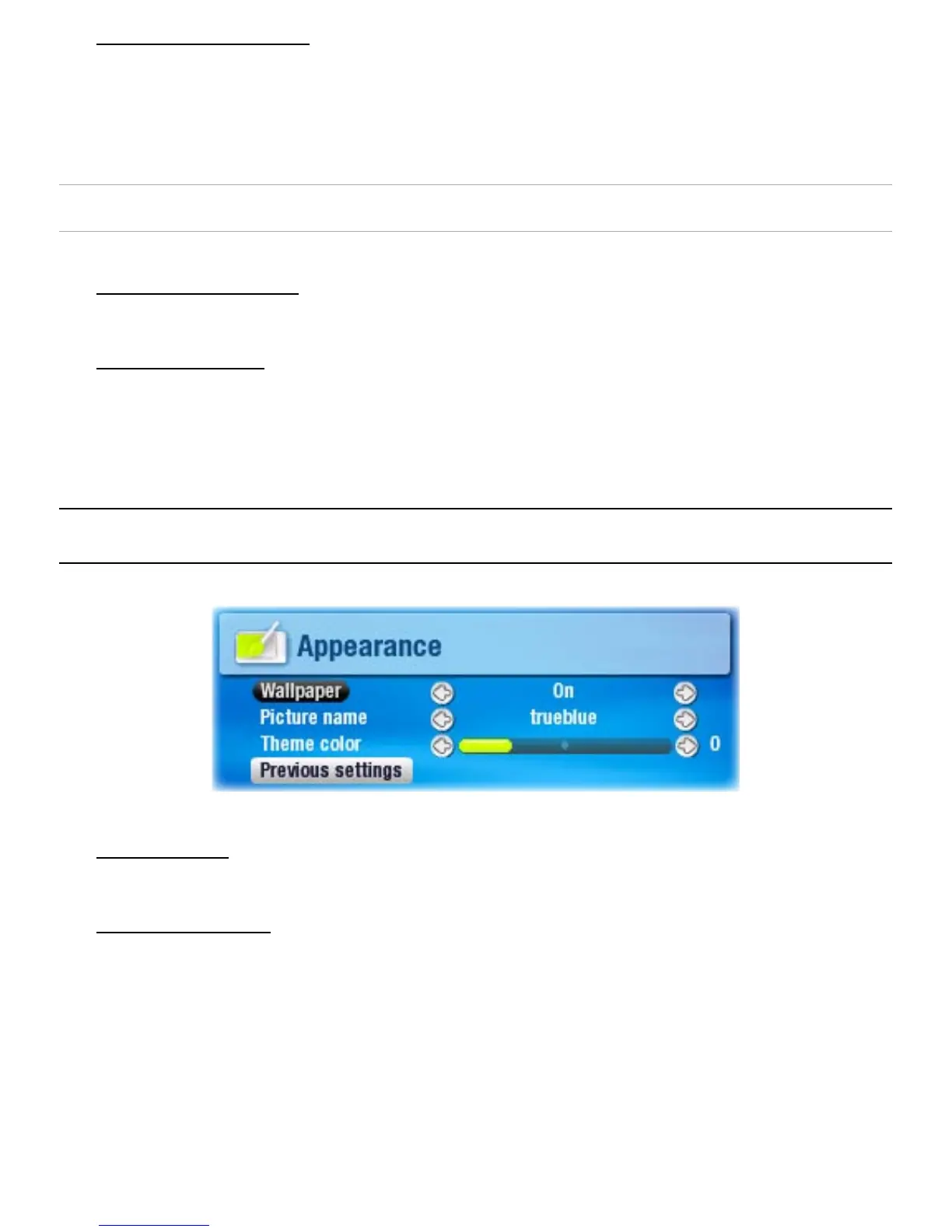
7.3 aPPearanCe seTTIngs
Wallpaper
enables or disables the use of an image background.
Picture name
allows you to select a picture to use as a background image.
You can choose between all default backgrounds and
images that you have previously set as wallpapers.
You can also set a picture as wallpaper from the photo and
video modes.
In order for your wallpapers to be displayed correctly
when displaying on a TV, their resolution should ideally be
768x576 pixels.
•
-
•
-
•
-
•
-
•
-
-
-
-



 To Next Page