60
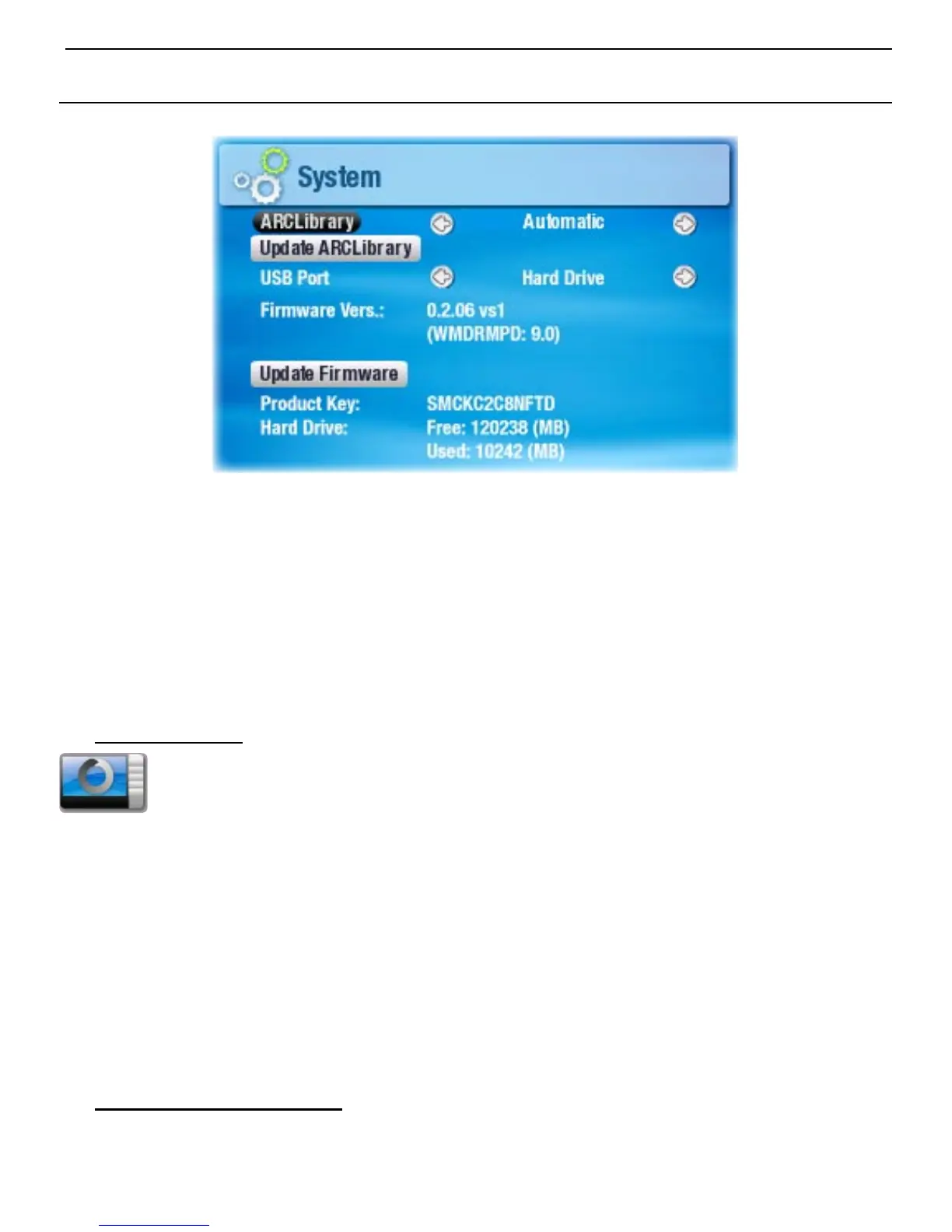
7.7 sysTeM seTTIngs
This settings screen will allow you to congure several key
features of your ARCHOS
™
device, such as the ARCLibrary,
your preferred USB port mode, rmware updates, etc.
It will also give you information about the current rmware
version, the storage space that is currently used/available, etc.
ARCLibrary
denes whether and how the ARCLibrary will be used.
Off you can only browse through your music via
the Music folder of the hard drive.
On you can browse through your music via its tag
characteristics (artist, album, genre, etc.) but
the ARCLibrary must be updated manually.
Auto. the ARCLibrary is automatically updated
when the USB cable is disconnected from
your device.
Update ARCLibrary
Highlight and press OK to manually update the ARCLibrary.
This button is grayed out when the ARCLibrary setting is
set to
Off
.
•
-
-
-
-
•
-
-



 To Next Page