46
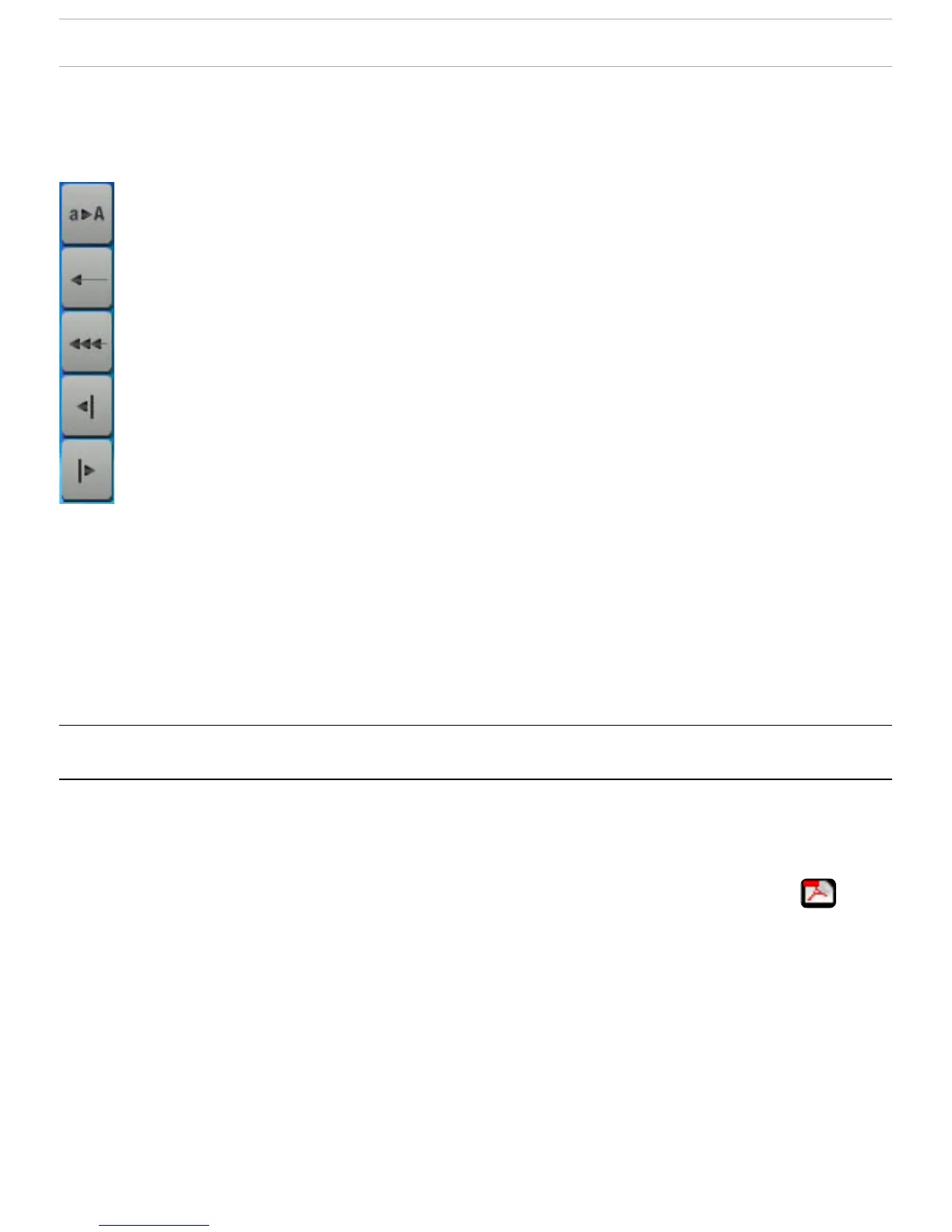
KEYBOARD FUNCTION KEYS:
On the right of the keyboard, there are ve function keys:
Shift: switch between upper-case and lower-case
characters.
Backspace: delete character before cursor.
Clear current name.
Move cursor one character to the left.
Move cursor one character to the right.
Once you are satised with the new name for the le, folder
or playlist, you can save it by using the
Validate current name
menu item.
5.3 usIng The Pdf reader
Your ARCHOS
™
device features a PDF reader with hyperlink
support.
In the Browser, PDF les are displayed with this icon: .
To open a PDF document, highlight the PDF document in the
File Browser and Press OK.
•
•



 To Next Page